SECTION 4 OPERATION
84
4.3 ROUTINE POWER-UP
The following procedure is recommended to turn-on paralleled systems after it has been
verified that the installation is correct.
1. Set the OUTPUT POWER switch to the OFF position.
Switch the INPUT POWER switch to the ON position. The controller will light up and
begin to display output data. The value of the output parameters will be set as
programmed in the UPC.
2. Set the OUTPUT POWER switch to the ON/AUTO position and the OUTPUT
ENABLE button of the UPC must be ON.
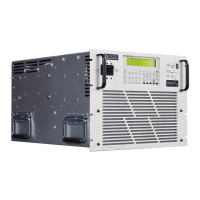
CAUTION
DO NOT CONNECT ANY LOADS TO THE OUTPUT OF THE POWER SOURCE UNTIL THE OUTPUT
VOLTAGE AND FREQUENCY HAVE BEEN VERIFIED AS CORRECT.
APPLICATION OF IMPROPER VOLTAGE OR FREQUENCY CAN DAMAGE USER LOADS.
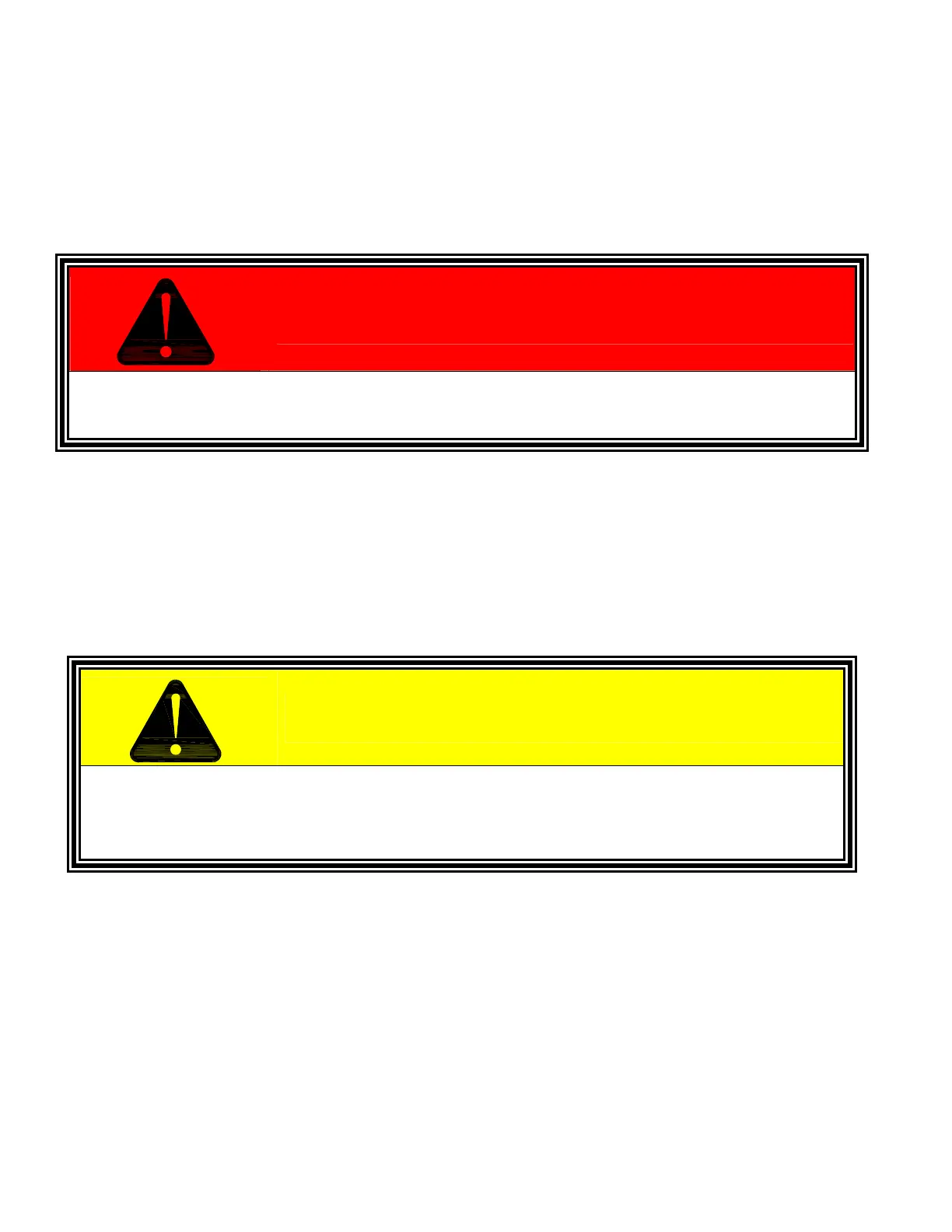
WARNING
LETHAL VOLTAGES ARE PRESENT AT THE OUTPUT TERMINALS OF THIS MACHINE!



 To Next Page