PageFlip Dragonfly User Guide 4.2 AC Adapter
4.2 AC Adapter
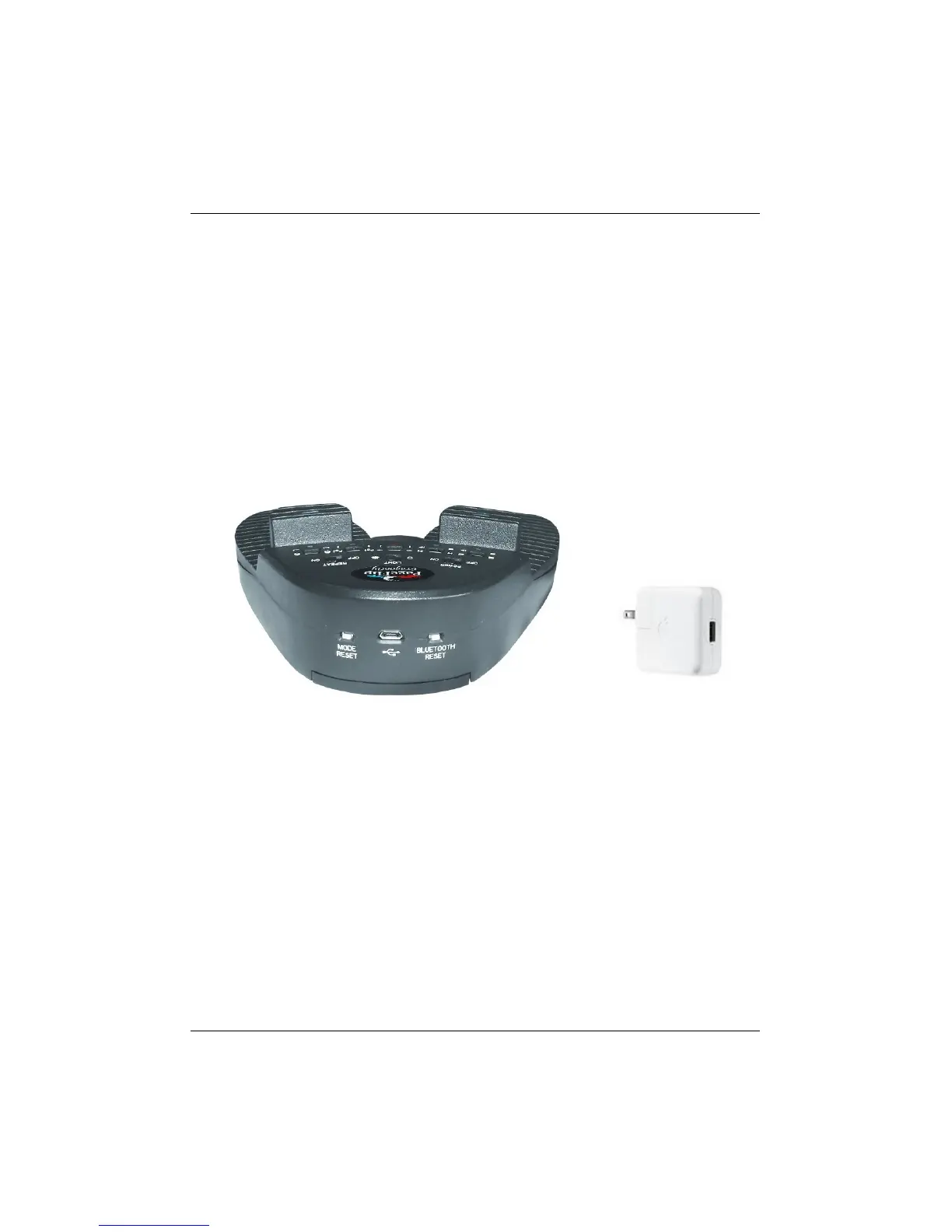
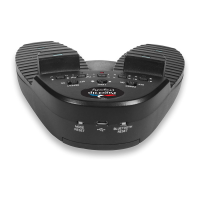
In addition to being battery-operated, PageFlip Dragonfly may also be
powered via the supplied USB cable (Fig. 1). Simply plug one end of the
USB cable into the micro-USB outlet on the rear of the PageFlip Dragon-
fly (Fig. 2) and plug the other end into a USB AC adapter or a computer’s
USB port.
(a) (b)
Figure 2: (a) Rear view of PageFlip Dragonfly. Attach the micro-USB end
of the 6’ USB cable (Fig. 1) into the rear micro-USB outlet and
connect the other end into a computer USB port or (b) any USB
AC adapter, such as those found on iPads and iPhones.
PageFlip, Inc. 12 www.pageflip.com


 To Next Page