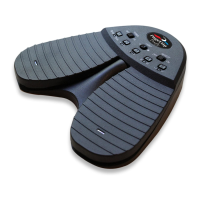
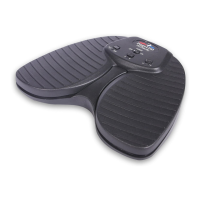
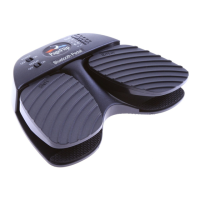
PageFlip Dragonfly User Guide 4.5 Pedal Mode Selection
Secondary Pedal Modes Function
VolumeDown/VolumeUp Change the volume
Previous/Next Go to previous or next song
Left/Right Arrow Turn page or move cursor
PageUp/PageDown Turn page
Left/Right Mouse click Click left or right mouse button
Table 2: Five preset secondary pedal modes and their functions.
The default mode of the pedal immediately after the pedal is first
paired with the computer or laptop is the left/right and up/down arrow
keys (middle mode button). Thereafter, the pedal will assume the last
pedal mode before the pedal was turned off or went to sleep.
PageFlip, Inc. 16 www.pageflip.com


 To Next Page