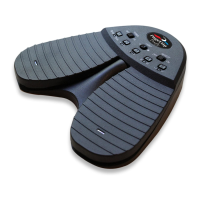
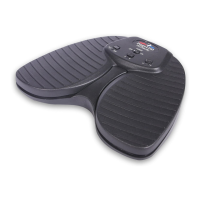
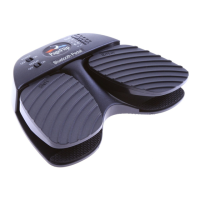
be left OFF. The app will then respond to the Up/Down Arrow keys.
Why is the pedal not turning pages on the unrealbook app?
Confirm that the device "Quad Pedal" is paired to your computer and that
the Up/Down arrow mode is set on the pedal. This is indicated by a blink-
ing light next to the middle (third) mode button. Then, make sure you go
to the app’s settings (tap the gear icon) and set Network->BT Keyboard
Connected to ON. The app will then respond to the Up/Down Arrow keys.
What are the different operating conditions signified by the LED?
A solid LED means that the pedal is plugged into a power source. If the
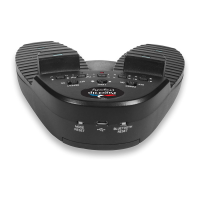
BLUETOOTH RESET button is pressed, the pedal enters Bluetooth dis-
covery mode and all the LEDs flash in sequence. The LED flashes once
per second after the pedal is turned on and is attempting to establish a
Bluetooth connection with a paired device. The LED flashes once every
four seconds to signal that the pedal is already paired. Repeated bursts
of three quick flashes signal a low-battery condition.
Why did PageFlip Dragonfly automatically shut down?
Automatic shutdown occurs after 30 minutes of inactivity. Tapping a pedal
will make the PageFlip Dragonfly attempt to re-establish the Bluetooth
connection. This may take a few seconds. If the computer continues to be
unresponsive to the pedal, press the BLUETOOTH RESET button.
What do I do if Bluetooth pairing is unsuccessful?
Delete the device displayed in the host and press the BLUETOOTH RE-
SET button on the pedal. Initial discovery mode may take up to 30 sec-
onds. Follow your computer’s instructions on how to pair Bluetooth de-
vices.
Must the the pedal be paired each time I use it with the same device?
PageFlip, Inc. 30 www.pageflip.com
PageFlipDragonflyUserGuide
9.FREQUENTLYASKEDQUESTIONS


 To Next Page