4
Keys & Displays
Keys
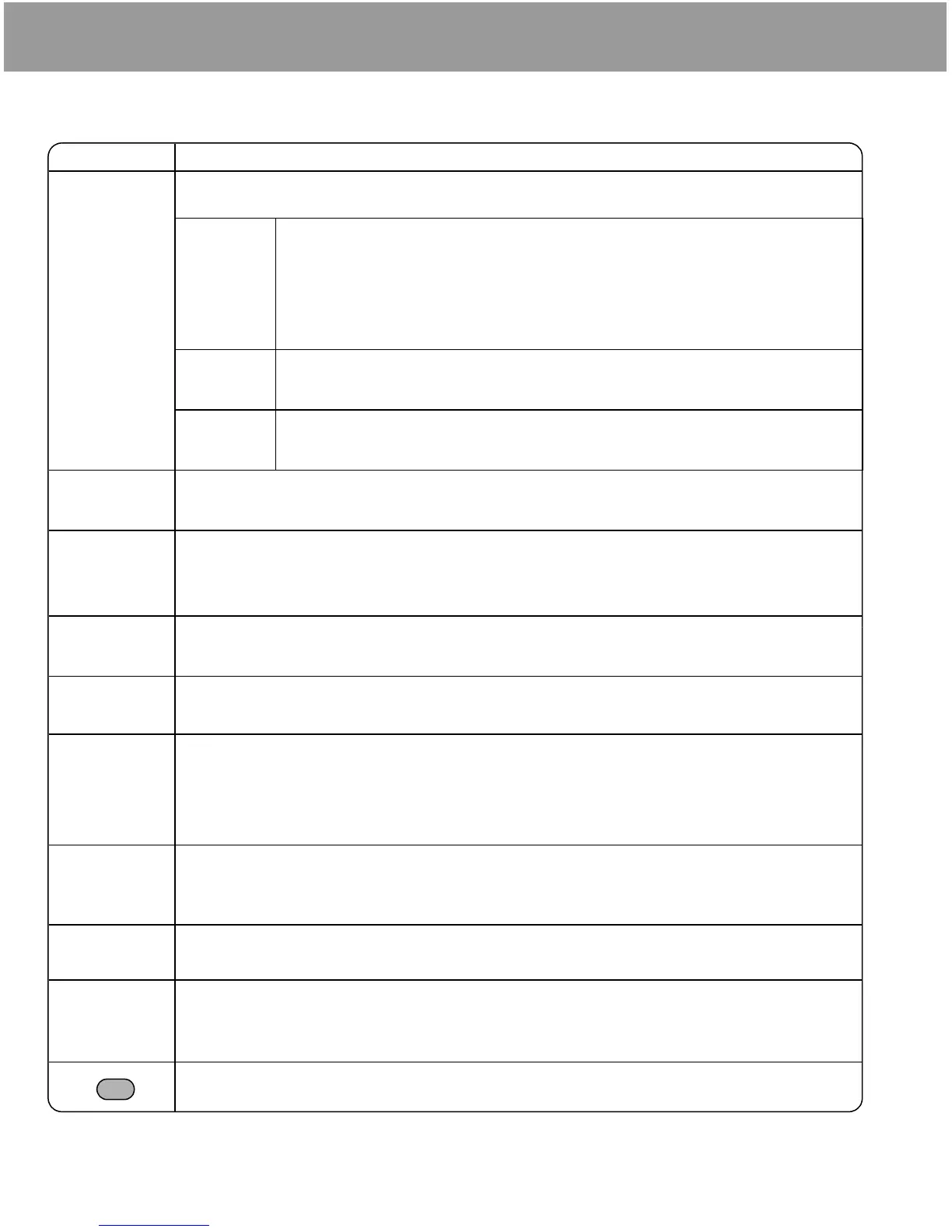
Key Function
0
Navigation key: Select and save settings, and scroll/move through menus, text and
Contacts. Also controls movements while playing games.
<
Select key: Press centre to select option or to save.
Keyguard key: From Idle mode, press and hold to lock the keypad, or press
to unlock the keypad.
Alert Mute key: Turns ring tone off and stops vibration when receiving a call
(Alert mute).
4
Scroll key: Press top or bottom edge to move screen cursor up or down.
2
Move key: Press left or right edge to move screen cursor left or right.
A
Left Soft key: Perform function displayed in lower left corner of the display. From Idle
mode, press to open Messages menu.
@
Right Soft key: Perform function displayed in lower right corner of the display. Mainly
used to cancel and return to previous menu level or to delete text/number entries. Press
and hold to delete all characters in text entry mode. From Idle mode, press to open
Browser menu.
C
Send key: Make a call, recall recently dialled phone numbers or answer a call.
D
Power/End key: Press and hold to switch phone on/off. When the phone is on, press
briefly to end a call. During key operation, press to return to Idle mode.
$
to
,
1 key/Voicemail key: Press and hold $ to retrieve voicemail messages.
1-9 Number keys: Enter numbers. Press and hold a single key (2-9) for Speed dial. In
text entry mode, enter text, numbers and characters.
#
0 Number key: Enter number. In text entry mode, enter number and characters.
International Dialling Prefix key: Press and hold
# to enter + (the international
dialling prefix) while entering a phone number.
"
Asterisk key: During text entry mode, press to switch between upper case and lower case
letters. Changes Input mode (Hold).
!
Pause key: Press and hold to enter a pause (P) while entering a phone number.
In text entry mode, press to enter a space. Press and hold to enter a line feed.
Quiet Mode key: From Idle mode, press and hold to turn Quiet profile on/off.
Alert Mute key (located on the left side of the phone): Turns ring tone off and stops
vibration when receiving a call (Alert mute).













 To Next Page