EasyManua.ls Logo

Panasonic AG-8700E - Page 5

Panasonic AG-8700E
66 pages
Print Icon
To Next Page IconTo Next Page
To Previous Page IconTo Previous Page
Loading...
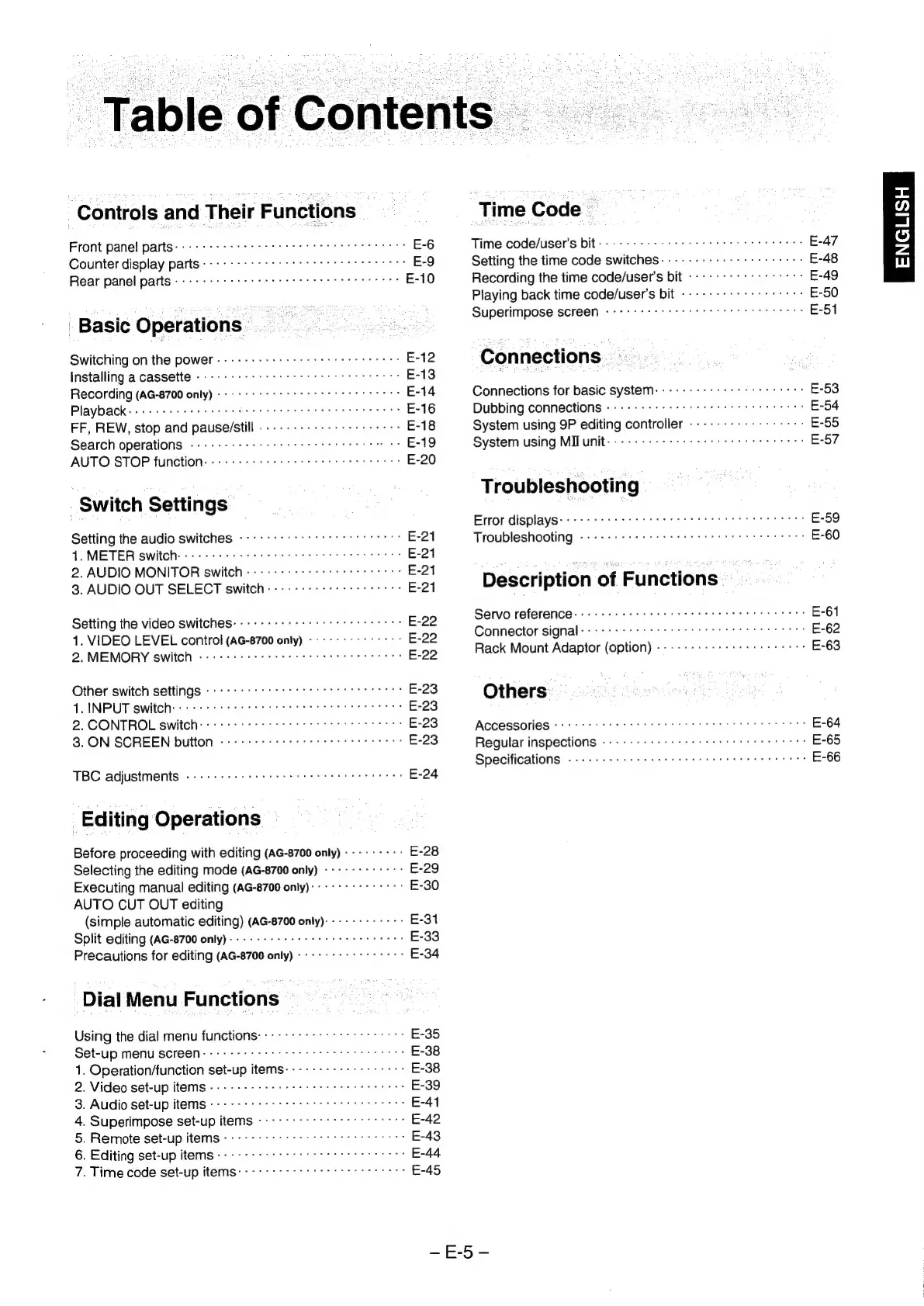
Table
of
Contents
Controls
and
Their
Functions
Front
panel
parts
apd
he
eer
dee
on
Gee
Deb
bs
hE
aden
Ty
ear’
seattle
se
E-6
Counter
display
parts
tie
igiactvier
Wiee:
Maw
ee
pit
eeya
de,
bare
ne
4s.
cse
aves
E-9
Rear
panel
parts
anaighige
Br
rebiitie
eS
COk
or
TSE
os
lay
SiR
Bh
Sie
Aram
Tei
aee
og
mae
E-10
Basic
Operations’
.
Switching
on
the
power.
---
+--+
+5
+e
seer
ere
eter
eee
E-12
Installing
a
cassette
----
+--+
rer
r
terete
tees
E-13
Recording
(AG-8700
only)
crt
t
rrr
etter
ress
E-14
Playback
ccs,
Stee
eg
ta
Maus
©
ei
EAN
oc
chi
LA
A
coin
Shyla:
cn
WG
A
gaa
Re
sate
E-16
FF,
REW,
stop
and
pause/still
.-.--------
+22
e
ees
E-18
Search
operationS
---
+--+
++
+e
crt
t
rece
E-19
AUTO
STOP
function.
++...
esr
serene
E-20
Switch
Settings
Setting
the
audio
switches
----++s+t
cece
ttt
E-21
1.
METER
switch:
--
+--+
ees
r
ec
eer
tee
eee
E-21
2.
AUDIO
MONITOR
switch
------:
sss
e
scree
E-21
3.
AUDIO
OUT
SELECT
switch:
-
+--+
+s
ester
cree
E-21
Setting
the
video
switches:
-
+--+
+++
ssr
creer
scree
E-22
1.
VIDEO
LEVEL
control
(AG-8700
only)
«+--+
>
++
7
+°>
E-22
2,MEMORY
switch
«--+
ccc
eer
ctr
ees
E-22
Other
switch
settings
------
sss
sett
ttt
ttt
E-23
1.
INPUT
switch)
++
sees
ttt
tte
tes
E-23
2.
CONTROL
switch:
cert
rcs
E-23
3.
ON
SCREEN
button
«+--+
-
eects
rrr
ttre
E-23
TBC
adjustments
«--
+--+
sere
errr
teeter
tees
E-24
Editing
Operations
Before
proceeding
with
editing
(AG-8700
only)
---------
E-28
Selecting
the
editing
mode
(AG-8700
only)
------------
E-29
Executing
manual
editing
(AG-8700
only):
-------°-
++:
E-30
AUTO
CUT
OUT
editing
(simple
automatic
editing)
(AG-8700
only)------------
E-31
Split
editing
(AG-8700
only)--
+--+
+++
+e
errr
eet
E-33
Precautions
for
editing
(AG-8700
only)
+--+
+--+
+s
7777
°>
E-34
Dial
Menu
Functions
Using
the
dial
menu
functions:
:-------+-s+s
ttc rts
E-35
Set-up
menu
SCFrEeN-
sss
ce
ttt
eee
E-38
1.
Operation/function
set-up
items-------------++++-
E-38
2.
Video
set-up
iteMS
----
eee
etree
tees
E-39
3.
Audio
set-up
HWOEMS
oc
eee
E-41
4.
Superimpose
set-up
itemS
--------
ttt
E-42
5.
Remote
set-up
items
---- +--+
sss
sect
crete
E-43
6.
Editing
set-up
itemS------
7
ost
ttt
E-44
7.
Time
code
set-up
items:
sss
ssc
ttt
E-45
Time
Code
2
Time
code/user’s
|
E-47
Setting
the
time
code
switches:
--------+-++++s
rere
E-48
Recording
the
time
code/user’s
bit
-----
+--+
+++
-
0-7:
E-49
Playing
back
time
code/user’s
bit
------+
+++
teers
E-50
Superimpose
SCIEQN
coc
ttt
E-51
Connections
Connections
for
basic
system:
-------
ss
ser
t
ctr
E-53
Dubbing
connections
«+--+
+
+++
errr
ttre
E-54
System
using
9P
editing
controller
------+-+-+---++++:
E-55
System
using
MIB
unit---
+:
cece
ete
E-57
Troubleshooting
Error
displays
Abed
c
heen
SGacGnley
sh
ine
sre
eters
Or
MP
Sig
N
Polat
carat
gaye
aes
E-59
Troubleshooting
fdr
cad
ate
eels
Gta
tidety
dd
tareacactaten,
eee
ails
face
tale
E-60
Description
of
Functions
Servo
reference:
++.
.
settee
tenes
E-61
Connector
signal
Ghgrafeliac
we
undd,
gcetarehe
teria
Wasa
Shae
ote
ey
eA
g's
Seas
es
E-62
Rack
Mount
Adaptor
(option)
-------+-++
sess
ere
E-63
Others"
ACCeSSOLIES
«ssn
tes
E-64
Regular
inspections
«+--+
srr
etre
ttre
E-65
Specifications
4
daralinnn:
Cio
Reales
eo
aia
Tarp
tess
kop
alae
bese
318
E-66
ENGLISH

Related product manuals