EasyManua.ls Logo

Panasonic AG-8700E - Head Cleaning; Maintenance

Panasonic AG-8700E
66 pages
Print Icon
To Next Page IconTo Next Page
To Previous Page IconTo Previous Page
Loading...
Head
cleaning
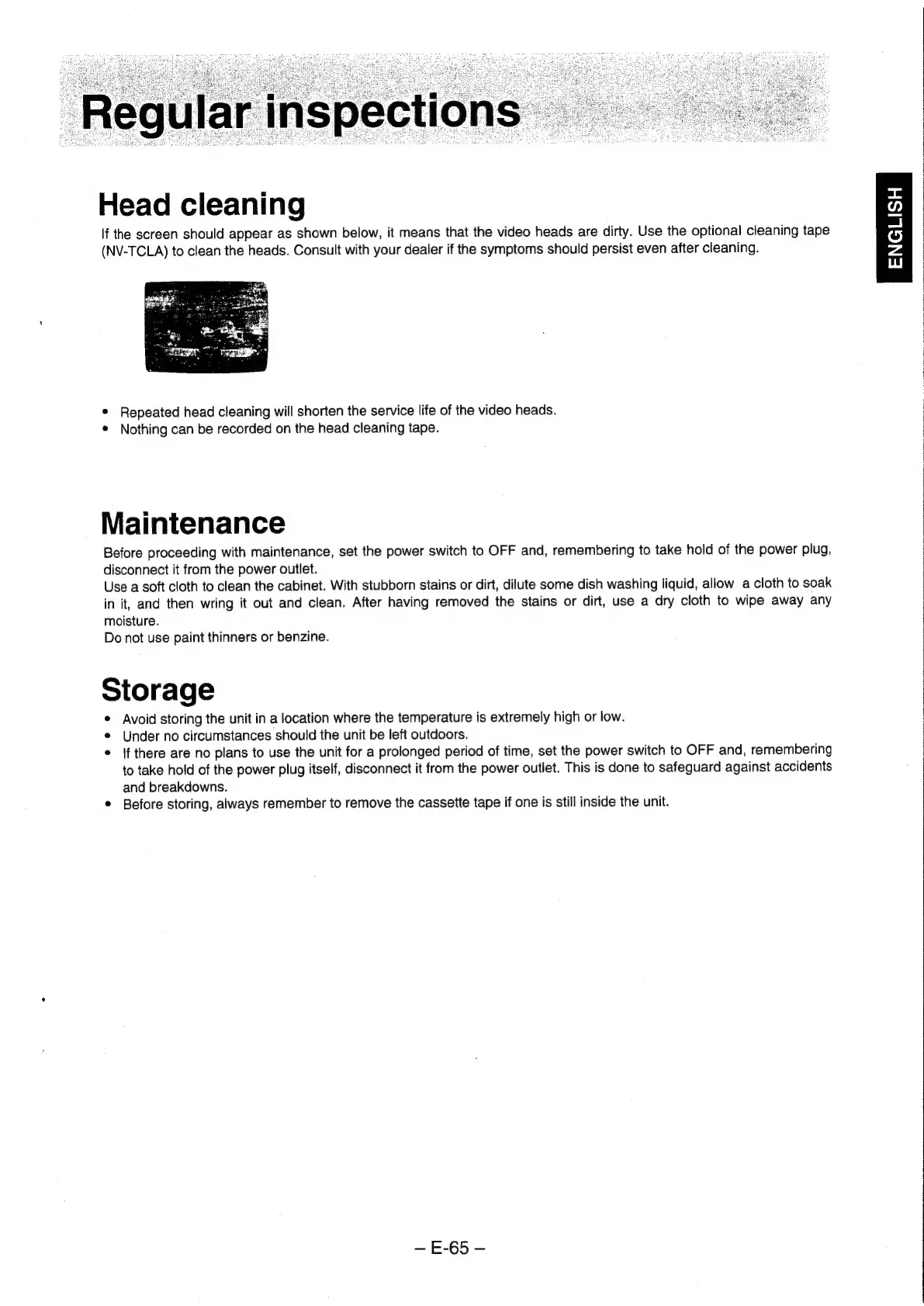
If
the
screen
should
appear
as
shown
below,
it
means
that
the
video
heads
are
dirty.
Use
the
optional
cleaning
tape
(NV-TCLA)
to
clean
the
heads.
Consult
with
your
dealer
if
the
symptoms
should
persist
even
after
cleaning.
*
Repeated
head
cleaning
will
shorten
the
service
life
of
the
video
heads.
¢
Nothing
can
be
recorded
on
the
head
cleaning
tape.
Maintenance
Before
proceeding
with
maintenance,
set
the
power
switch
to
OFF
and,
remembering
to
take
hold
of
the
power
plug,
disconnect
it
from
the
power
outlet.
Use
a
soft
cloth
to
clean
the
cabinet.
With
stubborn
stains
or
dirt,
dilute
some
dish
washing
liquid,
allow
a
cloth
to
soak
in
it,
and
then
wring
it
out
and
clean.
After
having
removed
the
stains
or
dirt,
use
a
dry
cloth
to
wipe
away
any
moisture.
Do
not
use
paint
thinners
or
benzine.
Storage
*
Avoid
storing
the
unit
in
a
location
where
the
temperature
is
extremely
high
or
low.
Under
no
circumstances
should
the
unit
be
left
outdoors.
*
|f
there
are
no
plans
to
use
the
unit
for
a
prolonged
period
of
time,
set
the
power
switch
to
OFF
and,
remembering
to
take
hold
of
the
power
plug
itself,
disconnect
it
from
the
power
outlet.
This
is
done
to
safeguard
against
accidents
and
breakdowns.
*
Before
storing,
always
remember
to
remove
the
cassette
tape
if
one
is
still
inside
the
unit.
E-65
x
wl
o)
z
wi

Related product manuals