24 (E)
CONTENTS
Automatic editing (deck-to-deck)
SD955B
1
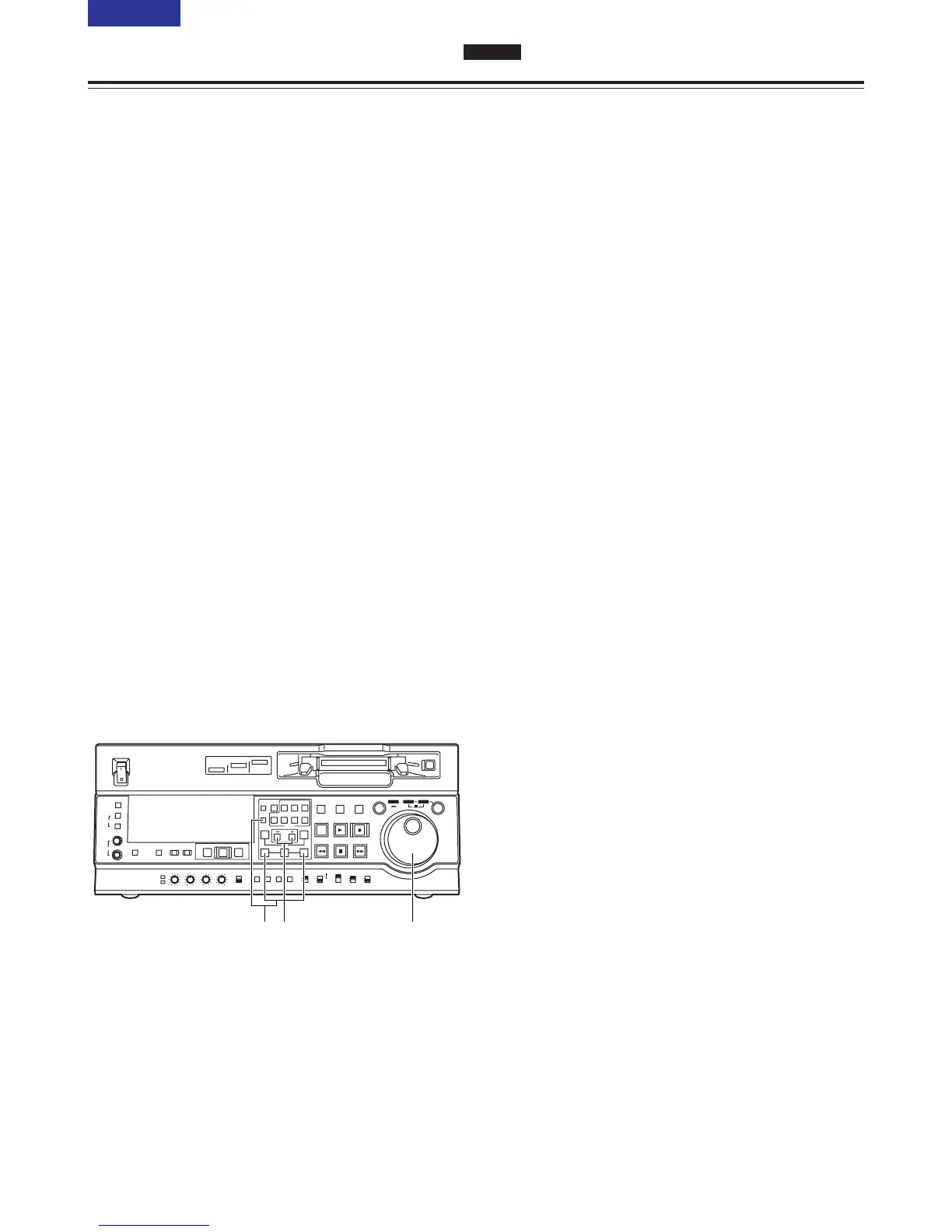
Re-registering an edit point
Locate the new edit point by performing the jog or
shuttle operation, and press the IN (or OUT) button
and SET button at the same time to re-register the
edit point.
2
Modifying an edit point in 1-frame increments
(trimming function)
Press the TRIM button while holding down the IN
(or OUT) button. Each time the + button is
pressed, the point is moved ahead by one frame.
Conversely, each time the – button is pressed, the
point is moved back by one frame.
3
Resetting edit points
O Resetting both an edit IN point and OUT
point
Press the RESET button.
(This takes effect only in the CTL mode.)
O Resetting either an edit IN point or OUT point
Press the RESET button while holding down the
IN (or OUT) button.
<Notes>
O An edit OUT point can be reset even while
editing is in progress.
O In the eject mode, the IN and OUT points are
automatically reset.
Modifying edit points



 To Next Page