66 (E)
CONTENTS
When a warning occurs in this unit, the error number
is indicated on the counter display.
Open the DIAG menu to display a description of the
error on the counter display or monitor TV.
When a operational malfunction has occurred in the
unit, the error number flashes on the counter display.
DIAG menu
This display the VTR information.
VTR information includes “WARNING” information,
“HOURS METER” (usage time) information and
“UMID (Unique Material Identifier)” information.
A DIAG menu appears on the monitor when the
monitor is connected to the VIDEO OUT 3/SDI OUT 3
connector on the connector section.
$ Displaying the DIAG menu
Error messages
1
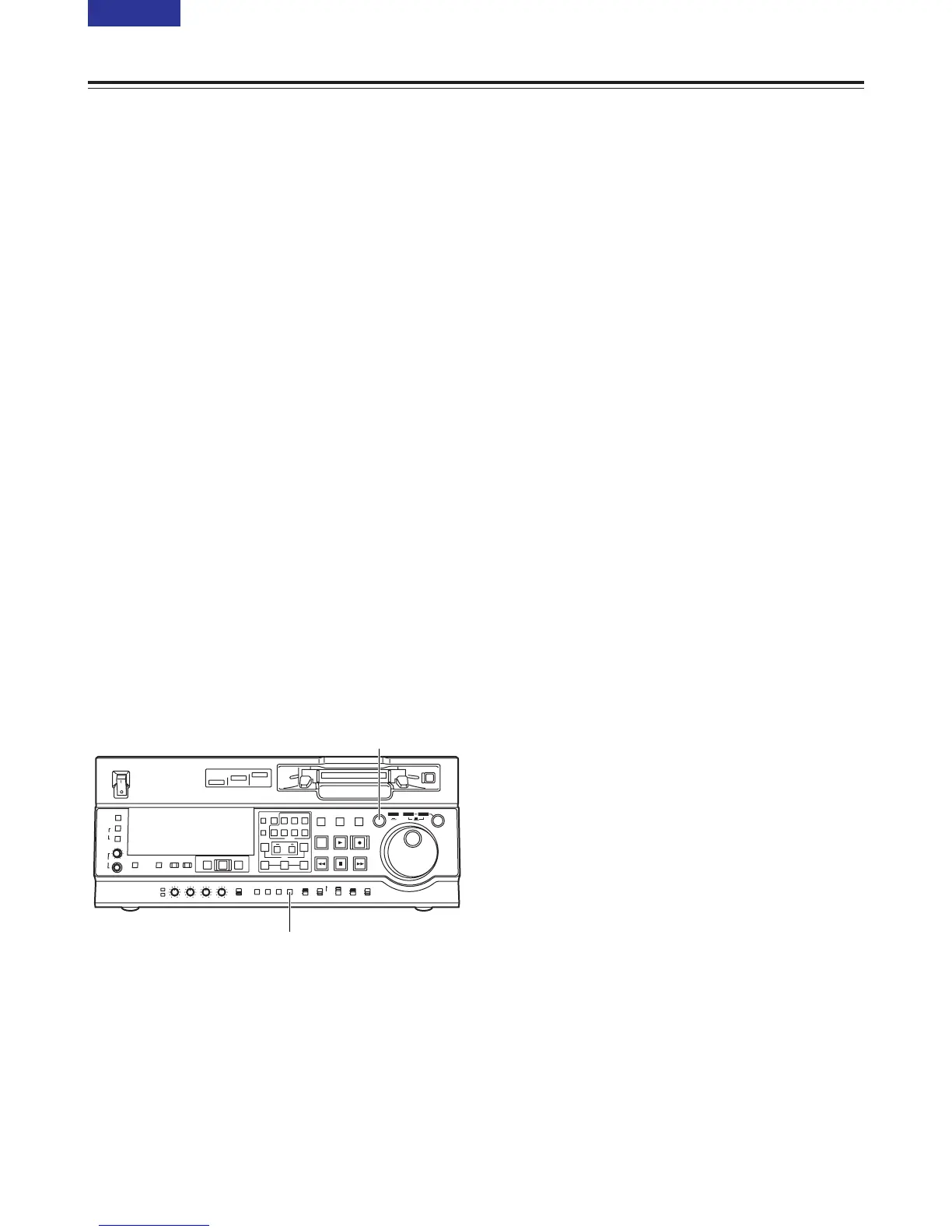
Press the DIAG button.
The DIAG menu screen is displayed on the
monitor, and the message is displayed on the
counter display.
2
Each time the search button is pressed, the display
changes as follows: “WARNING” 5 “HOURS
METER” 5 “UMID INFO” 5 and so on.
3
Press the DIAG button again to return to the
original display.
$ “WARNING” information display
O A warning message is displayed whenever a
warning occurs.
When warnings have not been detected, “NO
WARNING” is displayed.
O When multiple warning occur, the descriptions for
each warning can be checked by turning the search
dial.



 To Next Page