EasyManua.ls Logo

Panasonic AK-HCU250P - User Manual

Panasonic AK-HCU250P
66 pages
Print Icon
To Next Page IconTo Next Page
Loading...
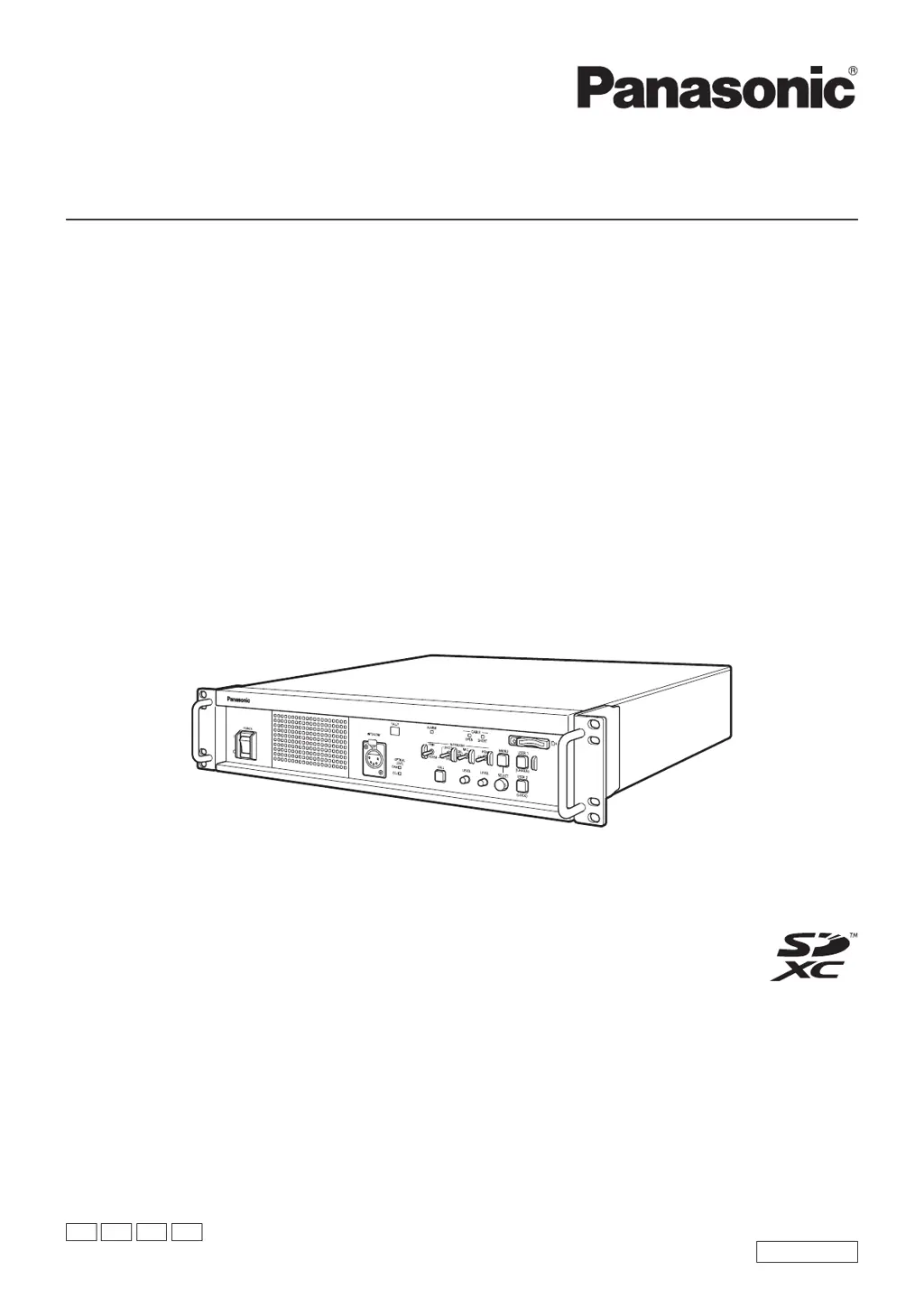
Operating Instructions
Camera Control Unit
Please carefully read this manual, and save this manual for future use.
Before using this product, be sure to read “Read this first!” (pages 2 to 6).
ENGLISH
DVQP2430YA
W1020SQ1041 -FJ
Model No. A K-HCU250 P
Model No. A K-HCU250 P S
Model No. A K-HCU250 E
Model No. A K-HCU250 E S
PJ PSJ EJ ESJ

Questions and Answers

  • T
    Tammy Mccormick MDAug 4, 2025
    What to do if Panasonic Control Unit cannot perform operation from ROP?
    • T
      Tyler HowardAug 4, 2025
      If the Panasonic Control Unit cannot perform an operation from a connected ROP, consider the following: * Ensure the unit is powered on. If the POWER lamp is off, the unit is not on. * Verify a valid IP address is set on the unit. * Confirm that the unit you intend to operate is correctly selected. * Check that the ROP is correctly connected. Refer to the ROP's operating instructions for guidance. * The ROP version may require an upgrade to support the unit. Consult your dealer for assistance.

Summary

Safety and Important Precautions

General Safety Instructions

Covers essential safety warnings, cautions, and handling guidelines for operating the unit.

AC Mains Lead Safety

Details on safe usage, fuse replacement, and proper connection of the AC power cord.

Introduction to the Camera Control Unit

Handling and Installation Precautions

Provides detailed guidance on careful handling, cleaning, and installation procedures.

Connecting and Setting Up the System

System Configuration Options

Details serial and IP connection methods for integrating the unit into a system.

User Account Management

Explains the process of setting up user accounts for unit and ROP connectivity.

Equipment Connection Procedures

Illustrates and describes the physical connections between the camera, unit, and ROP.

Unit Components and Hardware Functions

Picture Monitor and Display Information

Comprehensive Status Displays

Covers various status screens detailing system, format, and operational parameters.

CCU Menu Navigation and Configuration

Accessing and Managing CCU Menus

Guides on how to display, hide, and navigate the CCU menu system.

Performing Menu Operations and Settings

Details how to select, change, and confirm menu items and their values.

System and Operation Settings

System Mode Configuration Options

Settings for system format, camera number, and HDR output modes.

Input;Output Signal Configuration

Manages SDI output formats, UHD/HD signal types, and colorimetry settings.

Audio and Intercom System

Maintenance and System Management

SD Card Operations and Software Updates

Manages saving/loading settings, formatting memory cards, and updating unit software.

Troubleshooting Operation Issues

Power and Connectivity Problems

Solutions for issues like inability to turn on or connect via IP to the ROP.

Technical Specifications

Panasonic AK-HCU250P Specifications

General IconGeneral
ModelAK-HCU250P
CategoryControl Unit
Operating Temperature0 °C to 40 °C (32 °F to 104 °F)
Storage Temperature-20 °C to 60 °C (-4 °F to 140 °F)
Supported CameraAK-HC2500
Video Format1080p, 1080i, 720p
Video Inputs1 x HD-SDI
Video Outputs4 x HD-SDI
SD-SDI Output2
Audio Inputs4 x XLR
Audio Outputs2 x XLR
LAN Interface1 x RJ-45
Power SupplyAC 100-240V, 50/60Hz
Power Consumption60W

Related product manuals