12
3.5.2. INITIAL SETTINGS:
After replacing the Main P.C.B. and/or Flash-ROM, make sure to perform the initial settings after achieving the adjustment by
ordering the following procedure in accordance with model suffix of the unit.
1. IMPORTANT NOTICE:
Before proceeding Initial settings, be sure to read the following CAUTION.
2. PROCEDURES:
• Precautions: Read the above "CAUTION" carefully.
• Preparation:
1. Attach the fully charged Battery.
2. Set the mode dial to the PROGRAM AE
mode.
* If the mode dial position is other than PROGRAM AE
mode, it does not display the initial settings menu.
• Step 1. The temporary cancellation of "INITIAL SETTINGS":
While keep pressing "RIGHT of Cursor button", MENU/SET button and DISPLAY button simultaneously, turn the Power on.
• Step 2. The cancellation of "INITIAL SETTINGS":
Press PLAYBACK button to switch to the playback screen. (Keep pressing the button.)
Press " UP
of Cursor button" additionally, then turn the Power off.
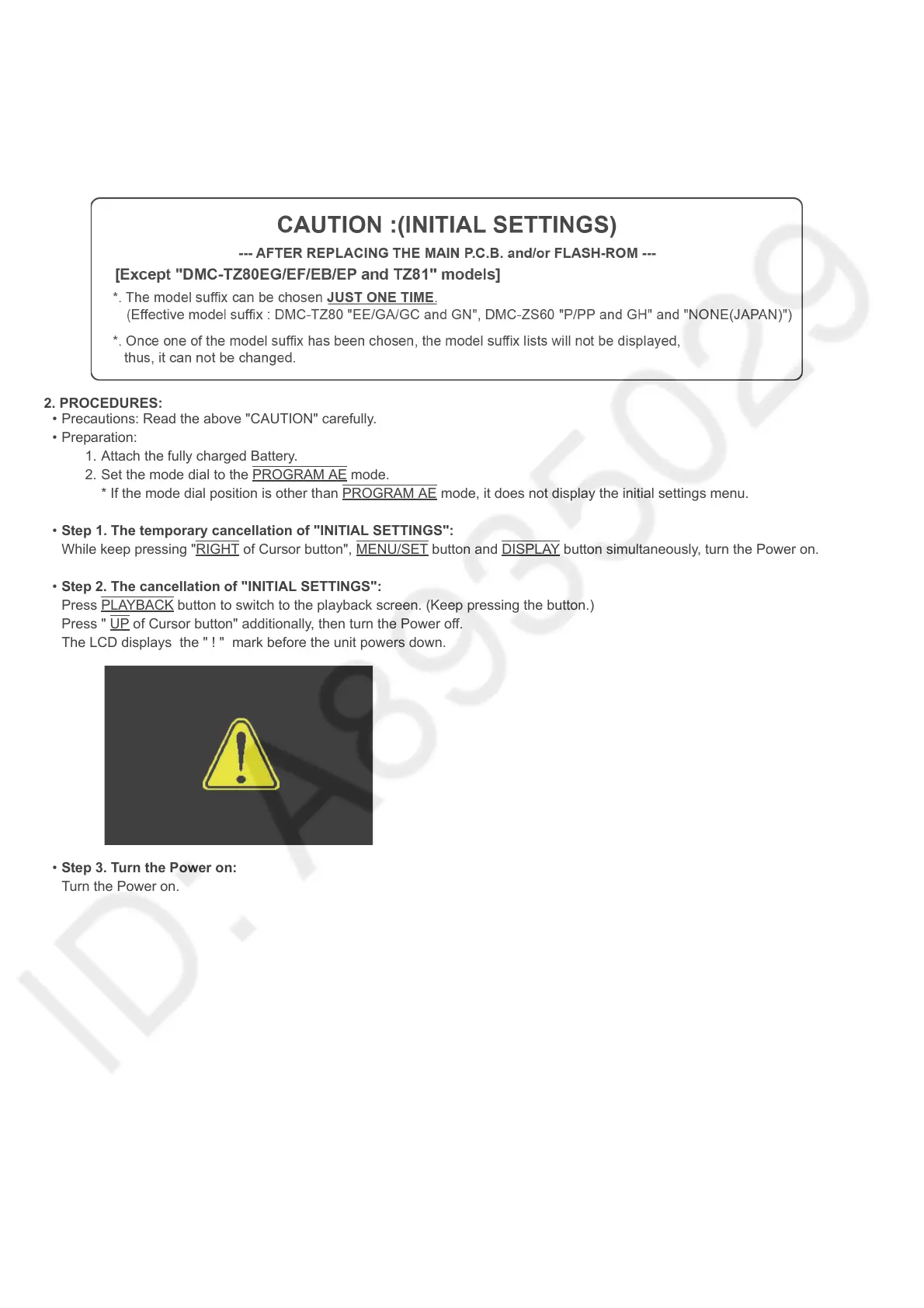
The LCD displays the " ! " mark before the unit powers down.
• Step 3. Turn the Power on:
Turn the Power on.





 To Next Page