EasyManua.ls Logo

Panasonic EU6441-U1 - Replace the Driving Unit; Safety Cover Removal for Driving Unit Replacement; Machine Cover Removal for Driving Unit Replacement; Seat Removal for Driving Unit Replacement

Panasonic EU6441-U1
19 pages
Print Icon
To Next Page IconTo Next Page
To Previous Page IconTo Previous Page
Loading...
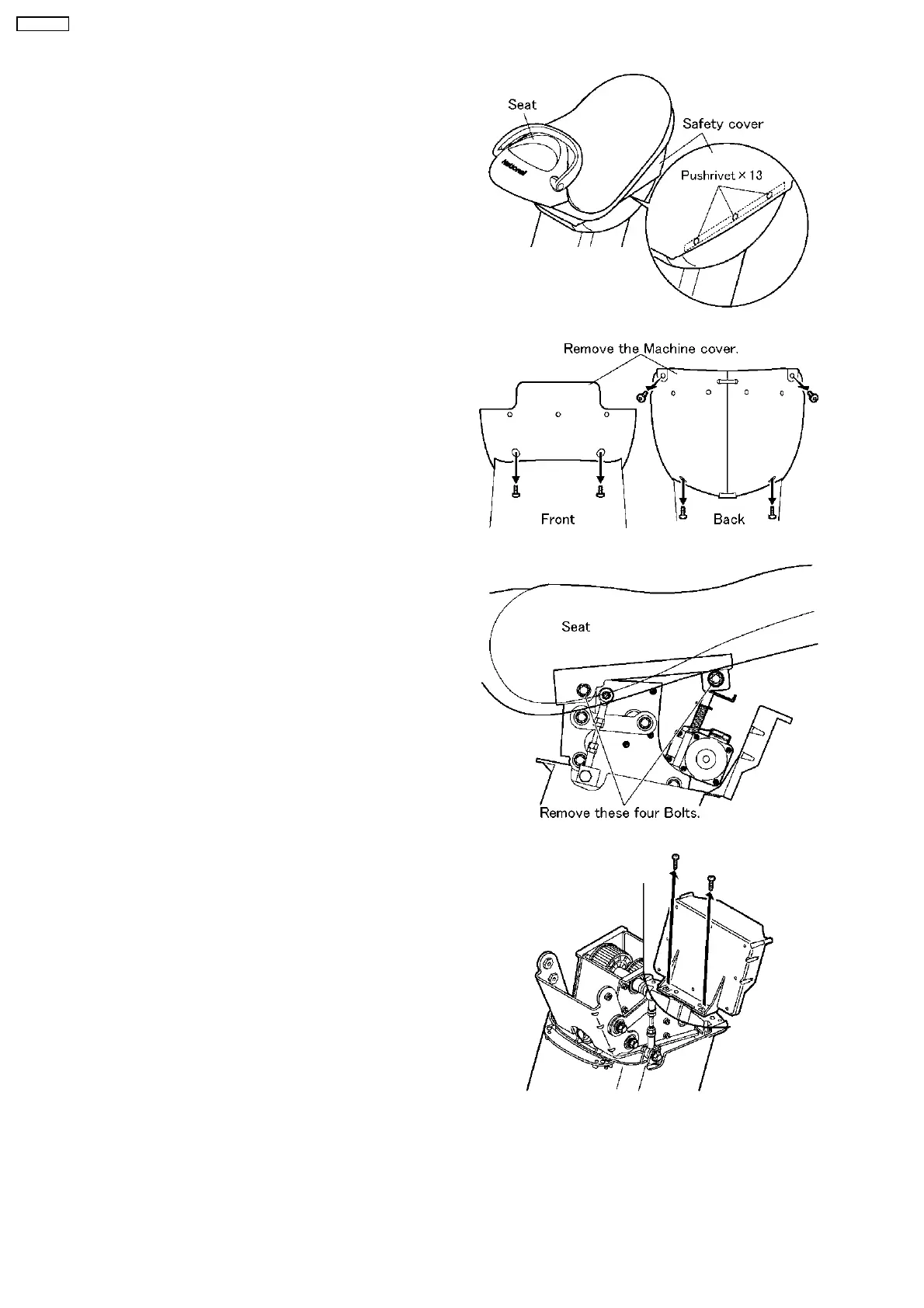
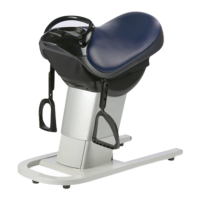
1. Remove the Safety cover on the Seat.
a. Remove 13 Pushrivets.
2. Pull down the Machine cover.
a. Unscrew six screws as the Figure.
3. Remove the Seat on the Unit by 13mm(1/2´´) socket
wrench.
4. Remove the Main PCB case.
a. Unscrew two screws as the Figure.
4 REPLACE THE DRIVING UNIT
12
EU6441-U1

Related product manuals