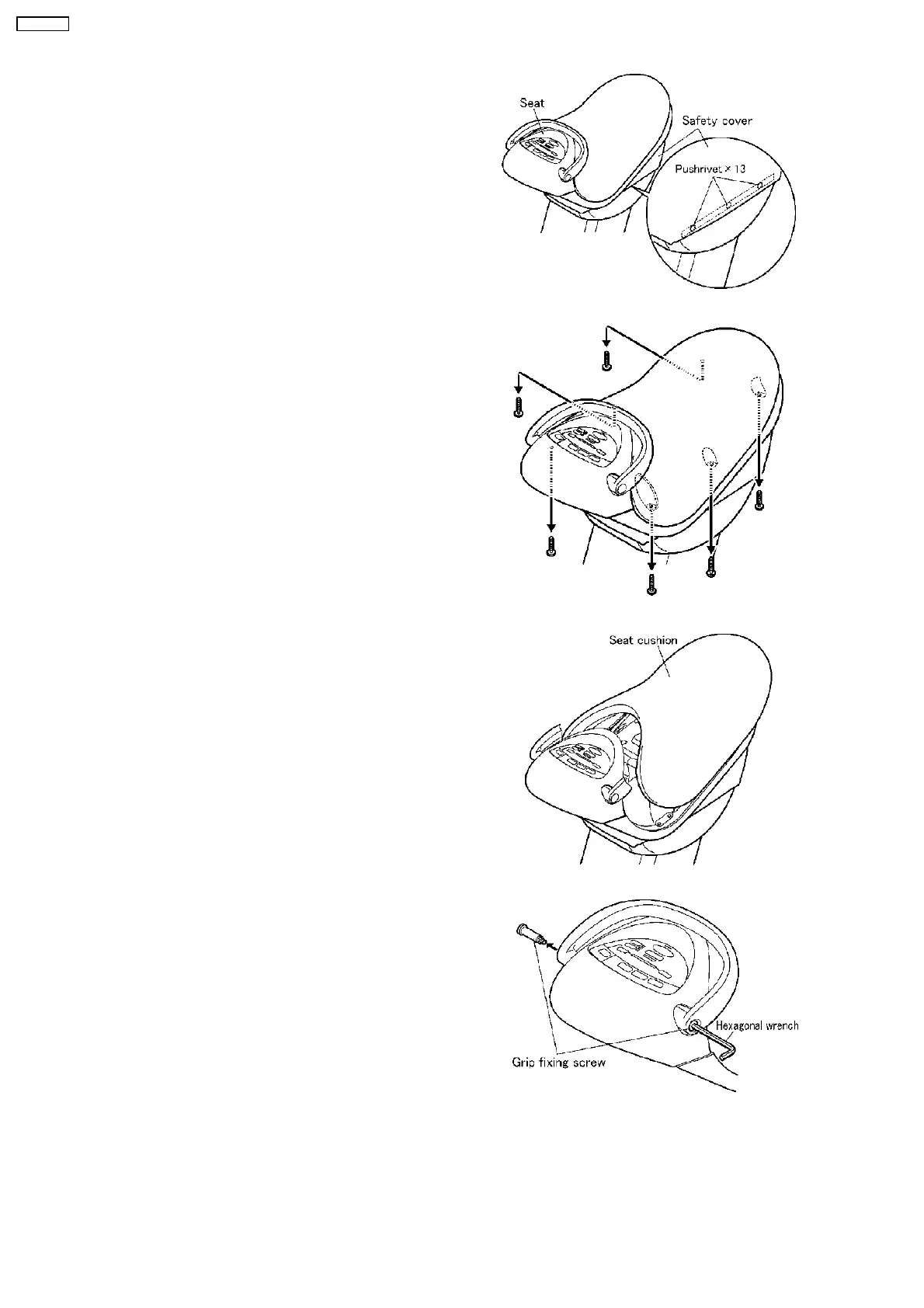
1. Remove the Safety cover on the Seat.
When you install the Safety cover, insert the Pushrivets in
the holes with its head fully pushed so that they cannot fall.
Then, push the tips of the Pushrivets near the holes of the
housings to make them loose and insert the Pushrivets fully
in the holes of the housings.
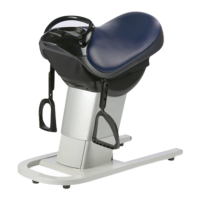
2. Remove the Seat cushion.
a. Unscrew six screws as the Figure.
b. Lift the Seat cushion and remove it.
3. Remove the Reins and the Front panel.
a. Remove the Grip fixing screws by the 5mm(1/4´´)
Hexagonal wrench.
3 DISASSEMBLY
8
EU6441-U1


 To Next Page