Basic Instructions
2 − 51
Directly specifying a set value area number as a counter set value
With FP0/FP−e/FPΣ/FP−X/FP2/FP2SH/FP10SH with a CPU of Ver. 4.4 or later, the set value area number
can be specified directly as the set value n.
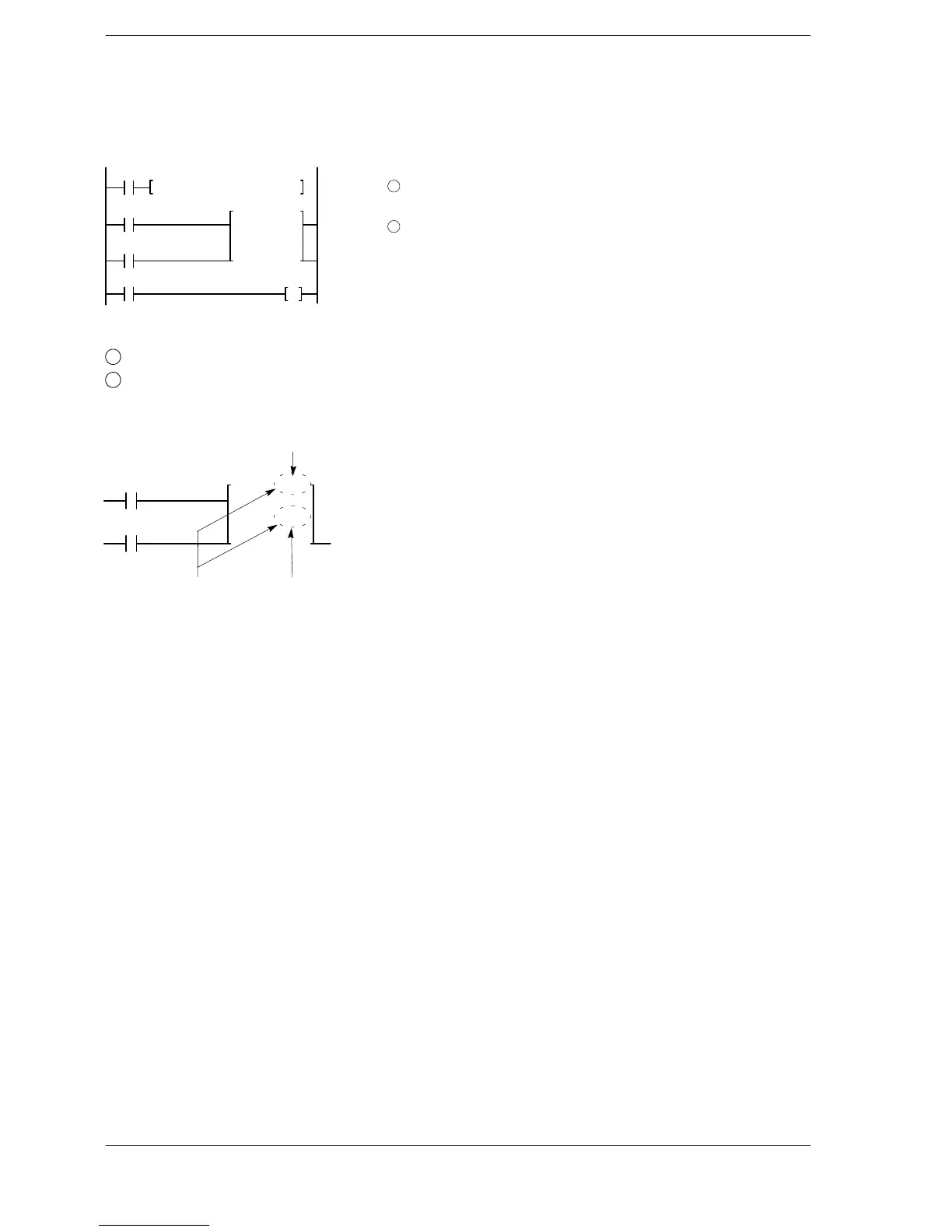
F0 MV, K30, SV100
X1
X0
C100
Y30
1
..........
CT 100
SV 100
2
..........
X2
The above program operates as follows:
1
When trigger X0 is on the data transfer instruction [F0 (MV)] is executed, set the K30 in SV100.
2
When the count input X1 turns on, decrement operation begins from the set value 30.
Specify [n] (the number of the set value area SV) to be the same number as the counter.
Set value area number (n)
Counter number
Display:
CT 100
SV 100
These must
be the same.
Even if the value in the set value area (SV) is changed during decrement operation, the decrement operation
will continue from the value before the change. Counter operation from the new value will not begin until the
counter is reset and the count input subsequently changes from off to on.












 To Next Page