Boolean
Ladder Diagram
Address Instruction
(BRK)
10
X0 Y30
X1 Y31
13
10
11
12
13
14
ST X 0
OT Y 30
BRK
ST X 1
OT Y 31
Description
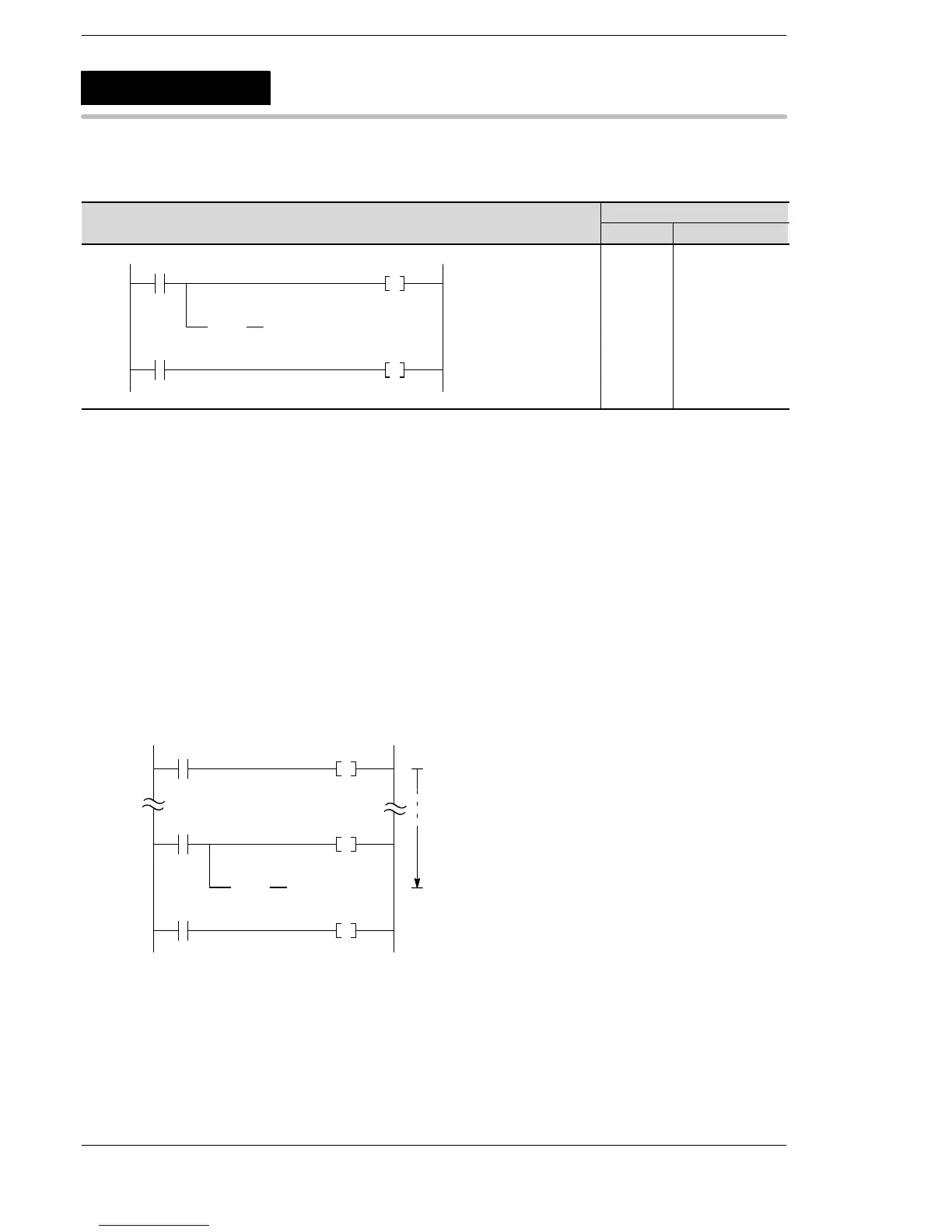
The BRK instruction is effective only in the TEST/RUN mode. In the normal RUN condition, this instruction is
not executed.
In the TEST/RUN mode, program execution is temporarily stopped with the address containing this BRK
instruction.
The BRK instruction is used for checking the program by executing a part of the program.
How to use the BRK instruction
Procedure:
1. Set the INITIALIZE/TEST switch of the CPU to the TEST side.
2. Select the modes for TEST/RUN operation by using programming tool software, as follows:
− Output: DISABLE or ENABLE (select one according to your requirements)
− BRK: VALID (in the BRK instruction valid mode)
− Test mode: ConTI (in the continuous run mode)
3. Change the mode to RUN for starting TEST/RUN operation.
(BRK)
10
X0 Y30
X1 Y31
13
0
R0 Y2F
Stops at the
address 12
BR












 To Next Page