9/49
2.27. COLOR
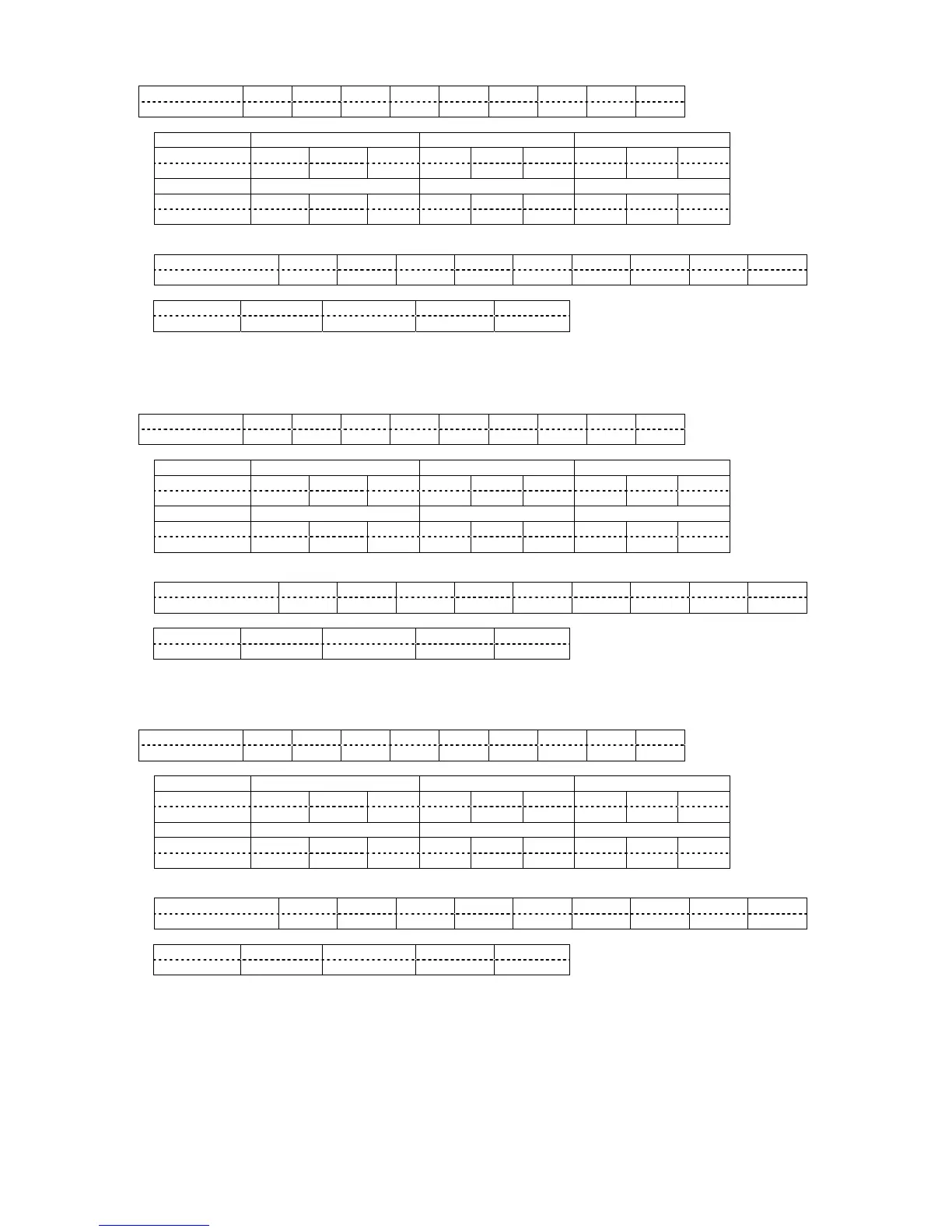
Hexadecimal 02h 56h 43h 4Fh
*1 *3 *5 03h
Character V C O : *2 *4 *6
Parameters (*1, *2, *3, *4, *5, *6)
-32 -31 -30
Hexadecimal 2Dh 33h 32h 2Dh
33h 30h
Character - 3 2 - 3 1 - 3 0
30 31 32
Hexadecimal 30h 33h 30h 30h 33h 31h 30h 33h 32h
Character 0 3 0 0 3 1 0 3 2
Response (Callback)
In the period when the command can be accepted
Hexadecimal 02h 56h 43h 4Fh 3Ah *1 *3 *5 03h
Character V C O : *2 *4 *6
Acceptability
SECURITY STANDBY NO SIGNAL
× × × × ○
Note:
• This command is acceptable only when moving image is displayed. In other cases, ER401 is returned.
2.28. TINT
Hexadecimal 02h 56h 54h 4Eh
*1 *3 *5 03h
Character V T N : *2 *4 *6
Parameters (*1, *2, *3, *4, *5, *6)
-32 -31 -30
Hexadecimal 2Dh 33h 32h 2Dh
33h 30h
Character - 3 2 - 3 1 - 3 0
30 31 32
Hexadecimal 30h 33h 30h 30h 33h 31h 30h 33h 32h
Character 0 3 0 0 3 1 0 3 2
Response (Callback)
In the period when the command can be accepted
Hexadecimal 02h 56h 54h 4Eh 3Ah *1 *3 *5 03h
Character V T N : *2 *4 *6
Acceptability
SECURITY STANDBY NO SIGNAL
× × × × ○
Note:
• This command is acceptable only when moving image is displayed. In other cases, ER401 is returned.
2.29. SHARPNESS
Hexadecimal 02h 56h 53h 52h
*1 *3 *5 03h
Character V S R : *2 *4 *6
Parameters (*1, *2, *3, *4, *5, *6)
0 1 2
Hexadecimal 30h 30h 30h 30h 30h 31h 30h 30h 32h
Character 0 0 0 0 0 1 0 0 2
13 14 15
Hexadecimal 30h 31h 33h 30h 31h 34h 30h 31h 35h
Character 0 1 3 0 1 4 0 1 5
Response (Callback)
In the period when the command can be accepted
Hexadecimal 02h 56h 53h 52h 3Ah *1 *3 *5 03h
Character V S R : *2 *4 *6
Acceptability
SECURITY STANDBY NO SIGNAL



 To Next Page