EasyManua.ls Logo

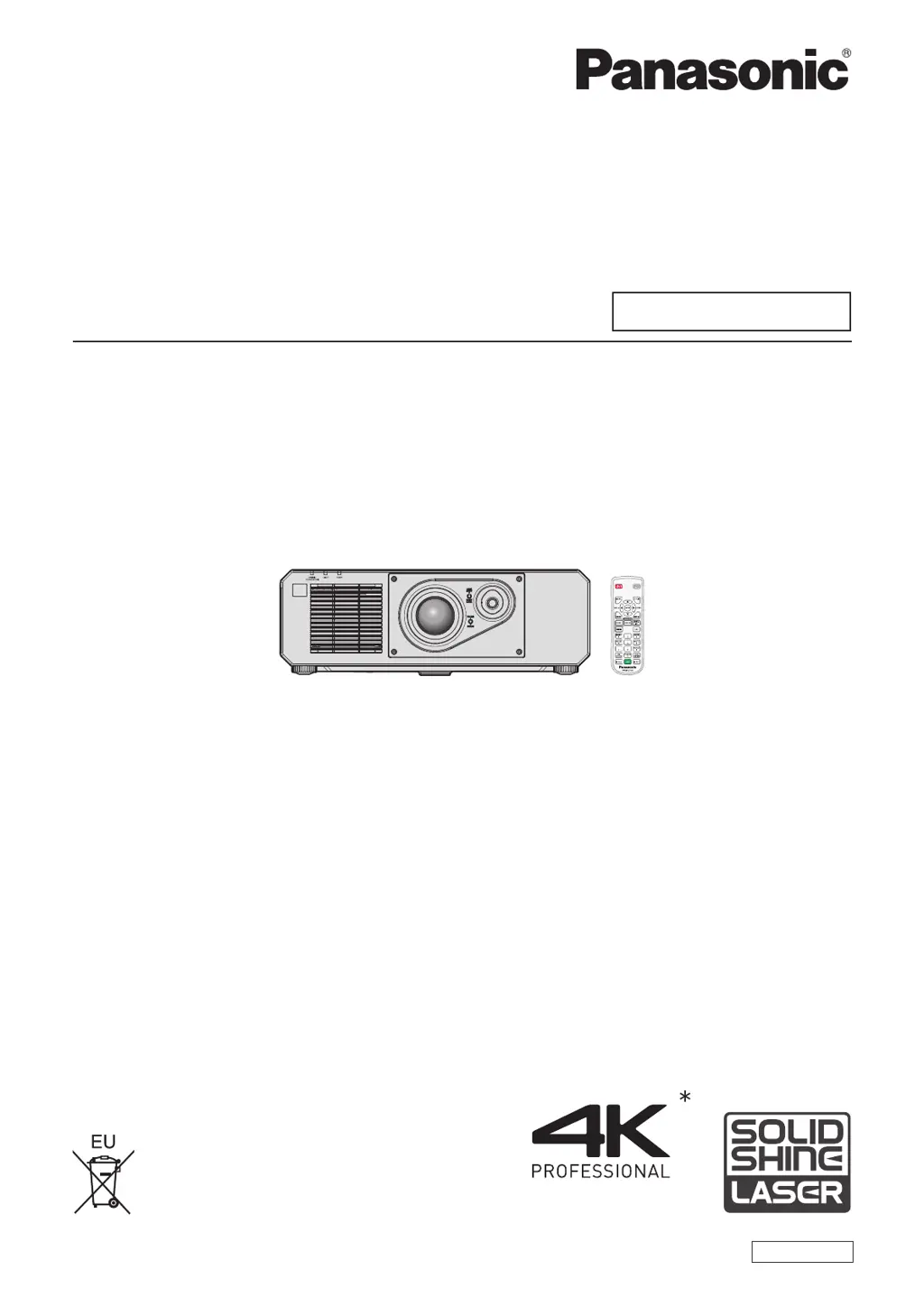
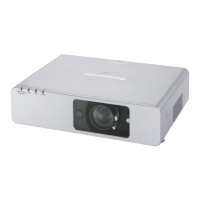
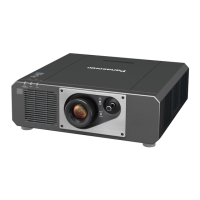
Panasonic PT-FRQ50 - User Manual

Panasonic PT-FRQ50
219 pages
Print Icon
To Next Page IconTo Next Page
Loading...
Thank you for purchasing this Panasonic product.
This manual is common to all the models regardless of su󰀩xes of the Model No.
z
for Taiwan
BT: Black model
z
for India
BD: Black model
z
for other countries or regions
B: Black model W: White model
Before operating this product, please read the instructions carefully and save this manual
for future use.
Before using this product, be sure to read “Read this rst!” (
x
pages 5 to 13).
DPQP1399ZA/X1
DLP™ Projector
Commercial Use
Operating Instructions
Functional Manual
ENGLISH
Model No.
PT-FRQ50
* Resolution is 3 840 x 2 160 dots
(with QUAD PIXEL DRIVE)

Table of Contents

Questions and Answers

  • C
    chapmancarlaAug 20, 2025
    How to troubleshoot a Panasonic Projector that won't turn on?
    • C
      Cynthia RussellAug 20, 2025
      If your Panasonic Projector isn't turning on, there are several things you can check: * Ensure the power plug is firmly inserted into the outlet. * Verify that the switch is not set to . * Confirm that the wall outlet is supplying electricity. * Check if the circuit breakers have tripped. * See if the light source indicator is blinking. * Check if the temperature indicator is lit or blinking.
  • C
    Charles BryantAug 22, 2025
    What to do if my Panasonic Projector shows no image?
    • K
      Kimberly MccoyAug 22, 2025
      If your Panasonic Projector isn't displaying an image, try the following: * Check that all connections to external devices are correctly made. * Ensure the input selection setting is correct. * Verify that the [BRIGHTNESS] adjustment is not at its minimum setting. * Confirm that the external device connected to the projector is working correctly. * Check if the shutter function is in use. If the power indicator is blinking red, you should consult your dealer.
  • B
    bonniehicksAug 25, 2025
    Why isn't my Panasonic Projector remote control working?
    • J
      johnsonkimberlyAug 25, 2025
      If the remote control for your Panasonic Projector is not responding, consider these potential causes: * The batteries might be depleted; try replacing them. * The batteries might be inserted with incorrect polarity. * There may be obstructions between the remote control and the projector's signal receiver. * You might be using the remote control beyond its effective range. * Other light sources, such as fluorescent lights, might be interfering with the signal. * The [REMOTE CONTROL] setting in [CONTROL DEVICE SETUP] might be set to [DISABLE]. * The ID number setting operation might be incorrect.
  • M
    Mr. Eric MatthewsAug 26, 2025
    How to fix a fuzzy image on a Panasonic PT-FRQ50 Projector?
    • J
      Jessica NewmanAug 26, 2025
      If the image on your Panasonic Projector appears fuzzy, consider the following: * Ensure the lens focus is set correctly. * Verify that the projection distance is appropriate. * Check if the lens is dirty and clean it if necessary. * Make sure the projector is installed perpendicular to the screen.
  • J
    Jesus SullivanAug 28, 2025
    What should I do if my Panasonic PT-FRQ50 Projector image is not displaying correctly?
    • D
      David CampbellAug 28, 2025
      If the image on your Panasonic Projector is not displaying correctly, check the following: * Ensure that [SYSTEM SELECTOR] is set properly. * Verify that the settings for [COMPUTER IN], [HDMI1 IN], [HDMI2 IN], and [DIGITAL LINK IN] are correctly configured. * Check for any problems with the external device that is outputting images. * Confirm that the input signal is compatible with the projector.
  • J
    Jorge OchoaAug 29, 2025
    What to do if the DIGITAL LINK input image is not displayed on Panasonic PT-FRQ50?
    • D
      Dr. Eric WhiteAug 30, 2025
      If the DIGITAL LINK input image is not displaying on your Panasonic Projector, check the following: * Ensure the cable is compatible with the projector's condition. * Verify the connections between the twisted-pair-cable transmitter and external device, as well as between the transmitter and the projector. * Confirm that [DIGITAL LINK MODE] is set to [AUTO], [DIGITAL LINK], or [LONG REACH] and not [ETHERNET]. * Check if the input signal is compatible with the twisted-pair-cable transmitter.
  • M
    michaelcoleAug 31, 2025
    Why won't the image from my computer show on my Panasonic Projector?
    • S
      smithchaseSep 1, 2025
      If the image from your computer is not appearing on your Panasonic Projector, consider these factors: * The cable might be too long. * The external video output on your laptop computer might not be set correctly.
  • M
    Marisa RodriguezSep 2, 2025
    What to do if the image output from DVI-D of the computer does not appear on Panasonic PT-FRQ50?
    • C
      Corey GonzalezSep 3, 2025
      If the image output from DVI-D of your computer is not appearing on the Panasonic Projector, consider the following: * Replacing the HDMI/DVI-D conversion cable may improve the situation. * Updating the graphic accelerator driver of the computer to the latest version may help. * Rebooting the computer after setting the [DISPLAY OPTION] menu ? [HDMI1 IN] / [HDMI2 IN] ? [EDID SELECT] to [2K] may resolve the issue.
  • S
    Sarah AllenSep 5, 2025
    Why is there no sound coming from my Panasonic Projector?
    • J
      Joseph PerezSep 5, 2025
      If you're not getting any audio from your Panasonic Projector, check these items: * Make sure the external device is correctly connected to the audio input terminal. * Verify that the mute function is not enabled. * Confirm that [AUDIO IN SELECT] in [AUDIO SETTING] is correctly set.
  • K
    Kelsey HarperSep 7, 2025
    What causes a jumbled or missing HDMI video on a Panasonic PT-FRQ50?
    • J
      Jennifer WestSep 7, 2025
      If you're experiencing issues with HDMI video on your Panasonic Projector, where the video doesn't appear or appears jumbled, try these solutions: * Ensure the HDMI cable is securely connected. * Try turning the power of both the projector and the external device off and on again. * Make sure that the input signal is compatible with the projector.

Summary

Chapter 2 Getting Started

Setting up

Guides users through the initial setup and installation modes of the projector.

Connecting

Explains how to connect various external devices to the projector.

Chapter 3 Basic Operations

Switching on;off the projector

Provides step-by-step instructions for powering the projector on and off.

Projecting

Covers selecting input signals and adjusting the projected image for optimal viewing.

Chapter 5 Operations

Network connection

Explains how to connect the projector to a computer or network for remote control.

Chapter 6 Maintenance

Troubleshooting

Lists common problems and their potential solutions with page references.

Panasonic PT-FRQ50 Specifications

General IconGeneral
Native aspect ratio16:9
Projection technologyDLP
Contrast ratio (typical)20000:1
Screen size compatibility30 - 300 \
Projector native resolution2160p (3840x2160)
Keystone correction, vertical-40 - 40 °
Keystone correction, horizontal-20 - 20 °
Noise level35 dB
Noise level (standby)28 dB
Power sourceAC
AC input voltage100 - 240 V
AC input frequency50 - 60 Hz
Power consumption (standby)- W
Power consumption (typical)480 W
Composite video in0
Serial interface typeRS-232C
USB 2.0 ports quantity1
Smart TV-
Ethernet LANYes
Ethernet LAN data rates10, 100 Mbit/s
FocusManual
Throw ratio1.46 - 2.93:1
Focal length range21.5 - 43 mm
Aperture range (F-F)2 - 3.4
Vertical lens shift range-48 - 71 %
Horizontal lens shift range-27 - 34 %
Light source typeLaser
Service life of light source20000 h
Operating temperature (T-T)0 - 45 °C
Operating relative humidity (H-H)10 - 80 %
Product typeLarge venue projector
Product colorWhite
Market positioningBusiness
Weight and Dimensions IconWeight and Dimensions
Depth492 mm
Width498 mm
Height168 mm
Weight16100 g

Related product manuals