EasyManua.ls Logo

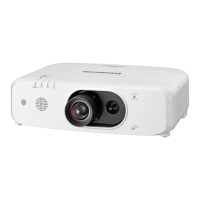
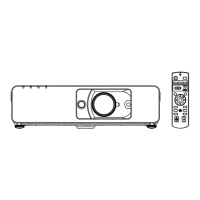
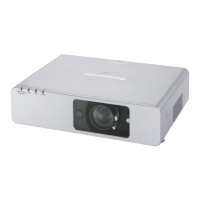
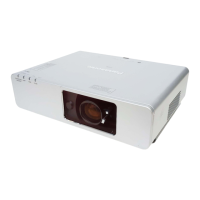
Panasonic PT-F200NTU - User Manual

Panasonic PT-F200NTU
62 pages
Print Icon
To Next Page IconTo Next Page
Loading...
ENGLISH
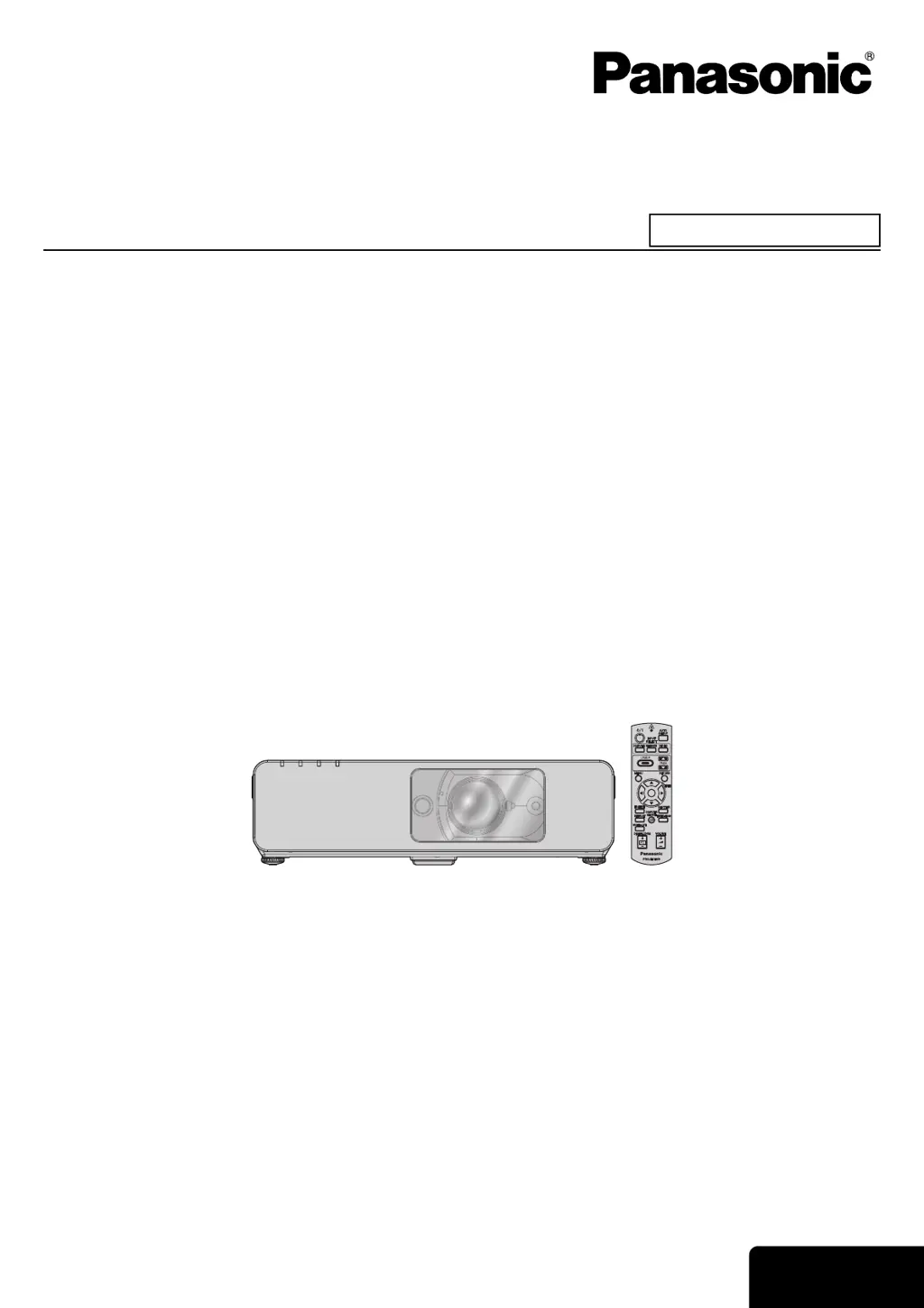
Operating Instructions
LCD Projector
Model No. PT-F200NTU
PT-F200U
Before operating this product, please read the instructions carefully and save this manual for future use.
TQBJ0248
Commercial Use

Table of Contents

Questions and Answers

  • M
    martinrobertAug 15, 2025
    How to fix a Panasonic PT-F200NTU when the power does not turn on?
    • D
      David ReyesAug 15, 2025
      If your Panasonic Projector isn't powering on, here are several things to check: * Ensure the power cord is securely connected. * Verify that the MAIN POWER switch is turned on. * Confirm that the wall socket has an electric supply. * Check the TEMP and LAMP indicators. * Make sure the lamp unit cover is securely installed. * Reset the circuit breakers if they have tripped.
  • C
    crystal89Aug 18, 2025
    What to do if no picture appears on my Panasonic PT-F200NTU?
    • D
      Daniel GordonAug 18, 2025
      If your Panasonic Projector displays no picture, consider the following: * Check that the video signal input source is properly connected to a terminal. * Ensure the input selection setting is correct. * Adjust the BRIGHTNESS setting to ensure it's not at the minimum. * Verify the signal input source is operating correctly. * Disable the SHUTTER function if it's in use. * Confirm the ARF is correctly installed.
  • M
    Mary ChapmanAug 21, 2025
    Why is my Panasonic Projector remote control not working?
    • K
      Kevin MorrisonAug 22, 2025
      If the remote control for your Panasonic Projector isn't working, try these steps: * Replace the batteries. * Ensure the batteries are inserted correctly. * Remove any obstructions from the remote control signal receptor on the projector. * Move within the operational range of the remote. * Activate the LASER button.
  • A
    Angela MartinAug 25, 2025
    How to fix a fuzzy picture on a Panasonic PT-F200NTU?
    • S
      Susan BridgesAug 26, 2025
      If the picture on your Panasonic Projector is fuzzy: * Set the lens focus correctly. * Adjust the projector to the correct distance from the screen. * Clean the lens. * Adjust the projector to be level.
  • E
    ewashingtonAug 28, 2025
    What causes a Panasonic PT-F200NTU picture not to display correctly?
    • N
      nelsonkathrynAug 28, 2025
      If the picture on your Panasonic Projector is not displaying correctly: * Set the correct signal format (TV-SYSTEM). * Check the VCR or other signal source. * Ensure a compatible signal is being input.
  • J
    Jamie BakerSep 1, 2025
    What to do if a picture from a computer does not appear on a Panasonic PT-F200NTU?
    • J
      Jessica AllenSep 1, 2025
      If you're not seeing a picture from your computer on the Panasonic Projector: * Use a shorter cable if the current one is longer than the optional cable. * Change the external output settings on your laptop by pressing the [Fn] + [F3] or [Fn] + [F10] keys simultaneously. * Set the correct COMPUTER2 SELECT setting in the OPTION menu.
  • W
    William BrightSep 4, 2025
    How do I troubleshoot no sound from my Panasonic PT-F200NTU Projector's internal speaker?
    • J
      Jeffrey HunterSep 4, 2025
      If you're not getting any sound from the internal speaker of your Panasonic Projector: * Check that the audio signal source is properly connected. * Remove any cable connected to the VARIABLE AUDIO OUT terminal. * Increase the volume setting.
  • V
    Vicki MillerSep 7, 2025
    Why is the color pale or greyish on my Panasonic Projector?
    • E
      Emily RichardsonSep 7, 2025
      If the color on your Panasonic Projector appears pale or greyish: * Adjust the COLOR or TINT settings. * Adjust the connected input source.
  • B
    Bryan BensonSep 12, 2025
    What should I do if the control buttons of my Panasonic PT-F200NTU do not operate?
    • J
      Juan KingSep 12, 2025
      If the control buttons on your Panasonic Projector aren't working: * Validate the CONTROL PANEL in the OPTION menu. * If you have a loss of the Remote control while the CONTROL PANEL is invalidated, press and hold the MENU button for 2 seconds with pressing the ENTER button.

Panasonic PT-F200NTU Specifications

General IconGeneral
BrandPanasonic
ModelPT-F200NTU
CategoryProjector
LanguageEnglish

Related product manuals