EasyManua.ls Logo

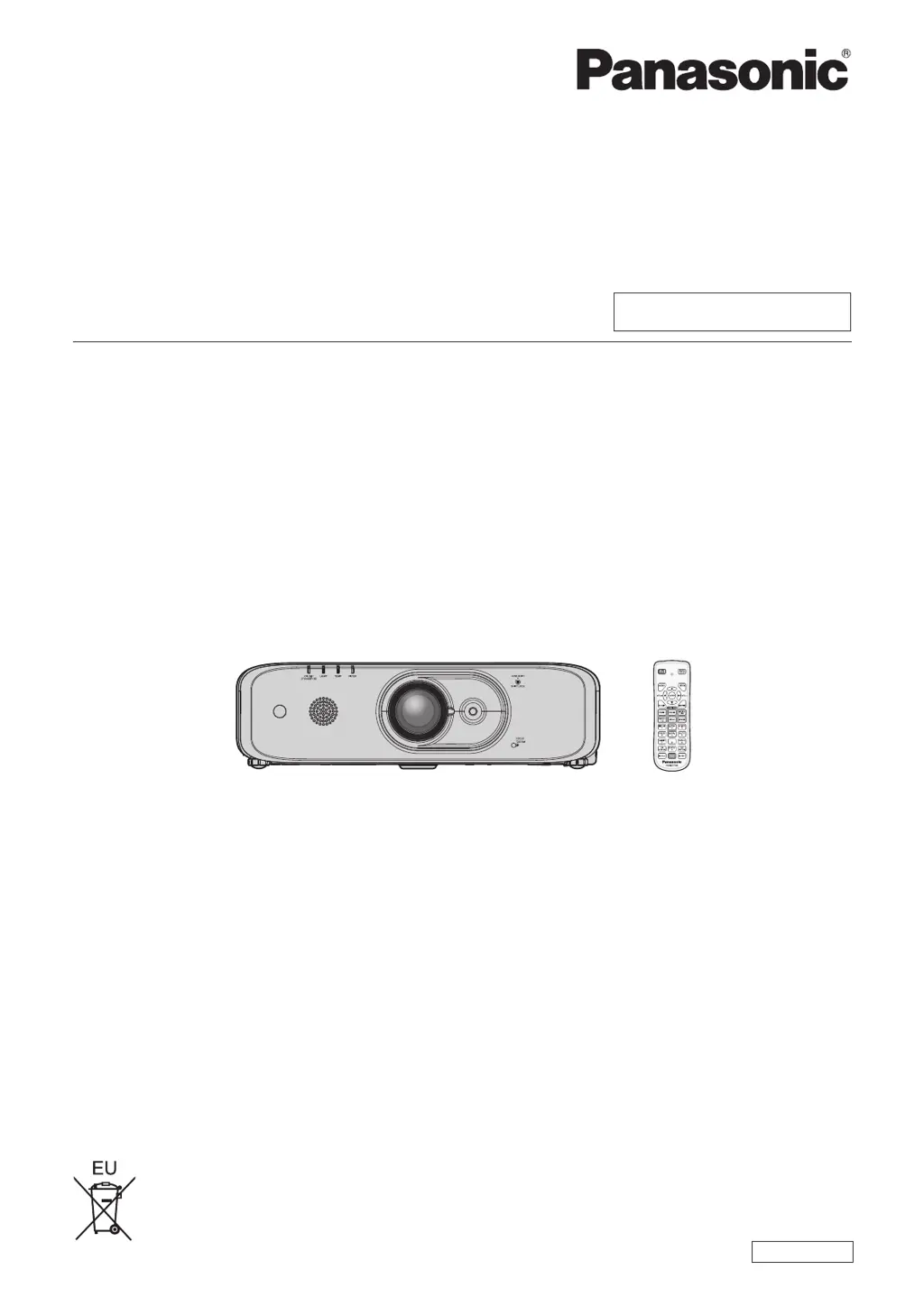
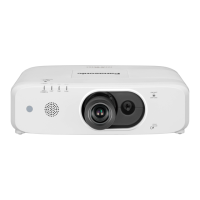
Panasonic PT-FX500 - User Manual

Panasonic PT-FX500
156 pages
Print Icon
To Next Page IconTo Next Page
Loading...
Thank you for purchasing this Panasonic product.
This manual is common to all the models regardless of sufxes of the Model No.
f for India
PT-FZ570D / PT-FW530D / PT-FX500D
f for other countries or regions
PT-FZ570 / PT-FW530 / PT-FX500
Before operating this product, please read the instructions carefully and save this manual
for future use.
Before using this product, be sure to read “Read this rst!” (
x
pages 4 to 13).
TQBJ0956
LCD Projector
Commercial Use
Operating Instructions
Functional Manual
ENGLISH
Model No.
PT-FZ570
PT-FW530
PT-FX500

Table of Contents

Other manuals for Panasonic PT-FX500

Questions and Answers

  • B
    Blake JohnstonSep 23, 2025
    Why don't the buttons on my Panasonic PT-FX500 Projector control panel work?
    • A
      Anna KimSep 23, 2025
      If the buttons on the control panel of your Panasonic Projector do not operate, check if the [CONTROL PANEL] setting in [CONTROL DEVICE SETUP] is set to [DISABLE].
  • M
    Mr. Tyler HardyAug 25, 2025
    How to fix a Panasonic Projector that does not turn on?
    • S
      Sandra GallegosAug 25, 2025
      If your Panasonic Projector isn't powering on, try these steps: * Ensure the power plug is firmly inserted into the outlet. * Check if the switch is set to ; if so, turn it on. * Verify the wall outlet is supplying electricity. * Check your circuit breakers to see if they have tripped. * Examine the lamp indicator and the temperature indicator to see if they are lit or blinking. * Make sure the lamp cover is securely attached.
  • A
    Anthony PerezAug 25, 2025
    What to do if Panasonic PT-FX500 remote control does not respond?
    • N
      Nicole RodriguezAug 26, 2025
      If the remote control for your Panasonic Projector isn't responding, check if the batteries are depleted and ensure they are inserted with the correct polarity. Make sure there are no obstructions between the remote and the projector's signal receiver. Verify that you're using the remote within its effective range and that other light sources, like fluorescent lights, aren't interfering. Also, check if the [REMOTE CONTROLLER] setting in [CONTROL DEVICE SETUP] is set to [DISABLE] and ensure the ID number setting operation is correct.
  • K
    Kenneth SanchezAug 27, 2025
    How to fix a fuzzy image on a Panasonic PT-FX500 Projector?
    • B
      Brandi GibsonAug 27, 2025
      If the image from your Panasonic Projector is fuzzy, ensure the lens focus is set correctly. Also, check if the projection distance is appropriate. Verify that the lens is clean and that the projector is installed perpendicular to the screen.
  • P
    Peter StevensonSep 23, 2025
    How to fix no audio from HDMI device on Panasonic PT-FX500 Projector?
    • M
      Michael NormanSep 23, 2025
      To resolve the issue of no audio from an HDMI compatible device on your Panasonic Projector, set the connected devices to use linear PCM audio.
  • C
    Clinton MartinSep 13, 2025
    How to resolve a fuzzy image on my Panasonic PT-FX500?
    • R
      rjohnstonSep 13, 2025
      If the image on your Panasonic Projector is fuzzy, try the following: * Ensure the lens focus is set correctly. * Verify the projection distance is appropriate. * Check if the lens is dirty and clean it if necessary. * Make sure the projector is installed perpendicular to the screen.
  • G
    Gregory TaylorSep 12, 2025
    Why don't the buttons on my Panasonic Projector work?
    • J
      Joseph HudsonSep 12, 2025
      If the buttons on the control panel of your Panasonic Projector do not operate, check if the [CONTROL PANEL] setting in [CONTROL DEVICE SETUP] is set to [DISABLE].
  • E
    edward98Sep 12, 2025
    How to get audio from HDMI on Panasonic Projector?
    • B
      Brenda TranSep 12, 2025
      To resolve the issue of no audio from an HDMI compatible device on your Panasonic Projector, set the connected devices to use linear PCM audio.
  • J
    John RodriguezSep 4, 2025
    Why is the color pale on my Panasonic Projector?
    • L
      Lisa AllenSep 4, 2025
      If the color on your Panasonic Projector appears pale or grayish, first, ensure that the [COLOR] or [TINT] settings are adjusted correctly. Next, verify that the external device connected to the projector is properly adjusted. Finally, check the RGB cable for any damage.
  • C
    cgreeneSep 2, 2025
    Why is my Panasonic Projector not displaying the image from my computer?
    • J
      Jonathan JohnsonSep 2, 2025
      If the image from a computer does not appear on your Panasonic Projector, consider these points: * Check if the cable is too long. For D-Sub cables, the length should be 10 m (32'10") or shorter. * Verify that the external video output on the laptop computer is set correctly. (For example, the external output settings may be switched by pressing the “Fn” + “F3” or “Fn” + “F10” simultaneously. Refer to your computer's user manual as the method varies.)

Panasonic PT-FX500 Specifications

General IconGeneral
Brightness5000 ANSI Lumens
Resolution1024 x 768
Contrast Ratio2000:1
Weight10.4 kg
ANSI Lumens5000
Technology3LCD
Aspect Ratio4:3
Lamp Life (Normal)4000 hours
Throw Ratio1.7-2.8:1
Noise Level (Normal)37 dB
Noise Level (Eco)29 dB
Lamp TypeUHM
Projection Size40 - 300 inches
Input ConnectorsHDMI, VGA, S-Video

Related product manuals