EasyManua.ls Logo

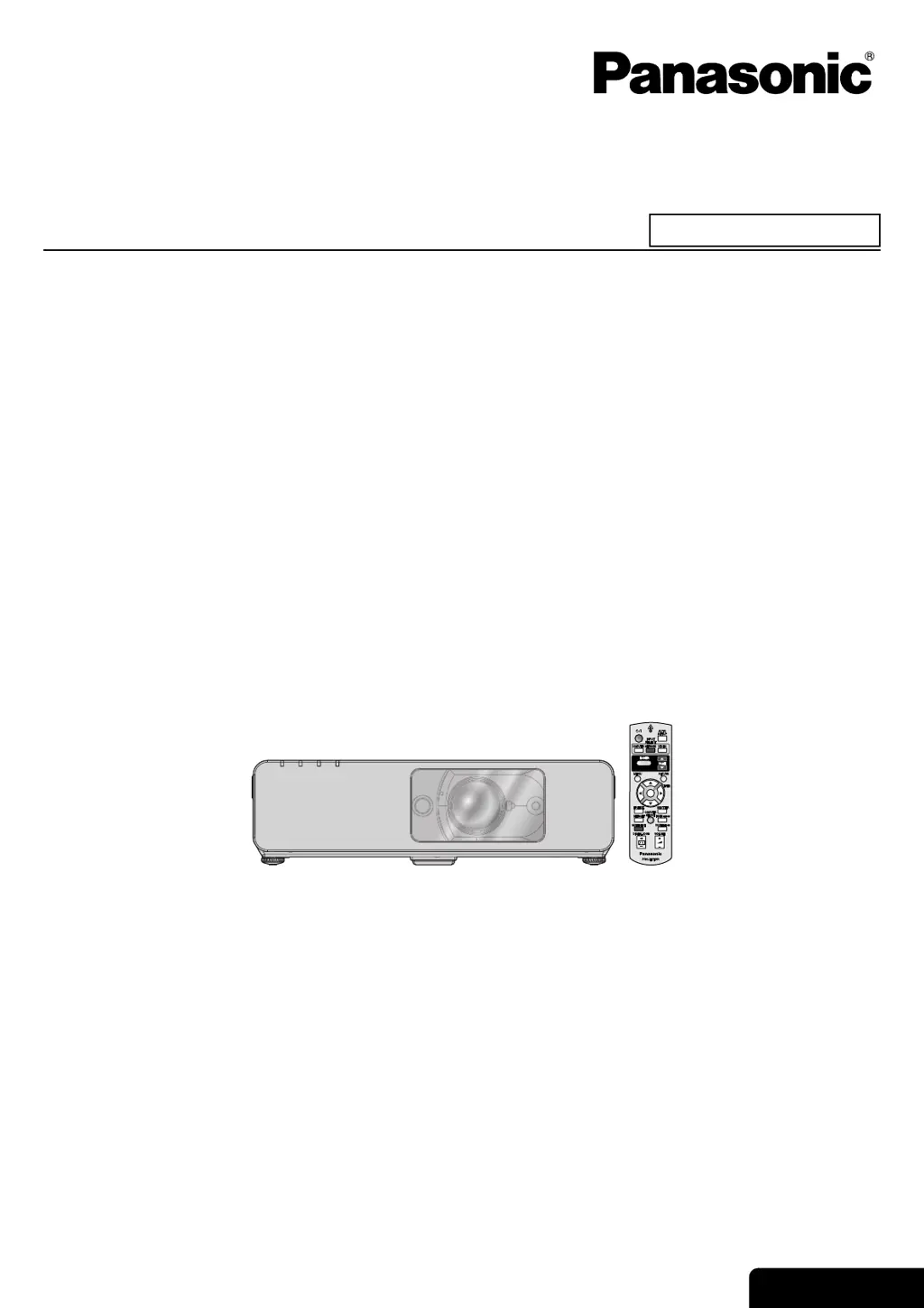
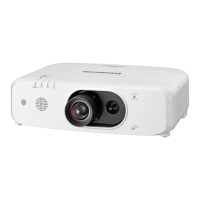
Panasonic PT-FW100NTU - User Manual

Panasonic PT-FW100NTU
62 pages
Print Icon
To Next Page IconTo Next Page
Loading...
ENGLISH
Operating Instructions
LCD Projector
Model No. PT-FW100NTU
Before operating this product, please read the instructions carefully and save this manual for future use.
TQBJ0216
Commercial Use

Table of Contents

Questions and Answers

  • N
    Natasha McdonaldAug 14, 2025
    Why won't my Panasonic Projector turn on?
    • G
      ginasullivanAug 14, 2025
      There are several reasons why your Panasonic Projector might not be turning on. First, check that the power cord is securely connected. Then, ensure the MAIN POWER switch is turned on and verify that the wall outlet has an electric supply. Also, check if the lamp unit cover is securely installed and reset any tripped circuit breakers. Finally, refer to the TEMP and LAMP indicator statuses for additional information.
  • H
    Heather GomezAug 17, 2025
    How to solve when Panasonic PT-FW100NTU Projector control buttons do not operate?
    • Y
      ymcgrathAug 17, 2025
      If the control buttons on your Panasonic Projector are not working, the CONTROL PANEL in the OPTION menu might be invalidated. Invalidate and re-enable the CONTROL PANEL. Also, try pressing and holding the MENU button for 2 seconds while pressing the ENTER button.
  • L
    Lori MartinAug 20, 2025
    What to do if my Panasonic PT-FW100NTU has no picture?
    • C
      Christian CardenasAug 21, 2025
      If your Panasonic Projector is not displaying a picture, ensure that the video signal input source is properly connected to the correct terminal. Also, verify that the input selection setting is correct. Increase the BRIGHTNESS adjustment if it is at the minimum. Finally, check to see if the SHUTTER function is enabled, and if so, disable it.
  • O
    oedwardsAug 25, 2025
    Why does my Panasonic PT-FW100NTU remote not work?
    • D
      Danielle YoungAug 25, 2025
      If the remote control for your Panasonic Projector is not working, the batteries may be weak, so try replacing them. Ensure the batteries are inserted correctly. Check for any obstructions blocking the remote control signal receptor on the projector and remove them. Finally, make sure the remote control is within the operation range.
  • P
    pricemichaelAug 27, 2025
    How to fix Panasonic PT-FW100NTU Projector picture that doesn't display correctly?
    • V
      Vanessa SandersAug 27, 2025
      If the picture on your Panasonic Projector is not displaying correctly, the signal format (TV-SYSTEM) may not be set correctly, so adjust it. Also, there may be a problem with the VCR or other signal source, so check those for issues. Finally, make sure a compatible signal is being input to the projector.
  • J
    Jacob MayoAug 31, 2025
    What to do if picture from computer does not appear on Panasonic PT-FW100NTU Projector?
    • L
      Linda FarrellAug 31, 2025
      If the picture from a computer is not appearing on your Panasonic Projector, the cable may be longer than the optional cable, so try using a shorter cable. The external video output from a laptop computer may not be correct, so change the external output settings on the laptop. Also, the COMPUTER2 SELECT setting in the OPTION menu may not be correct, so adjust that setting.
  • J
    Jeffery SpencerSep 3, 2025
    How to fix a fuzzy picture on my Panasonic PT-FW100NTU Projector?
    • M
      Michael LawrenceSep 3, 2025
      To resolve a fuzzy picture on your Panasonic Projector, start by adjusting the lens focus. Ensure the projector is positioned at the correct distance from the screen. Clean the lens if it's dirty, and adjust the tilt of the projector if it's tilted too much.
  • B
    burnsjoseSep 6, 2025
    Why is the color pale on my Panasonic Projector?
    • S
      Scott RobinsonSep 6, 2025
      If the color on your Panasonic Projector appears pale or greyish, the COLOR or TINT adjustment may be incorrect. Try adjusting the COLOR or TINT settings. Also, the input source connected to the projector may not be adjusted correctly, so check that as well.
  • K
    Katherine StoneSep 9, 2025
    What to do if there is no sound from my Panasonic PT-FW100NTU Projector?
    • J
      jilliansantiagoSep 9, 2025
      If you cannot hear any sound from the internal speaker of your Panasonic Projector, first ensure that the audio signal source is properly connected. Check to see if a cable is connected to the VARIABLE AUDIO OUT terminal and disconnect it. Finally, increase the volume adjustment if it is at the lowest setting.

Panasonic PT-FW100NTU Specifications

General IconGeneral
Display Technology3LCD
Aspect Ratio16:10
Native Resolution1280 x 800
Zoom Ratio1.3x
Keystone CorrectionVertical: ±30 degrees
Speakers10W
Projection Size30 - 300 inches
Input TerminalsHDMI, S-Video
Output TerminalsAudio Out
Control TerminalsRS-232C, USB
Noise Level29 dB (Eco)
Weight8.6 lbs (3.9 kg)

Related product manuals