12. Paper Jams
75
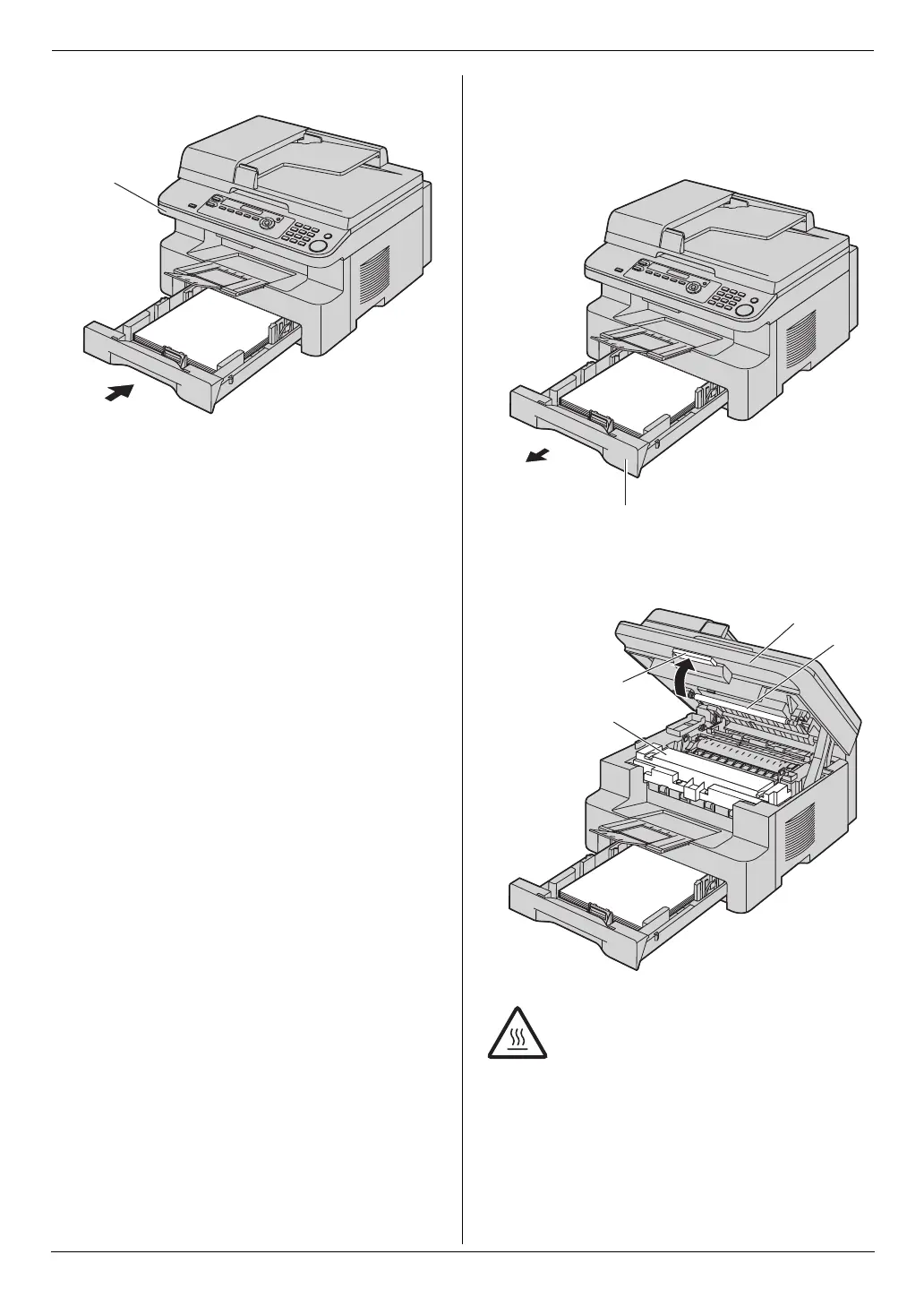
3. Close the paper input tray.
L Open and close the top cover (4) to clear the
error message.
Case 2:
When the recording paper has jammed near the
drum and toner unit:
1. Pull open the paper input tray (1).
2. Lift the top cover release lever (2) and open the top
cover (3).
Note:
L Do not touch the transfer roller (5).
4
Caution:
The fuser unit (4) gets hot. Do not touch
it.
1
2
4
3
5
MB271-781-PFQX2722ZA-OI-en.book Page 75 Tuesday, May 22, 2007 5:20 PM



 To Next Page