EasyManua.ls Logo

Panasonic KX-PRX120AZ - User Manual

Panasonic KX-PRX120AZ
72 pages
Print Icon
To Next Page IconTo Next Page
Loading...
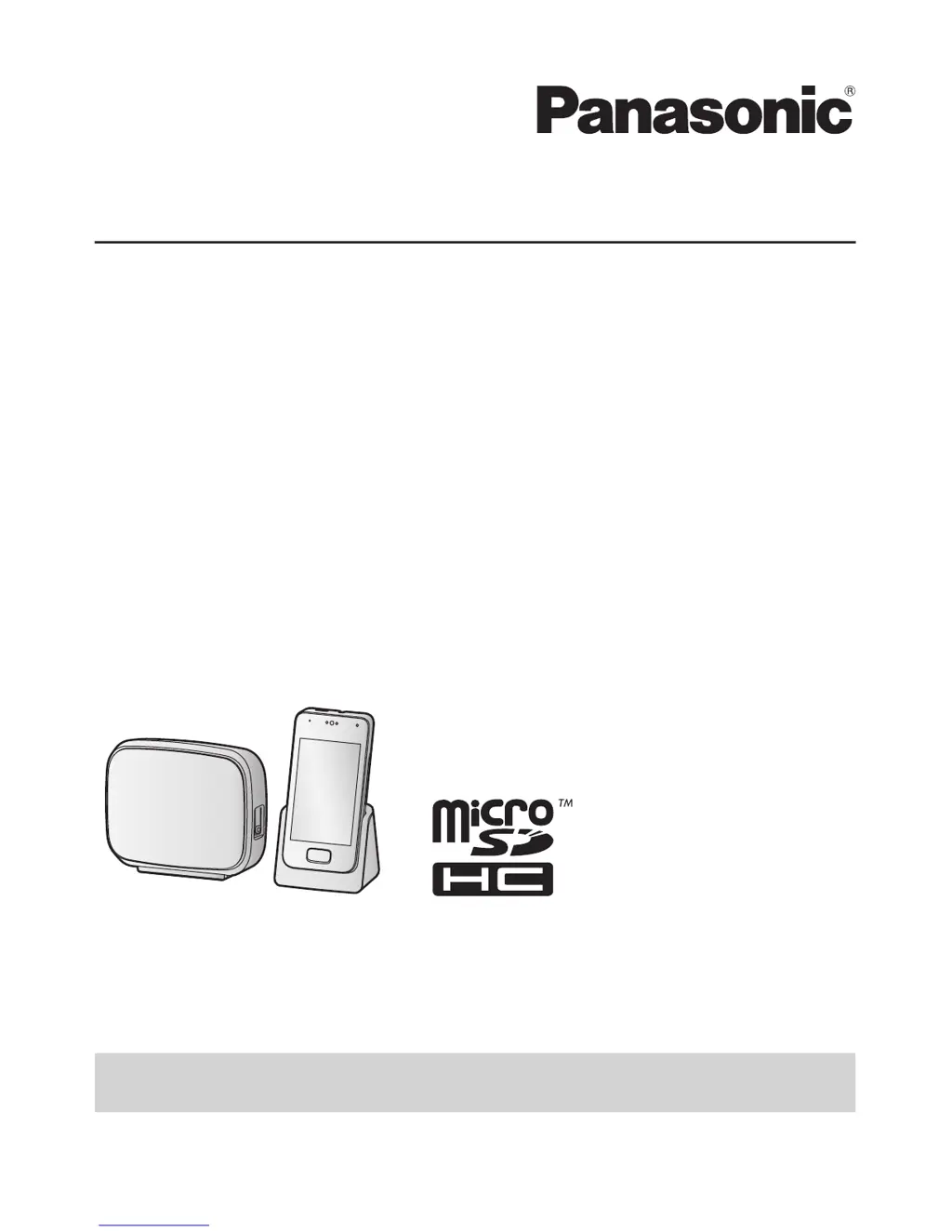
Operating Instructions
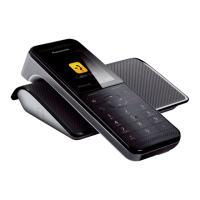
Premium Design Phone with Touchscreen
Model No. KX-PRX120AZ
Thank you for purchasing a Panasonic product.
Please read this document and save it for future reference.
To use this unit in your country, first change the unit’s region setting to match
your country (page 43).
Please access our online customer survey:
http://panasonic.net/pcc/tel/q

Table of Contents

Other manuals for Panasonic KX-PRX120AZ

Questions and Answers

  • J
    Jimmy BarnettAug 21, 2025
    Why is caller information not displayed on my Panasonic Telephone?
    • M
      matthewphillipsAug 21, 2025
      Caller information might not be displayed on your Panasonic Telephone because you may need to subscribe to your phone service provider’s Caller ID service. Also, if your unit is connected to any additional telephone equipment, remove the additional equipment and plug the unit directly into the wall socket. If you use a DSL/ADSL service, we recommend connecting a filter to the telephone line between the base unit and the telephone line socket. Other telephone equipment may be interfering with this unit. Disconnect the other equipment and try again.
  • S
    savannah35Aug 23, 2025
    What to do if my Panasonic KX-PRX120AZ handset screen is blank?
    • C
      Curtis FernandezAug 23, 2025
      If your Panasonic Telephone handset screen is blank or dark, it could be because the screen is turned off. Press the power button on the top of the handset. Alternatively, the handset itself might be turned off, so press and hold the power button on the top of the handset.
  • D
    Daniel JacobsonAug 26, 2025
    How to fix Panasonic KX-PRX120AZ Telephone when I cannot make calls?
    • C
      Carolyn SmithAug 26, 2025
      If you cannot make calls on your Panasonic Telephone, it might be because you are using a BT double adaptor to connect the unit. Remove the adaptor and connect the unit to the phone wall socket directly. If the unit operates properly, check or replace the adaptor. Another reason might be that you dialled a restricted number. Check the dialing restrictions. In the control panel, make sure the handset’s airplane mode feature is turned off, and that the handset’s DECT connection to the base unit is turned on. This product is not designed to be used with rotary/pulse dialing service.
  • E
    Emily BanksAug 28, 2025
    Why is caller information displayed late on my Panasonic Telephone?
    • C
      Cassandra MontesAug 28, 2025
      Caller information might be displayed late on your Panasonic Telephone because, depending on your phone service provider, the unit may display the caller’s information at the 2nd ring or later. Move closer to the base unit.
  • M
    Melanie MannAug 30, 2025
    What to do if my Panasonic Telephone handset does not ring?
    • Z
      zwelchAug 30, 2025
      If your Panasonic Telephone handset does not ring, check if the ringer volume is turned off. Press the volume button on the side of the handset up and down to adjust the volume. Another reason could be that night mode is turned on. Turn it off.
  • M
    Mariah SimonSep 1, 2025
    Why I cannot register a handset to a base unit on my Panasonic KX-PRX120AZ?
    • M
      Mark HullSep 2, 2025
      You might not be able to register a handset to a base unit on your Panasonic Telephone because the maximum number of handsets (6) is already registered to the base unit. Cancel unused handset registrations from the base unit. Also, the maximum number of base units (4) is already registered to the handset. Cancel unused base unit registrations from the handset. You entered the wrong base unit PIN. If you forget your PIN, contact an authorised service centre.
  • M
    marksinghSep 4, 2025
    What to do if the answering system on my Panasonic KX-PRX120AZ does not record messages?
    • T
      Tony SalazarSep 4, 2025
      If the answering system on your Panasonic Telephone does not record messages, first verify that the answering system is turned on. If it is on, the message memory might be full, so erase unwanted messages. Another reason could be that the recording time is set to [Greeting only]. Change the setting.
  • W
    Wendy PhillipsSep 6, 2025
    What to do if my Panasonic KX-PRX120AZ handset does not turn on?
    • D
      Daniel CurrySep 6, 2025
      If your Panasonic Telephone handset does not turn on even after charging the battery, it might simply be turned off. Press and hold the power button on the top of the handset.
  • I
    ijohnsonSep 9, 2025
    How to fix Panasonic KX-PRX120AZ Telephone when I cannot hear a dial tone?
    • U
      uaustinSep 9, 2025
      If you cannot hear a dial tone on your Panasonic Telephone, ensure that you are using the supplied telephone line cord because your old telephone line cord may have a different wiring configuration. Also, check that the base unit’s AC adaptor or telephone line cord is connected.
  • H
    hayneschristineSep 12, 2025
    What to do if I fully charged the battery, but the low battery message is still displayed on my Panasonic Telephone?
    • D
      Dustin DavisSep 12, 2025
      If you fully charged the battery, but the low battery message is still displayed on your Panasonic Telephone, clean the charge contacts of the handset and charger with a dry cloth and charge again.

Summary

Important Information

For Your Safety

Crucial safety precautions to prevent injury and property damage during product use.

For Best Performance

Guidelines for optimal base unit placement and environmental conditions for best performance.

End-User Licence

Legal agreement detailing terms and restrictions for software use with the phone system.

Specifications

Technical details including connectivity, frequency range, hardware, and battery specifications.

Getting Started

Preparing the Base Unit

Step-by-step instructions for connecting the base unit, charger, and telephone line.

Preparing the Handset

Guide for inserting microSD card and battery into the handset for initial setup.

Setup Wizard

Configuration process for language, date/time, Google account, and Wi-Fi settings.

Home Screen

Overview of the home screen interface, app list, and item customization.

Phone Features

Making Calls

Instructions for dialling manually, calling contacts, and using the phone app tabs.

Using Other Features During a Call

How to use speakerphone, adjust volume, mute, hold, and recall during a call.

Answering Calls

Procedures for answering an incoming call or choosing not to answer.

Using the Call Logs

How to view, make calls from, and add entries from handset and base unit call logs.

Phonebook Features

Adding Contacts

Steps to add contacts manually or by synchronizing with Google accounts.

Calling Contacts

Methods for searching and initiating calls or emails to saved contacts.

Speed Dialling

Assigning phone numbers to dial keys for quick access.

Answering System Features (KX-PRX120 only)

Answering System

Overview of the base unit's answering system functionality and recording capacity.

Greeting Messages

How to record, play, and erase custom greeting messages.

Remote Operation Features

Accessing and managing the answering system remotely via phone.

Answering System Settings

Configuring number of rings, recording time, remote code, and call screening.

Other Features and Settings

Ringtones and Audio Settings

Customizing ringtones, volumes, and creating audio profiles.

Night Mode

Setting periods for silenced calls to avoid disturbances.

Blocking Incoming Calls (Caller Barring)

Adding numbers to a blocked list to prevent unwanted calls.

Wi-Fi Settings

Connecting the handset to a wireless network for internet access.

Expanding Your Phone System

Adding Handsets

Registering additional handsets to the base unit for extended system use.

Intercom Features

Making intercom calls, transferring, and sharing calls between handsets.

Adding Base Units

Registering handsets to multiple base units to extend range or coverage.

Registering a Key Finder

Pairing key finders with the system for locating misplaced items.

Other Information

Phone Settings Overview

Categorized list of general handset settings for customization.

Included Apps

Introduction to pre-installed applications on the handset.

Status Icons

Explains common icons displayed in the handset's status bar.

Troubleshooting

Solutions for common problems encountered during product operation.

Panasonic KX-PRX120AZ Specifications

General IconGeneral
Number of Handsets1
DisplayLCD
Wi-FiYes
BluetoothYes
GAP CompatibleYes
Talk Time12 hours
Standby TimeUp to 120 hours
Answering MachineYes
SpeakerphoneYes
Caller IDYes
Frequency1.9 GHz
Call WaitingYes
Conference CallYes
IntercomYes
TypeDECT Cordless Phone
ExpandableYes, up to 6 handsets
Power SourceRechargeable Battery (Handset), AC Adaptor (Base Unit)
RangeUp to 300 meters outdoors

Related product manuals