Using the Phonebook
30
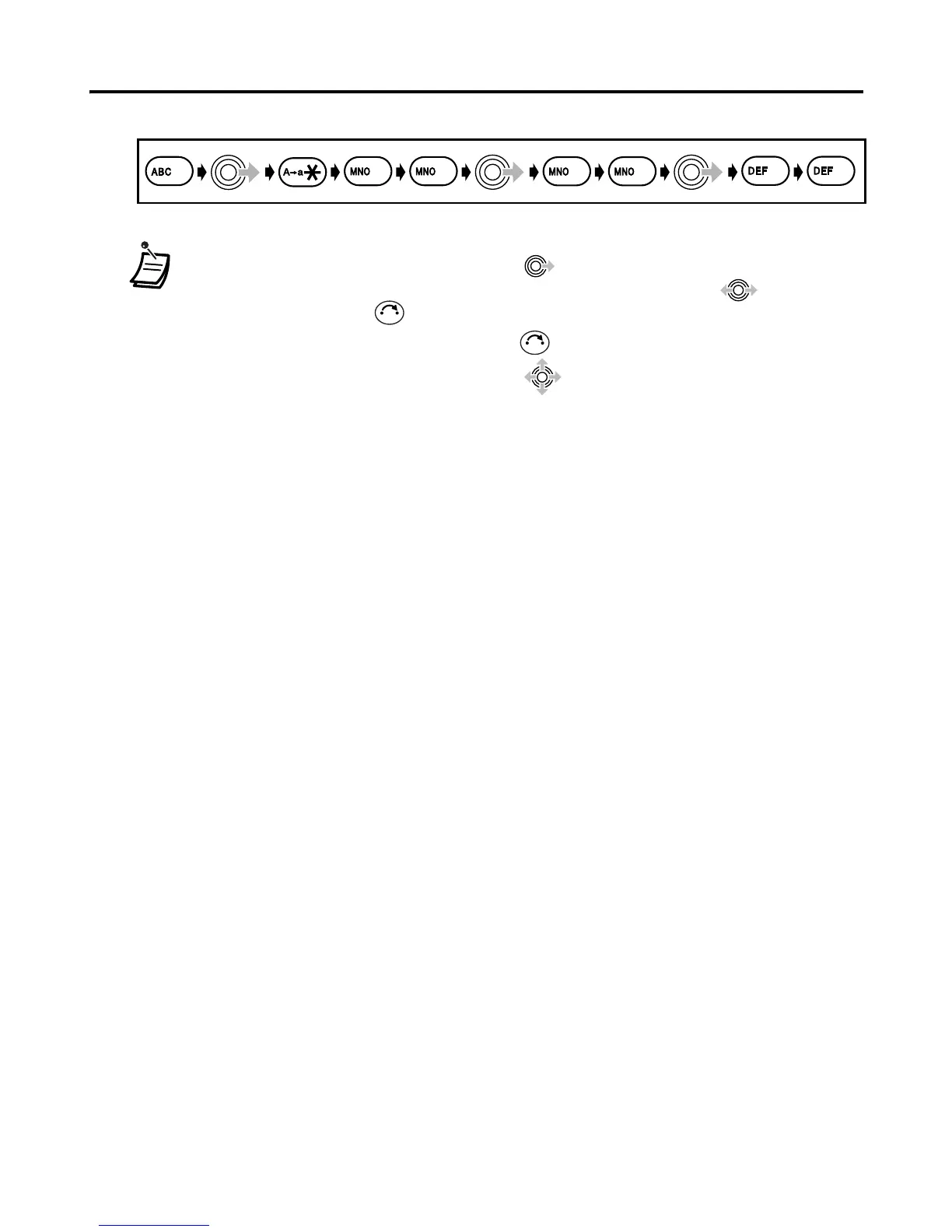
Example: To enter “Anne” in Normal Mode.
• To enter a character located on the same dialling button as the previous character,
move the cursor by moving the Joystick , then enter the desired character.
• If you enter a different character by mistake, move the Joystick to highlight
the character, press to delete it, then enter the correct character.
• To clear an entire line, press and hold .
• To move the cursor, move the Joystick .
6 6
2
3
3
6
6
C
C










 To Next Page