EasyManua.ls Logo

Panasonic KX-TD7896 - User Manual

Panasonic KX-TD7896
40 pages
Print Icon
To Next Page IconTo Next Page
Loading...
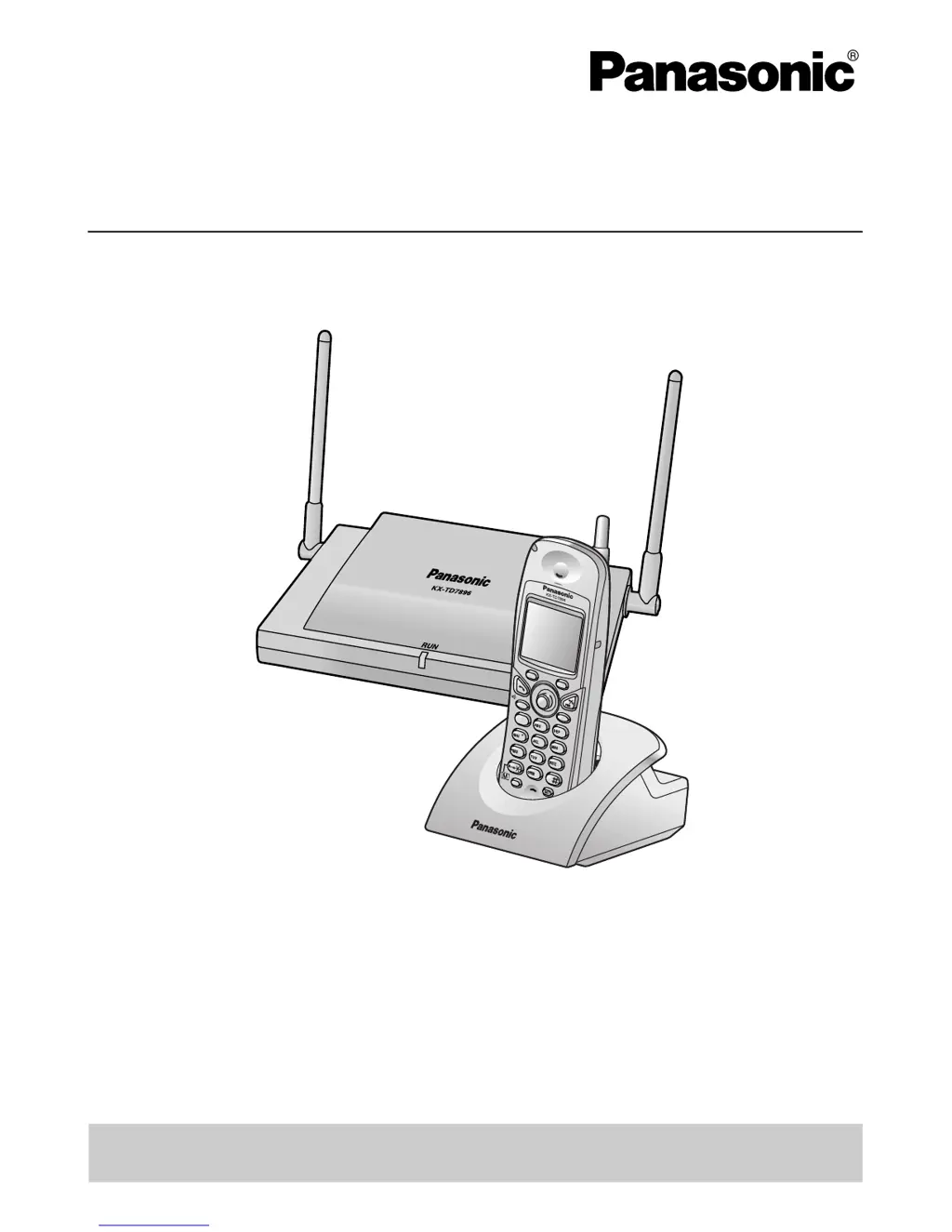
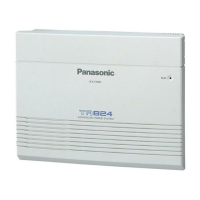
Advanced Hybrid System
User Guide for KX-TD7896
Model KX-TA308/KX-TA624/KX-TA824
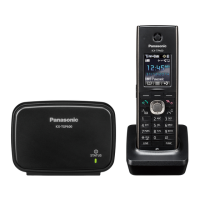
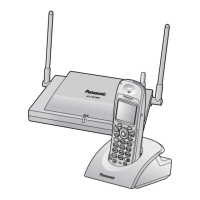
Thank you for purchasing the Panasonic KX-TD7896 Wireless PT (Wireless
Proprietary Telephone). Please read this manual carefully before using this product
and save this manual for future use.
This manual is designed to be used with the KX-TD7896 Wireless PT (Wireless
Proprietary Telephone) and a Panasonic KX-TA series (other than KX-TA1232) PBX
(Business Telephone System).
Please use only the battery provided and charge the battery for about
7 hours before using the handset for the first time.
7
3
6
2
4
8
9
5
0
1
HOLD
XFER
R
C
L
FLAS
H
C
L
R

Questions and Answers

  • D
    deborah02Aug 16, 2025
    How to fix Panasonic KX-TD7896 Telephone System speed dialing or one-touch dialing?
    • D
      Diamond WalshAug 16, 2025
      If speed dialing or one-touch dialing is not working on your Panasonic Telephone System, it is likely due to incorrect programming. Ensure that you store the outside (CO) line access number (e.g., 9, or 81 through 88) at the beginning of the telephone number.
  • S
    Susan MartinezAug 22, 2025
    Why is my Panasonic proprietary telephone (PT) not ringing?
    • S
      Sherri BoydAug 22, 2025
      If your Panasonic proprietary telephone (PT) is not ringing, the ringer volume may be set to off. Set the ringer volume to either "HIGH" or "LOW".
  • D
    Daniel GordonAug 26, 2025
    How to troubleshoot a non-functioning Panasonic KX-TD7896 System extension telephone?
    • M
      mccoythomasAug 26, 2025
      If your Panasonic extension telephone is not functioning, there might be a faulty connection between the PBX and the telephone. To check this, plug the telephone into the same extension port using a short telephone cord. If it works, the original connection needs repair. Alternatively, the telephone itself may be faulty. Plug it into a known working extension port; if it still fails, replace the telephone. Also, ensure that if you're using a telephone with an A-A1 relay, it's connected with a 2-wire cord and the A-A1 relay switch is in the "OUT" or "OFF" position. Finally, a faulty extension card could be the issue; try exchanging it for a known working one.
  • S
    Steven ClarkeAug 28, 2025
    What to do if Panasonic proprietary telephones (PTs) don't work on extension jacks?
    • M
      Michael MendezAug 28, 2025
      If proprietary telephones (PTs) connected to extension jacks do not operate, but single line telephones (SLTs) do on your Panasonic Telephone System, the H and L pins of the extension jacks may have shorted. Turn the Power Switch to the "OFF" position, fix the shorted part, and then turn the Power Switch to the "ON" position.
  • D
    David GrahamAug 31, 2025
    Why is there noise heard through the external pager (loudspeaker) on my Panasonic system?
    • M
      Michelle ShepherdAug 31, 2025
      If you are hearing noise through the external pager (loudspeaker) of your Panasonic PBX system, and you are using an amplifier, the noise may be introduced through the cable connecting the PBX and the amplifier or loudspeaker. Using a shielded cable to connect the PBX and the amplifier or loudspeaker may help. A shorter cable will also introduce less noise.
  • P
    Paul HowardSep 3, 2025
    What causes distorted audio (Music on Hold, Background Music) on a Panasonic KX-TD7896 System?
    • W
      William SandovalSep 3, 2025
      If the audio (Music on Hold, Background Music) is distorted on your Panasonic Telephone System, the audio level from the output of the audio source may be too high. Decrease the output level of the external audio source by using the volume control on the audio source.
  • B
    brookschristopherSep 6, 2025
    Why can't I make outside calls with a Panasonic PT?
    • C
      Carol LynchSep 6, 2025
      If outside (CO) line calls cannot be made with a PT on your Panasonic Telephone System, a flexible button on the PT has not been programmed to select an outside (CO) line. Program the CO buttons. Refer to "1.1.61 Flexible Buttons" in the Feature Manual.
  • K
    Kimberly Gibson MDSep 10, 2025
    What to do if no sound is heard on Panasonic analog proprietary telephone speakerphone?
    • A
      Amanda HarrisSep 12, 2025
      If you cannot hear sound when using the speakerphone on your Panasonic analog proprietary telephone, check the HANDSET/HEADSET selector. If it is set to the "HEADSET" position, switch it to the "HANDSET" position when you are not using a headset.
  • B
    benjamin38Sep 12, 2025
    How to fix Panasonic outside (CO) line(s) connected to the H/L pins?
    • I
      ichavezSep 12, 2025
      To solve the issue of outside (CO) lines being connected to the H/L pins on your Panasonic Telephone System, reconnect the outside (CO) line(s) to the T/R pins of the telephone jack using 2-conductor wiring.

Panasonic KX-TD7896 Specifications

General IconGeneral
TypeCordless
CompatibilityPanasonic KX-TD Series PBX Systems
SpeakerphoneYes
Headset JackYes
Volume ControlYes
Call TransferYes
Call HoldYes
ConferenceYes
RedialYes
MuteYes
FeaturesCaller ID, Call Waiting, Intercom
Display3-line, 16-character LCD

Related product manuals