EasyManua.ls Logo

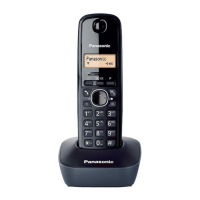
Panasonic KX-TG1810NZ - User Manual

Panasonic KX-TG1810NZ
44 pages
Print Icon
To Next Page IconTo Next Page
Loading...
This unit is Caller ID compatible. To display the callers phone
number, you must subscribe to Caller ID service.
Charge the batteries for about 7 hours before initial use.
Please read these operating instructions before using the unit and save them for
future reference.
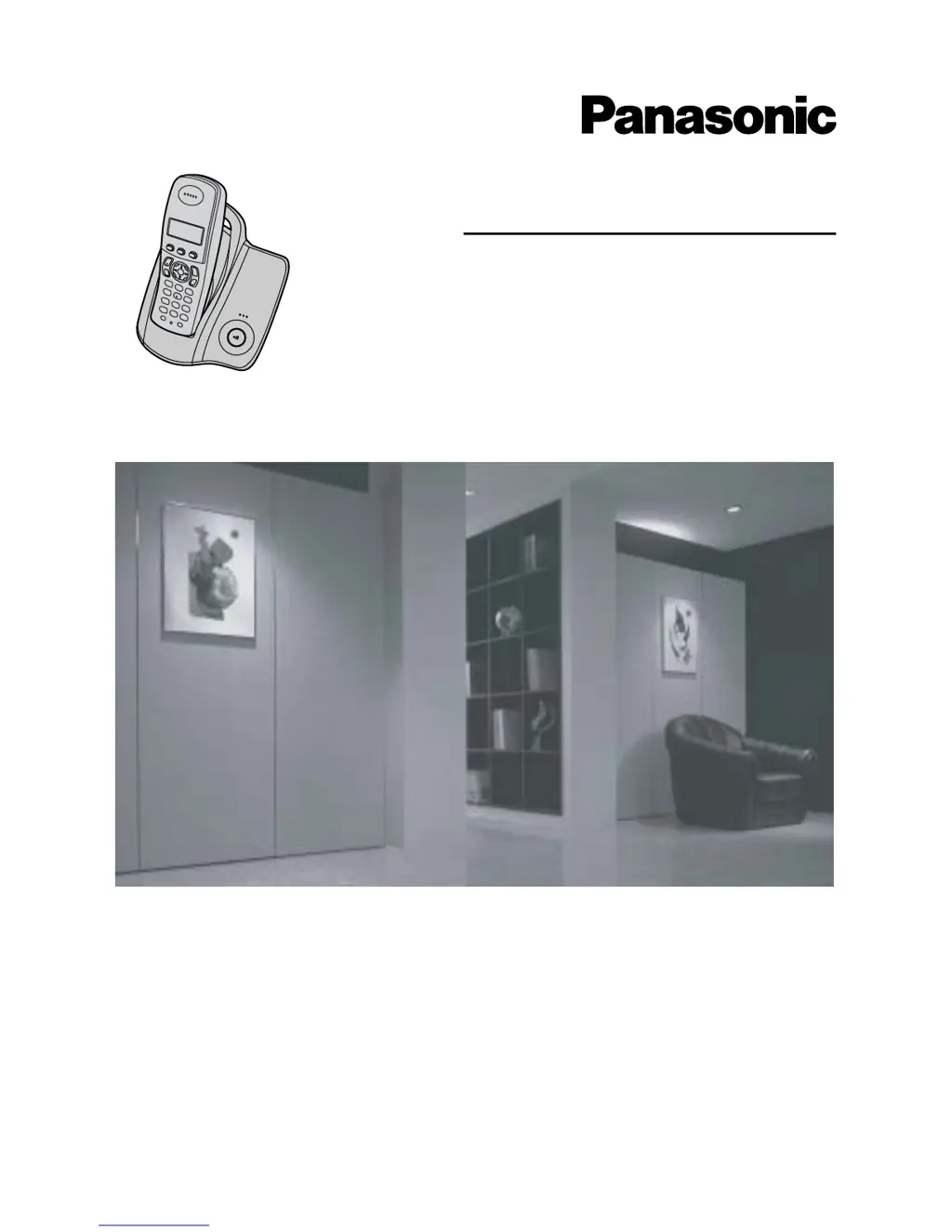
Operating Instructions
Model No. KX-TG1810NZ
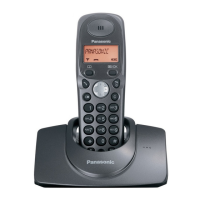
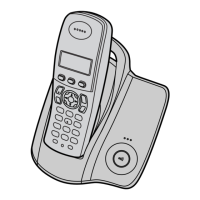
Digital Cordless Phone

Questions and Answers

  • S
    Shannon GillAug 20, 2025
    Why is my Panasonic KX-TG1810NZ Cordless Telephone not ringing?
    • E
      Elizabeth TownsendAug 20, 2025
      If your Panasonic Cordless Telephone isn't ringing, the ringer volume may be turned off. Adjust the handset and base unit ringer volume. Also, check if the night mode feature is turned on and turn it off if necessary.
  • B
    baileyloriAug 22, 2025
    What to do if the handset display is blank on my Panasonic KX-TG1810NZ Cordless Telephone?
    • C
      christopher46Aug 22, 2025
      If the handset display is blank on your Panasonic Cordless Telephone, the handset is not turned on. Turn the power on.
  • A
    adam58Aug 25, 2025
    What to do if the batteries on my Panasonic KX-TG1810NZ Cordless Telephone should be charging but the battery icon does not change?
    • B
      Bruce FoxAug 25, 2025
      If the battery icon on your Panasonic Cordless Telephone doesn't change while charging, clean the charge contact and try charging again. Also, make sure the AC adapter is properly plugged in.
  • A
    Andrea HenryAug 26, 2025
    Why is there static or sound cutting in and out on my Panasonic KX-TG1810NZ Cordless Telephone?
    • B
      Bridget SmithAug 26, 2025
      If you hear static or the sound cuts in and out on your Panasonic Cordless Telephone, it could be due to interference from other electrical units. Try moving the handset and base unit away from other electrical appliances. If you're using ADSL service, contact your provider to install an ADSL Splitter.
  • A
    Anthony BentonAug 28, 2025
    What to do if the handset stops working while being used on my Panasonic Cordless Telephone?
    • F
      Frank EstesAug 28, 2025
      To solve the issue of your Panasonic Cordless Telephone handset stopping working while in use, disconnect the AC adapter and turn off the handset. Then, reconnect the AC adapter, turn the handset back on, and try again.
  • S
    Sally LewisAug 30, 2025
    Why does a busy tone sound when I press {C} on my Panasonic KX-TG1810NZ Cordless Telephone?
    • M
      Martin GonzalezAug 30, 2025
      If you hear a busy tone when pressing {C} on your Panasonic Cordless Telephone, it could be because the handset is too far from the base unit. Try moving closer and try again. Alternatively, another handset may be on an outside call; wait for the other user to complete their call.
  • S
    Sarah GoodwinSep 1, 2025
    Why is caller information not displayed on my Panasonic Cordless Telephone?
    • K
      Katherine PowellSep 1, 2025
      If caller information is not displayed on your Panasonic Cordless Telephone, ensure you have subscribed to Caller ID service. Also, if you are connected to a telephone line with ADSL (JetStream) service, contact your ADSL service provider to have an ADSL Splitter installed.
  • T
    Travis RichardsSep 3, 2025
    What does it mean when my Panasonic KX-TG1810NZ handset beeps intermittently and/or 7 flashes?
    • M
      Mr. Anthony Chambers Jr.Sep 3, 2025
      To resolve the issue of your Panasonic Cordless Telephone handset beeping intermittently and/or 7 flashing, fully charge the batteries.
  • S
    Shawn GomezSep 4, 2025
    Why is 'w' flashing on my Panasonic Cordless Telephone?
    • K
      Kathryn JohnsonSep 5, 2025
      The 'w' may be flashing on your Panasonic Cordless Telephone because the handset isn't registered to the base unit, it's too far from the base unit, or the AC adapter isn't connected. Try registering the handset, moving closer to the base unit, or checking the AC adapter connections.
  • J
    Jamie PatelSep 7, 2025
    What to do if I cannot make or receive calls on my Panasonic Cordless Telephone?
    • A
      Ashley Martin DDSSep 7, 2025
      If you are unable to make or receive calls on your Panasonic Cordless Telephone, check the AC adapter and telephone line cord connections. If you're using a BT double adapter, remove it and connect the unit directly to the phone wall socket. Also, ensure the call bar and key lock features are turned off.

Summary

Feature Highlights

Phonebook

Allows manual-free calling by storing up to 200 names and phone numbers for quick access.

Preparation

Important Information and Safety

Covers critical general, environmental, location, and battery usage precautions for safe operation.

Connections

Provides step-by-step instructions for connecting the AC adaptor and telephone line cord.

Battery Handling

Instructions for battery installation, charging, and care for optimal performance and longevity.

Making and Answering Calls

Making Calls

Guides on dialing numbers, using speakerphone, and adjusting volume during conversations.

Caller ID Service

Using Caller ID

Overview of Caller ID features, including display of caller numbers and call information.

Multi-unit Operation

Troubleshooting

Initial Settings Issues

Solutions for problems like flashing indicators, blank displays, and power on issues.

Telephone and Battery Problems

Troubleshooting for call issues, no ringing, battery charging problems, and interference.

Panasonic KX-TG1810NZ Specifications

General IconGeneral
TypeCordless Telephone
Number of Handsets1
Caller IDYes
Talk Time10 hours
DisplayLCD
Battery TypeNi-MH
Frequency1.9 GHz
GAP CompatibleYes
Call BlockYes
Ringer IDYes
Call WaitingYes
SpeakerphoneYes
Answering MachineNo
ExpandableYes
Power SourceAC Adapter
Phonebook Memory50
Range300 meters
IntercomYes

Related product manuals