EasyManua.ls Logo

Panasonic KX-TG7534B - User Manual

Panasonic KX-TG7534B
60 pages
Print Icon
To Next Page IconTo Next Page
Loading...
Thank you for purchasing a Panasonic product.
Please read these operating instructions before using the unit and save
them for future reference.
This unit is compatible with Caller ID. You must subscribe to the appropriate
service offered by your service provider/telephone company.
For assistance, visit our Web site: http://www.panasonic.com/help for
customers in the U.S.A. or Puerto Rico.
Before initial use, see “Getting
Started” on page 9.
Consulte “Guía Rápida Española”, página 50.
Please register your product: http://www.panasonic.com/prodreg
Operating Instructions
Expandable Digital Cordless
Answering System
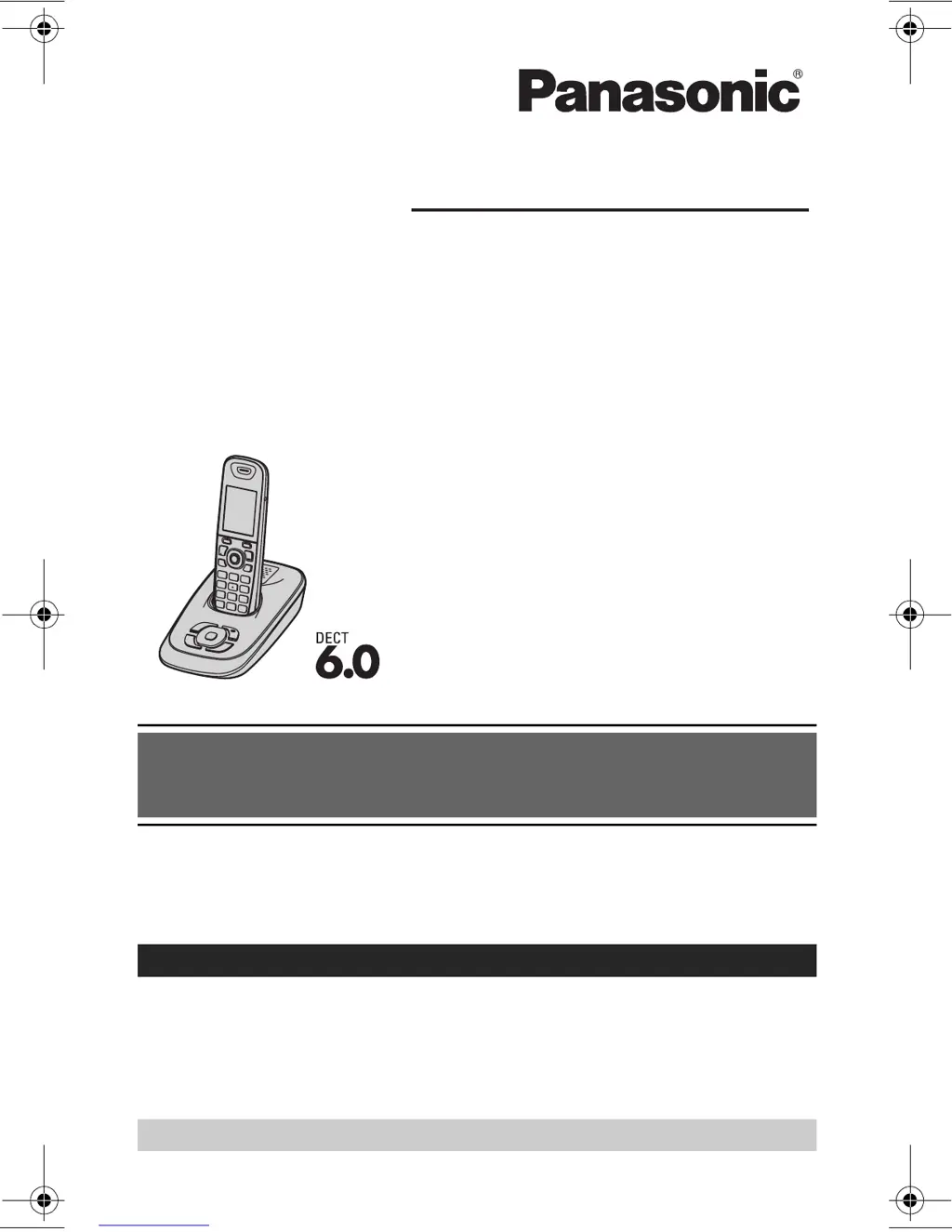
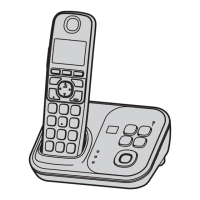
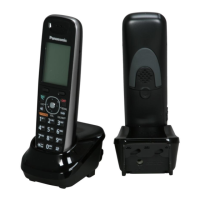
Model shown is KX-TG7531.
Model No.
KX-TG7531
KX-TG7532
KX-TG7533
KX-TG7534
TG7531(e).book Page 1 Monday, December 28, 2009 6:34 PM

Questions and Answers

  • M
    Mary ParkerSep 8, 2025
    Why are caller list numbers not edited automatically on Panasonic KX-TG7534B Cordless Telephone?
    • M
      Matthew KellySep 9, 2025
      If the caller list/incoming phone numbers are not edited automatically on your Panasonic Cordless Telephone, the Caller ID number auto edit feature may be turned off. Turn it on and try again. Also, you need to call back the edited number to activate Caller ID number auto edit.
  • J
    Jill PaulAug 23, 2025
    Why is my Panasonic KX-TG7534B not ringing?
    • A
      Alexander ClarkAug 23, 2025
      If your Panasonic Cordless Telephone is not ringing, the ringer volume might be turned off. Adjust the ringer volume. Also, silent mode may be activated, so ensure you turn it off.
  • L
    lisa16Aug 25, 2025
    What to do if my Panasonic KX-TG7534B is not working?
    • C
      Christopher HerringAug 25, 2025
      If your Panasonic Cordless Telephone is not working, ensure the batteries are installed correctly. Fully charge the batteries. Check all connections. Unplug the base unit’s AC adapter to reset the unit, then reconnect it. Also, the handset might not be registered to the base unit, so register it.
  • M
    Margaret HamiltonAug 26, 2025
    Why can't I hear a dial tone on my Panasonic Cordless Telephone?
    • L
      Laura HallAug 26, 2025
      If you cannot hear a dial tone on your Panasonic Cordless Telephone, check the connections of the base unit’s AC adapter and telephone line cord. If the connections are correct, disconnect the base unit from the telephone line and connect the line to a known working telephone to test if the problem is with the unit or the service provider.
  • A
    Anthony OrtizAug 27, 2025
    Why do I hear noise on my Panasonic Cordless Telephone?
    • T
      Traci NormanAug 27, 2025
      If you are experiencing noise or the sound cuts in and out while using your Panasonic Cordless Telephone, it could be due to high electrical interference in your area. Try repositioning the base unit and using the handset away from sources of interference. Also, try moving closer to the base unit. If you use a DSL/ADSL service, consider connecting a DSL/ADSL filter between the base unit and the telephone line jack.
  • A
    Allison JohnsonSep 22, 2025
    What to do if liquid entered my Panasonic Cordless Telephone?
    • P
      Paige BarberSep 22, 2025
      If liquid or other form of moisture has entered your Panasonic Cordless Telephone handset/base unit, disconnect the AC adapter and telephone line cord from the base unit. Remove the batteries from the handset and leave to dry for at least 3 days. After drying, reconnect the AC adapter and telephone line cord, insert the batteries, and charge fully before use.
  • J
    Joseph CooperSep 16, 2025
    Why I cannot operate the answering system on my Panasonic Cordless Telephone?
    • J
      Jeffrey WheelerSep 16, 2025
      If you cannot operate the answering system on your Panasonic Cordless Telephone, it could be because someone else is currently using the unit or a caller is leaving a message; wait for them to finish. The handset might also be too far from the base unit; move closer.
  • R
    Rodney WallSep 18, 2025
    Why I cannot operate the answering system remotely on my Panasonic KX-TG7534B Cordless Telephone?
    • W
      William TylerSep 18, 2025
      If you cannot operate the answering system remotely on your Panasonic Cordless Telephone, ensure that the remote access code is set. If it is set, you might be entering the wrong remote access code; check your current code. Also, make sure you press each key firmly and that the answering system is turned on.
  • L
    Leslie BrownSep 7, 2025
    Why I cannot register a handset to a base unit of Panasonic KX-TG7534B?
    • S
      Susan ColeSep 7, 2025
      If you cannot register a handset to a base unit of your Panasonic Cordless Telephone, it may be because the maximum number of handsets (6) is already registered to the base unit. Cancel unused handset registrations from the base unit.
  • J
    jenna77Sep 4, 2025
    Why is caller information not announced on my Panasonic KX-TG7534B?
    • S
      samuelwellsSep 4, 2025
      If caller information is not announced on your Panasonic Cordless Telephone, the handset or base unit’s ringer volume might be turned off; adjust it. The Talking Caller ID feature may also be turned off; turn it on. Also, the number of rings for the answering system may be set to “2 rings” or “Toll saver”; select a different setting.

Panasonic KX-TG7534B Specifications

General IconGeneral
BrandPanasonic
ModelKX-TG7534B
CategoryCordless Telephone
LanguageEnglish

Related product manuals