EasyManua.ls Logo

Panasonic KX-TGB212E - User Manual

Panasonic KX-TGB212E
32 pages
Print Icon
To Next Page IconTo Next Page
Loading...
Thank you for purchasing a Panasonic product.
Please read these operating instructions before using the unit and save them for
future reference.
This unit is compatible with Caller ID. You must subscribe to the appropriate service
offered by your service provider/telephone company.
Before initial use, see “Getting Started”
on page 10.
Please access our online customer survey:
http://panasonic.net/pcc/tel/q
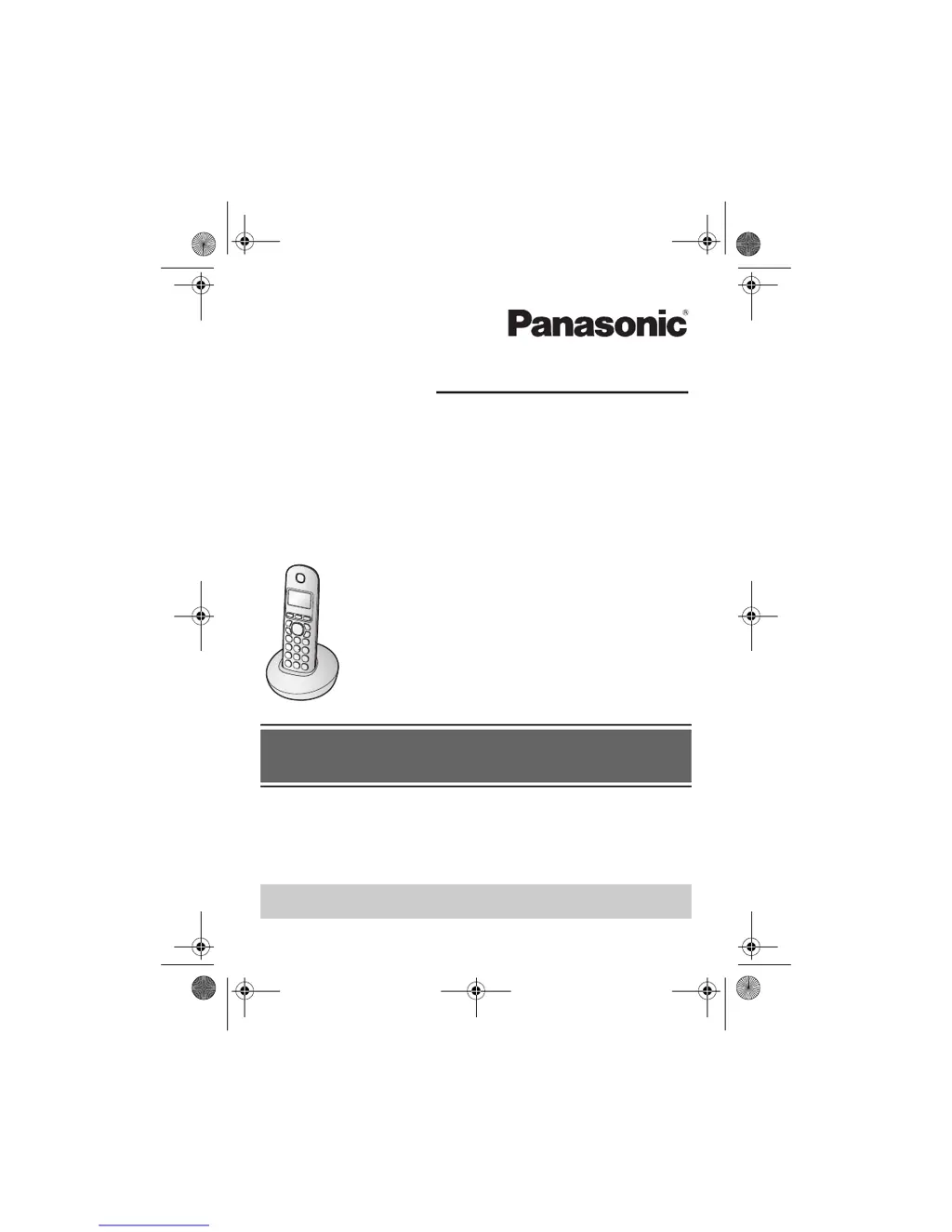
Operating Instructions
Model No. KX-TGB210E
KX-TGB212E
KX-TGB213E
KX-TGB214E
Digital Cordless Phone
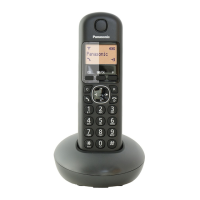
Model shown is KX-TGB210.
TGB21xE(en).book Page 1 Wednesday, April 9, 2014 11:53 AM

Other manuals for Panasonic KX-TGB212E

Questions and Answers

  • K
    Kylie Roberts DVMSep 23, 2025
    What to do if moisture entered my Panasonic KX-TGB212E Cordless Telephone?
    • A
      Ashley CookSep 23, 2025
      If liquid or other form of moisture has entered the handset/base unit, disconnect the AC adaptor and telephone line cord from the base unit. Remove the batteries from the handset and leave to dry for at least 3 days. After the handset/base unit are completely dry, reconnect the AC adaptor and telephone line cord. Insert the batteries and charge fully before use. If the unit does not work properly, no answer.
  • D
    David MasonAug 25, 2025
    Why I cannot hear a dial tone on my Panasonic KX-TGB212E?
    • D
      Danny Carr Jr.Aug 25, 2025
      If you cannot hear a dial tone on your Panasonic Cordless Telephone, check the following: * Ensure you are using the supplied telephone line cord, as your old one may have a different wiring configuration. * Verify that the base unit’s AC adaptor or telephone line cord is properly connected. * Disconnect the base unit from the telephone line and connect the line to a known working telephone. If the working telephone operates properly, contact our service personnel to have the unit repaired. If the working telephone does not operate properly, contact your service provider/telephone company.
  • C
    Christina CarrAug 25, 2025
    What does it mean when my Panasonic Cordless Telephone beeps and/or displays 8?
    • J
      jessicasantosAug 26, 2025
      If your Panasonic Cordless Telephone handset beeps and/or displays 8, fully charge the batteries.
  • M
    Mark HansenAug 27, 2025
    Why can't I make a call on my Panasonic Cordless Telephone?
    • U
      urothAug 27, 2025
      If you cannot make a call on your Panasonic Cordless Telephone, it might be because: * The handset is too far from the base unit, so move closer and try again. * Another unit is in use, so wait and try again later.
  • E
    Edwin McdonaldAug 27, 2025
    What to do if my Panasonic KX-TGB212E Cordless Telephone handset display is blank?
    • M
      Ms. Deborah MendozaAug 27, 2025
      If the handset display on your Panasonic Cordless Telephone is blank, turn the power on.
  • B
    bmaciasSep 13, 2025
    Why I cannot use the intercom feature on my Panasonic Cordless Telephone?
    • D
      douglasshawnSep 14, 2025
      This feature is available between the handsets. Although the handset displays “Intercom”, this feature is not available for single handset models.
  • D
    Devin TaylorSep 12, 2025
    Why is caller information slow to display on my Panasonic KX-TGB212E?
    • N
      Natasha JamesSep 12, 2025
      If caller information is slow to display on your Panasonic Cordless Telephone: * The unit may display the caller’s information at the 2nd ring or later, depending on your service provider/telephone company. * Try moving closer to the base unit.
  • T
    tracey93Sep 12, 2025
    What to do if liquid entered my Panasonic KX-TGB212E Cordless Telephone?
    • A
      Amber SimsSep 13, 2025
      If liquid or other moisture has entered your Panasonic Cordless Telephone handset/base unit: * Disconnect the AC adaptor and telephone line cord from the base unit. Remove the batteries from the handset and leave to dry for at least 3 days. * After the handset/base unit are completely dry, reconnect the AC adaptor and telephone line cord. Insert the batteries and charge fully before use. * If the unit still does not work properly, contact an authorized service center.
  • J
    Joshua RobinsonSep 4, 2025
    Why does my Panasonic Cordless Telephone beep or display 8?
    • K
      Kristin ThompsonSep 4, 2025
      If your Panasonic Cordless Telephone beeps and/or displays 8, fully charge the batteries.
  • H
    hharmonSep 2, 2025
    How to fix the shifted time on my Panasonic KX-TGB212E?
    • D
      davidwestSep 2, 2025
      If the time on your Panasonic Cordless Telephone has shifted, set the time adjustment to “Manual” (off).

Panasonic KX-TGB212E Specifications

General IconGeneral
BrandPanasonic
ModelKX-TGB212E
CategoryCordless Telephone
LanguageEnglish

Related product manuals