EasyManua.ls Logo

Panasonic KX-TGEA20 - User Manual

Panasonic KX-TGEA20
16 pages
Print Icon
To Next Page IconTo Next Page
Loading...
Installation Manual
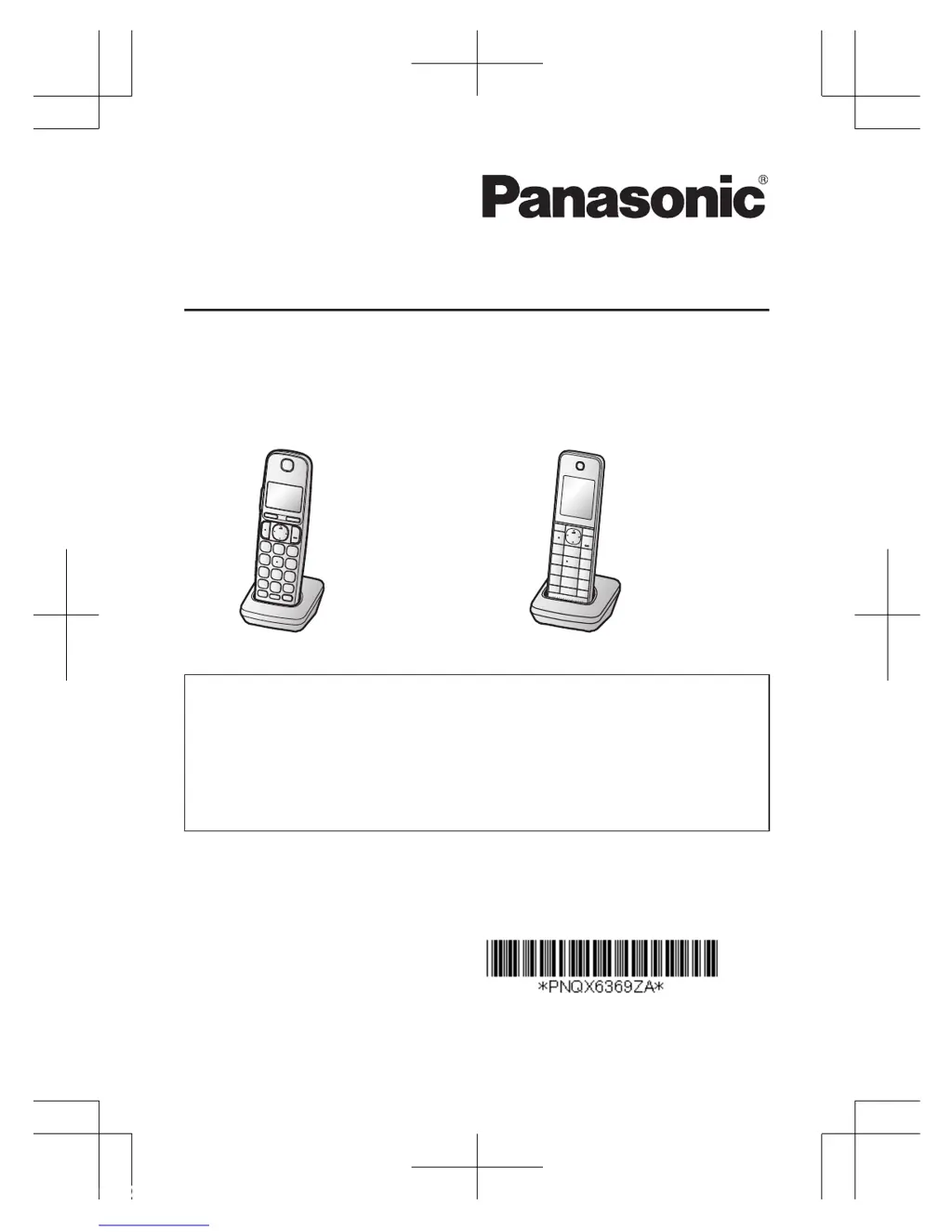
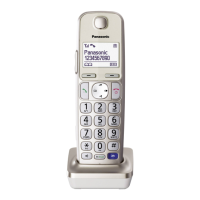
Additional Digital Cordless Handset
Model No. KX-TGEA20
KX-TGHA20
KX-TGEA20 KX-TGHA20
Thank you for purchasing a Panasonic product.
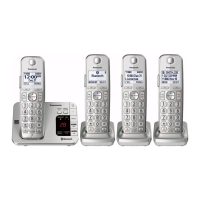
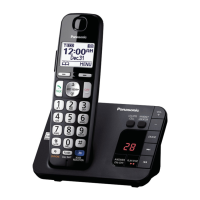
This unit is an additional handset compatible with the following series of
Panasonic Digital Cordless Phone:
- KX-TGE210/KX-TGE230/KX-TGE240/KX-TGE260/KX-TGE270 (KX-TGEA20)
- KX-TGH260 (KX-TGHA20)
(The corresponding models are subject to change without notice.)
You must register this handset with your base unit before it can be used. This
installation manual describes only the steps needed to register and begin using
the handset. Please read the base unit’s operating instructions for further details.
Please read this installation manual before using the unit and save it for future
reference.
For assistance, visit our Web site: http://www.panasonic.com/help
for customers in the U.S.A. or Puerto Rico.
Printed in Malaysia
PNQX6369ZA
PT1113MG0
TGEA_TGHA20(en)_1119_ver021.pdf 1 2013/11/19 11:47:23

Questions and Answers

  • J
    James SalazarJul 26, 2025
    Why can't I pair my cellular phone to my Panasonic Cordless Telephone?
    • E
      Edward WilliamsJul 27, 2025
      If you are having trouble pairing your cellular phone to the Panasonic Cordless Telephone base unit, there might be a few reasons. It could be a compatibility issue, so ensure your phone supports the hands-free profile (HFP) specification. Also, double-check that Bluetooth is enabled on your phone. Try turning your cellular phone off and on again, as the Bluetooth technology may not be working correctly. Disconnect any other Bluetooth devices connected to your phone, like a headset, and make sure you're entering the correct Bluetooth PIN if prompted.
  • C
    Cory StanleyAug 6, 2025
    What to do if my Panasonic KX-TGEA20 Cordless Telephone does not work?
    • S
      stephanie98Aug 6, 2025
      If your Panasonic Cordless Telephone unit isn't working, there are several things you can check: * Make sure the batteries are correctly installed. * Ensure the batteries are fully charged. * Check all the connections. * Try resetting the unit by unplugging the base unit’s AC adapter, then reconnecting it. * The handset may not be registered to the base unit; in this case, register the handset.
  • T
    travis24Aug 15, 2025
    How to turn on Panasonic Cordless Telephone handset?
    • D
      Daryl Baker PhDAug 15, 2025
      If your Panasonic Cordless Telephone handset doesn't turn on even after installing charged batteries, place the handset on the base unit or charger to turn it on.

Panasonic KX-TGEA20 Specifications

General IconGeneral
Display typeLCD
Product colorChampagne
Display diagonal1.8 \
Display resolution103 x 65 pixels
Display number of colorsMonochrome
Quantity1
Speakerphone-
CompatibilityKX-TGE22, KX-TGE21
Navigation keyYes
Brand compatibilityPanasonic
Weight and Dimensions IconWeight and Dimensions
Depth31 mm
Width54 mm
Height171 mm
Weight140 g

Videos

How to Unblock a Number on Panasonic KX-TGEA20

Related product manuals