Temporary Confidential
Preparation
11
For assistance, please visit http://www.panasonic.com/help
*1 KX-TH1211/KX-TH1212
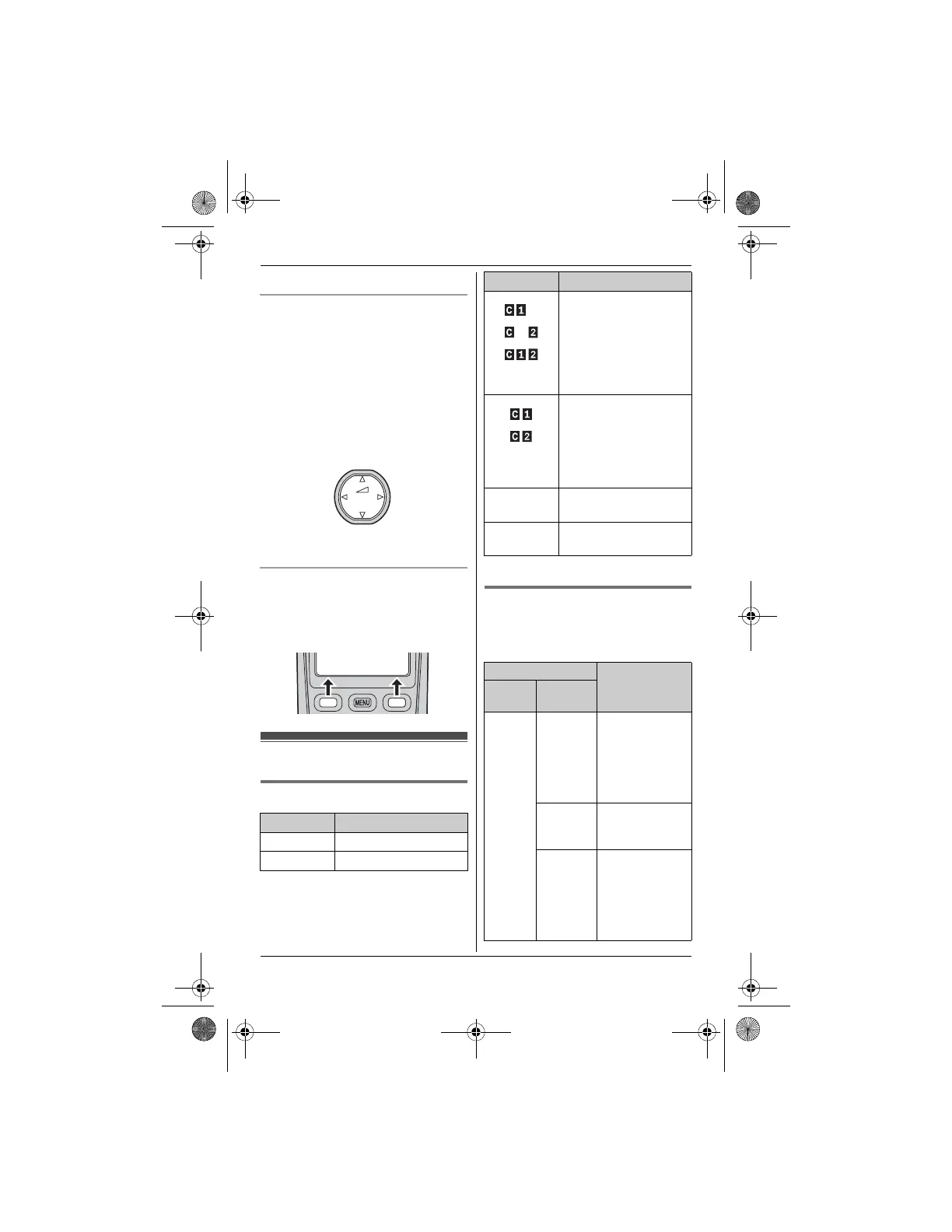
Using the navigator key
The handset navigator key can be used
to navigate through menus and to select
items shown on the display by pressing
{^}, {V}, {<}, or {>}.
To adjust the receiver or speaker
volume, press {^} to increase the
volume, or press {V} to decrease the
volume repeatedly while talking.
Soft keys
The handset features 2 soft keys. By
pressing a soft key, you can select the
feature shown directly above it on the
display.
Display/Indicators
Handset display items
*1 KX-TH1211/KX-TH1212
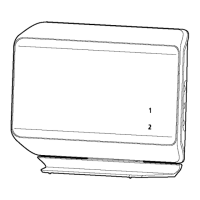
LINK TO CELL indicator 1, 2
The LINK TO CELL indicators on the
base unit show the status of cellular
lines.
Item Meaning
5 Battery level
[1] Handset number
{V}
{^}
{<}{>}
Volume down
Volume up
View Phone
K
CID book
L
(displayed
in the left)
The cellular phone is
connected. You are
ready to make/receive
cellular calls.
(displayed
in the right)
– The cellular line is
selected for the
ringer setting.
– A cellular call is
being received or
blocked on that line.
Cell in
use
Someone is using a
cellular line.
Line in
use
*1
Someone is using the
landline.
Status Meaning
Color Light
pattern
Green On The cellular
phone is
connected. You
are ready to
make/receive
cellular calls.
Flashing The base unit is
registering a
cellular phone.
Flashing
rapidly
The base unit is
searching for
the registered
cellular phone
to connect
(page 18).
Item Meaning
TH12XX.book Page 11 Wednesday, December 19, 2007 4:17 PM




 To Next Page