Temporary Confidential
Introduction
4
For assistance, please visit http://www.panasonic.com/help
Feature differences
Feature highlights
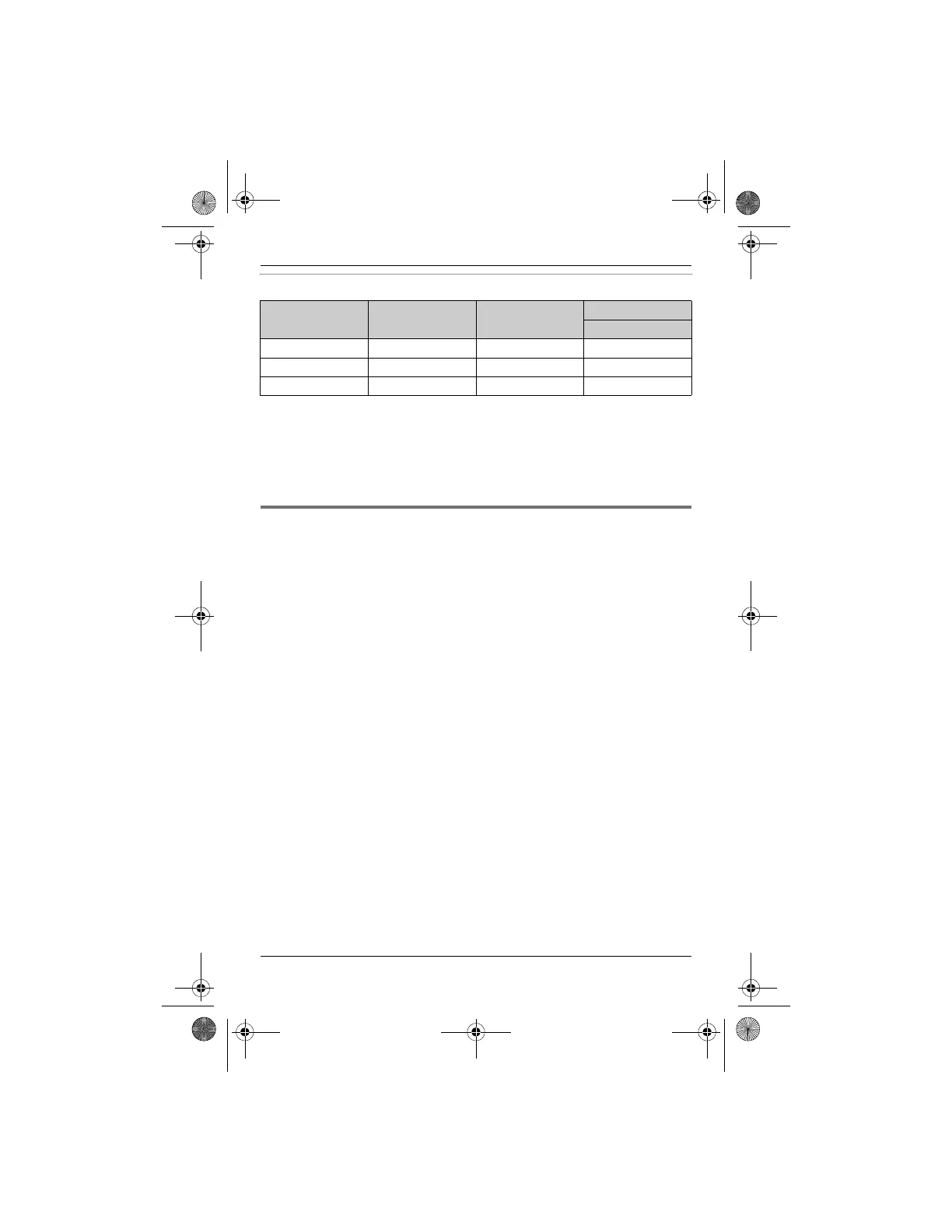
Model No. Link to cell
*1
Landline
*2
Intercom
N ⇔ N
*3
KX-TH1201 r ––
*4
KX-TH1211 rr–
*4
KX-TH1212 rrr
*1 Cellular lines can be used to make/answer calls with the handset by registering
your cellular phones to the base unit (page 17).
*2 Landline can be used to make/answer calls.
*3 Intercom calls can be made between the handsets.
*4 Intercom calls can be made between the handsets by purchasing and registering
one or more optional handsets (page 6).
■ Link to cell
Allows you to make or answer cellular calls using the handset by registering up to
2 cellular phones. Your cellular phones must be Bluetooth
®
wireless technology
compatible with this product (page 17). It is useful for maximizing the benefits of
cellular services such as a cellular to cellular calling plan. For more information on
this feature, please visit our website at:
www.panasonic.com/CompatibleCellPhones
■ Talking Caller ID
Allows the handset to announce the caller’s name or phone number when a call is
received (page 37).
■ Block calls
Allows the unit to reject calls from specified phone numbers that you do not want
to answer such as junk calls (page 33).
■ Night mode
Allows you to select a span of time during which the handset will not ring for
outside calls (page 34).
■ Talking battery alert/Talking alarm clock
Allows the handset to alert you if the battery is low (talking battery alert; page 15)
and to alert you at the set time with a selected voice announcement such as “Good
morning” as a wake-up greeting (talking alarm clock; page 34).
TH12XX.book Page 4 Wednesday, December 19, 2007 4:17 PM











 To Next Page