Preparation
8 For assistance, please visit http://www.panasonic.com/consumersupport
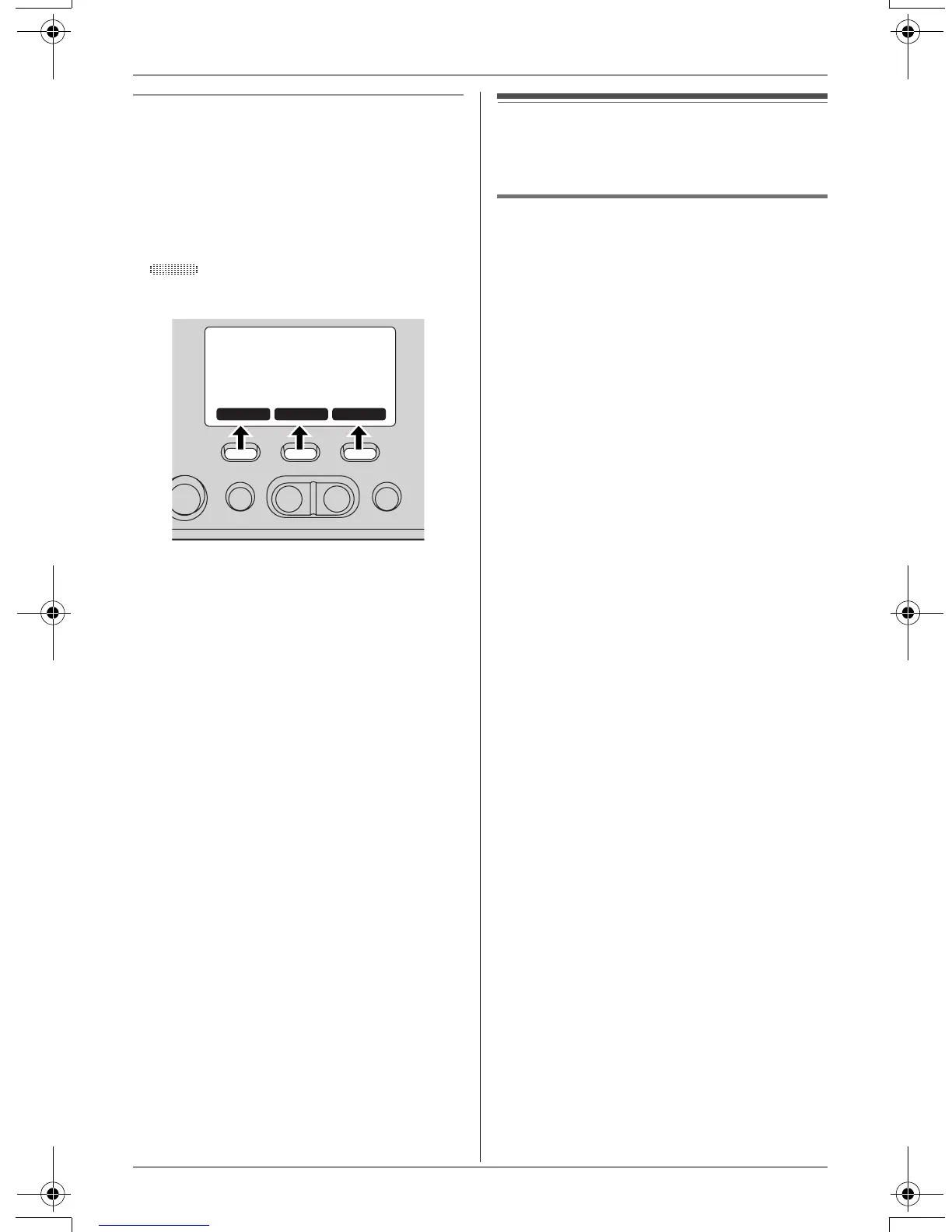
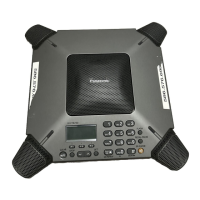
Function keys ({F1}, {F2}, {F3})
By pressing a function key, you can select
the function displayed directly above it.
L The functions displayed will vary
depending on how you are using the
unit.
L When a function does not appear or
is displayed above a function key,
the function key will not work.
L In these operating instructions, function
key names are written inside brackets,
the same way as the unit keys.
Example:
Unit keys: {s}, {STOP}, etc.
Function keys: {PLAY}, {MENU},
{k}, etc.
Setting the unit before
use
Setting the dialing mode
If you cannot make calls, change this
setting depending on your telephone line
service.
“Tone” (default): For tone dial service.
“Pulse”: For rotary pulse dial service.
1 Press {MENU} ({F2} key), then press
{#}, {1}, {2}, {0}.
2 Press {1} (Pulse) or {2} (Tone).
3 Press {SAVE} ({F3} key), then press
{STOP}.
PLAY
k
MENU
TS730S.book 8 ページ 2005年7月19日 火曜日 午後1時59分


 To Next Page