EasyManua.ls Logo

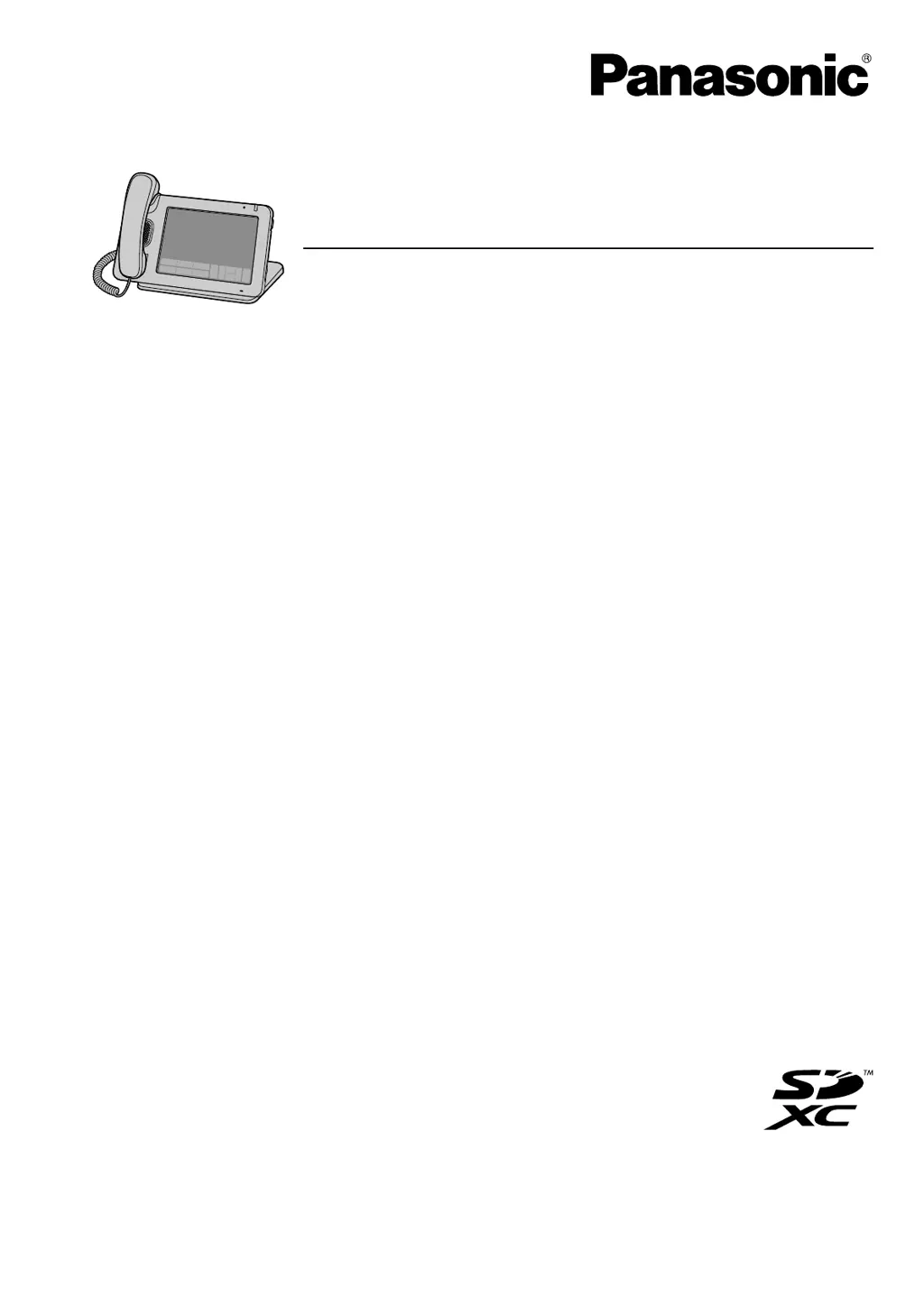
Panasonic KX-UT670 - User Manual

Panasonic KX-UT670
144 pages
Print Icon
To Next Page IconTo Next Page
Loading...
Model No. KX-UT670
Smart Desk Phone
Thank you for purchasing this Panasonic product.
Please read this manual carefully before using this product and save this manual for future use.
KX-UT670: Software File Version 01.030 or later
In this manual, the suffix of each model number is omitted unless necessary.
Operating Instructions
Document Version: 2012-02

Table of Contents

Other manuals for Panasonic KX-UT670

Questions and Answers

  • M
    Michael HuntSep 1, 2025
    Why I cannot add a new contact on my Panasonic KX-UT670 Telephone?
    • A
      Ashley NealSep 1, 2025
      If you can't add a new contact, it's likely because you've already reached the maximum number of contacts allowed. Try deleting unnecessary contacts to make room for new ones.
  • J
    Jessica BassAug 25, 2025
    Why does the other party cannot hear my voice on Panasonic KX-UT670 Telephone?
    • M
      marcuswillisAug 25, 2025
      The other party might not be able to hear you because the Panasonic Telephone is muted. In this case, the light on will be flashing red. Press the mute button to turn off mute. Another reason could be that the microphone is blocked. Make sure you are not blocking the microphone with your hands or other objects during the call.
  • J
    Joshua MaddoxNov 23, 2025
    Why does my Panasonic KX-UT670 Telephone not ring?
    • J
      John VasquezNov 23, 2025
      If your Panasonic Telephone does not ring, it could be due to several reasons. First, check if the ringer volume is turned off and adjust it accordingly. Then, confirm that each line is registered correctly in the VoIP status. Also, verify that the SIP server address, URLs of the configuration files, and encryption key are correct. Check the firewall and port forwarding settings on the router. Ensure that the [Call Control] settings for each line in the Web user interface are properly configured. If [Do Not Disturb] or [Unconditional (Enable Call Forward)] is set to [Yes], the unit will not receive calls. Also, if [Block Anonymous Call] is enabled, anonymous calls will be blocked. Check that these settings are not controlled by your phone system. For more help, consult your network adminis...
  • R
    Robert GarciaSep 7, 2025
    Why I cannot redial by selecting an entry in a call log on Panasonic KX-UT670 Telephone?
    • K
      kim22Sep 7, 2025
      If you cannot redial by selecting an entry in a call log on your Panasonic Telephone, the number you are trying to redial is too long. If the dialed number is longer than 32 digits, it cannot be redialed correctly.
  • J
    Joseph KimSep 12, 2025
    Why some of the keys on the USB keyboard do not work with Panasonic KX-UT670 Telephone?
    • M
      Michael MillsSep 12, 2025
      If some of the keys on the USB keyboard do not work with your Panasonic Telephone, the locale of the keyboard might be different from the locale selected for the unit. When you specify a locale for the unit in the [Language & keyboard] settings, the USB keyboard type is set to the same locale. You might be using a key that is not supported by this unit. Confirm which keys are supported.
  • C
    Carrie BenderSep 4, 2025
    What to do if firmware update using the SD card does not work on Panasonic KX-UT670 Telephone?
    • D
      David RobertsSep 4, 2025
      If the firmware update using the SD card does not work on your Panasonic Telephone, first confirm that the firmware is saved in the root directory of the SD card. Also, firmware cannot be updated while on a call, so end any current calls.
  • M
    Matthew CookAug 30, 2025
    How to fix Panasonic Telephone display?
    • C
      Christian BrownAug 30, 2025
      If the Panasonic Telephone display is not shown well, it may be because the screen’s brightness is set too low. Adjust the display’s brightness. Another reason might be that the ambient light sensor is covered by something. Check that the ambient light sensor is not covered or blocked and remove any obstructions.
  • S
    Samantha RussellSep 15, 2025
    Why I cannot save to SD card on Panasonic KX-UT670 Telephone?
    • A
      Adam MontoyaSep 15, 2025
      If you cannot save to an SD card using your Panasonic Telephone, the SD memory card may not be compatible with this unit. Use an SD card that is compatible with this unit. Also, the SD card may not be formatted correctly, so format the SD card. Another reason could be that the SD card is not completely inserted; remove the SD card, and then reinsert the card, making sure to insert it completely. Finally, the write-protection switch on the SD might be set to the "lock" position; remove the SD card, set the write-protection switch on the card to the unlock position, and then reinsert the card.
  • M
    Maria ShawSep 9, 2025
    Why is the SD card is not recognized by Panasonic Telephone?
    • B
      Brad FergusonSep 9, 2025
      If the SD card is not recognized by your Panasonic Telephone, the SD card is not formatted according to the SD standard. Format the SD card with this unit, and then try again.
  • T
    Tyler HallAug 27, 2025
    What to do if my Panasonic KX-UT670 display is blank?
    • A
      Anthony StanleyAug 27, 2025
      If the display is blank, it could be that the unit is still starting up; wait for it to finish. Alternatively, the display's backlight might be off. Try lifting the handset or touching the display to turn it on.

Summary

Network Camera Integration

For Your Safety

General Safety Precautions

Essential safety guidelines for unit operation and maintenance.

Data Security

Preventing Data Loss

Steps to prevent loss of recorded data.

Preventing Data Disclosure

Measures to prevent unauthorized access to data.

Privacy and Right of Publicity

Unit Overview

Before Operating the Telephone

The Display and Icons

Screen Navigation and Views

Details various screens like Home, Phone, Call Log, Contacts.

Phone Operations

Making Calls and Redialing

Covers dialing, redialing, and calling via contacts/call log.

Receiving and Managing Calls

Details answering, holding, transferring, conference, and muting calls.

Contacts Management

Managing Contacts

Covers adding, editing, deleting, searching, and organizing contacts.

Network Camera Features

Network Camera Setup and Selection

Guides on registering, selecting, and viewing network cameras.

Built-in Applications

Email Application

Details setting up accounts, composing, reading, and managing emails.

Advanced Settings

Connections and Installation

Connecting Cables and Peripherals

Details connections for Ethernet, AC adaptor, headset, USB, and handset.

Configuration Settings

Network and Sound Settings

Covers network configuration and audio/volume settings.

Display, Touch Panel, and Security Settings

Details screen brightness, timeout, touch panel, and security configurations.

Miscellaneous Information

Google Account Synchronization

Details setting up and managing Google account sync.

Troubleshooting

General Usage and Call Issues

Solves display, operation, call, and sound quality problems.

Device and Error Issues

Addresses SD card, USB, function settings, and error messages.

Panasonic KX-UT670 Specifications

General IconGeneral
Speakerphone-
Voice codecsG.711a, G.722, G.729A
MountingDesk/Wall
Handset typeWired handset
Product typeIP Phone
Product colorBlack
Wall mountableYes
Display diagonal7 \
Display number of colors262144 colors
Lines quantity- lines
Phonebook capacity- entries
BluetoothNo
Headphone outputs2.5
USB 2.0 ports quantity1
Ethernet LAN (RJ-45) ports2
Number of handles included1 pc(s)
Operating temperature (T-T)0 - 40 °C
Internal memory500 MB
Compatible memory cardsSD, SDHC, SDXC
Weight and Dimensions IconWeight and Dimensions
Depth180 mm
Width270 mm
Height220 mm
Weight1300 g

Related product manuals