Answering System
44
Helpline Tel. No.: U.K. 0844 844 3898 R.O.I. 01289 8333
3 Follow the voice guidance prompts
as necessary or control the unit
using remote commands (page 44).
4 When finished, hang up.
Note:
L You can also leave a message just as
any outside caller can. After the
greeting message starts, press {*} to
skip the greeting message and record
your message after the beep.
Voice guidance
During remote operation, the unit’s voice
guidance starts and prompts you to
press {1} to perform a specific
operation, or press {2} to listen to more
available operations.
Note:
L If you do not press any dial keys within
10 seconds after a voice guidance
prompt, the unit disconnects your call.
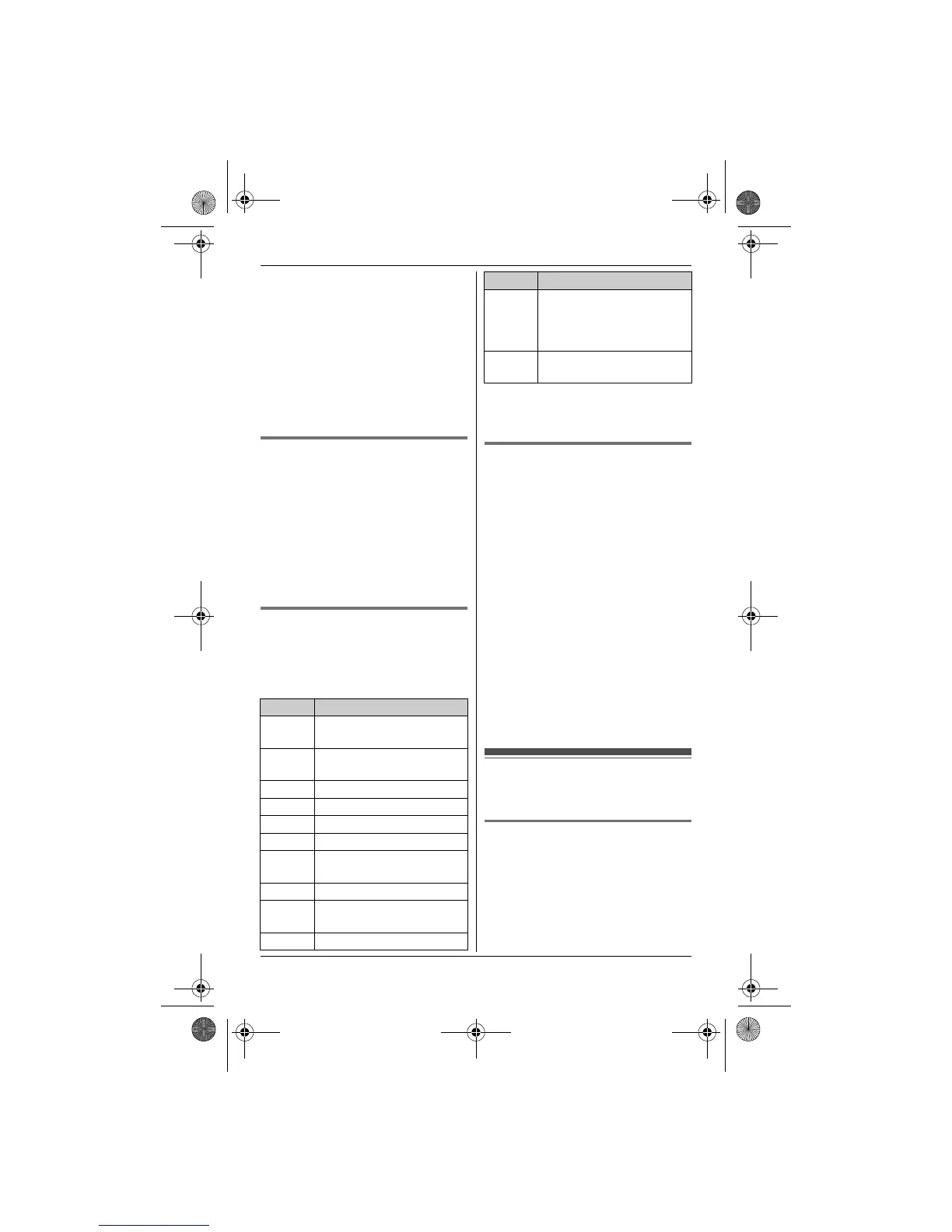
Remote commands
You can press dial keys to access
certain answering system functions
without waiting for the voice guidance to
prompt you.
*1 If pressed within the first 5 seconds of
a message, the previous message is
played.
Turning on the answering
system remotely
If the answering system is off, you can
turn it on remotely.
1 Dial your phone number from a
touch-tone phone.
2 Let the phone ring 20 times.
L A long beep is heard.
3 Enter your remote access code
within 10 seconds after the long
beep.
L The greeting message is played
back.
L You can either hang up, or enter
your remote access code again
and begin remote operation (page
43).
Answering system
settings
Number of rings before the
unit answers a call
You can change the number of times the
phone rings “Number of Rings”
before the unit answers a call. You can
select 2 to 7 rings, or “Auto”.
The default setting is “4 Rings”.
Key Operation
{1} Repeat message
(during playback)
*1
{2} Skip message
(during playback)
{4} Play new messages
{5} Play all messages
{6} Play greeting message
{7} Record greeting message
{9} Stop recording
Stop playback
{0} Turn answering system off
{*}{4} Erase currently playing
message
{*}{5} Erase all messages
{*}{6} Reset to a pre-recorded
greeting message (during
greeting message
playback)
{*}{#} End remote operation
(or hang up)
Key Operation
TG8521E(e).book Page 44 Wednesday, March 17, 2010 3:39 PM












 To Next Page