19
⿎
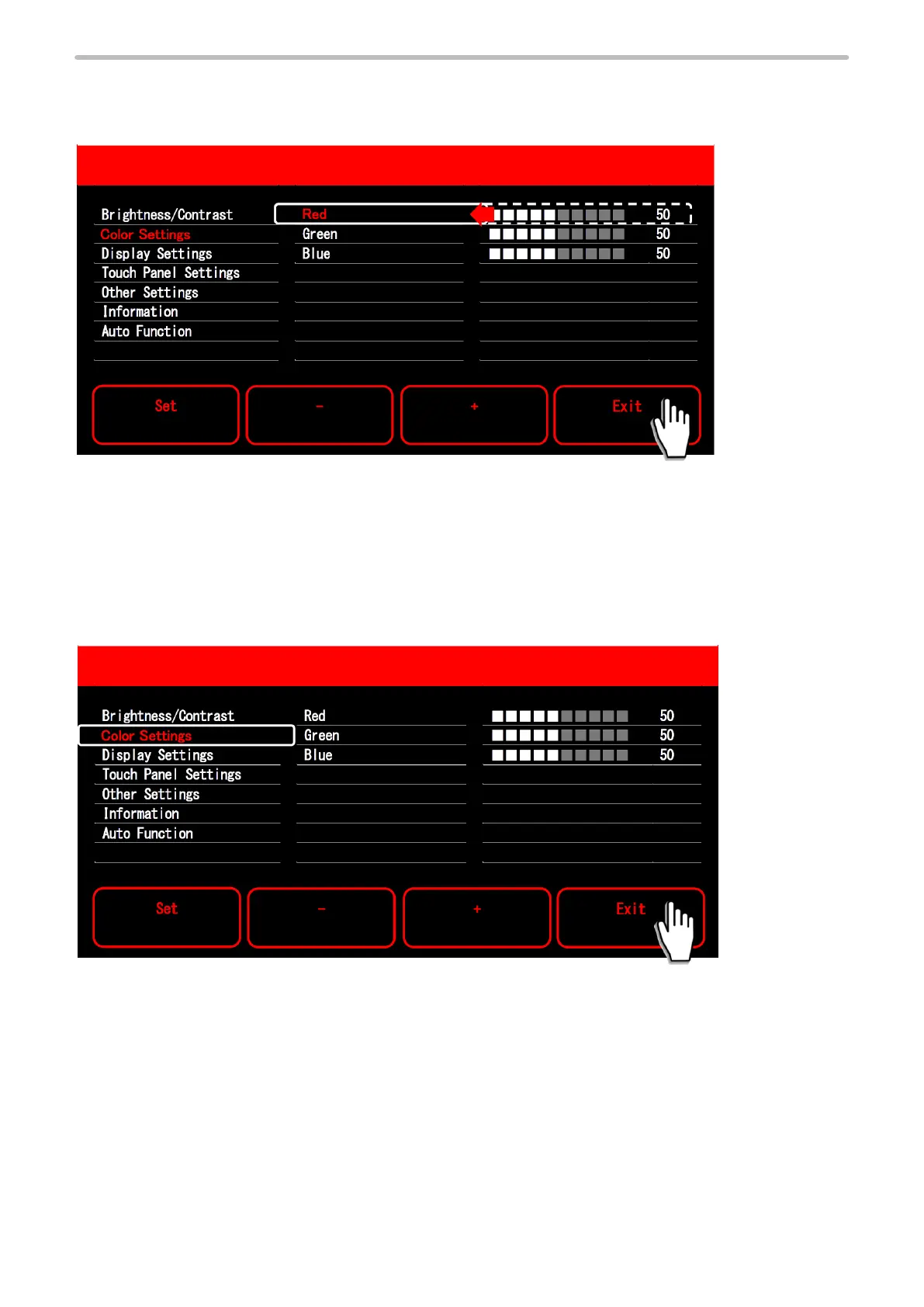
Cancel the change of the setting value
If you touch “Exit” after changing the setting value, the setting value returns to the previous value and the cursor returns to
the left side item.
⿎
Terminate the screen adjustment
If you touch “Exit” while the cursor is in the menu item area, the setting value is saved and the screen returns to the setting
screen for the laser maker/laser welding machine.
Also when the time set in “OSD Timeout” expires, the setting value is saved and the screen returns to the setting screen for
the laser maker/laser welding machine.
For LP-RH/LP-ZV series, the screen returns to the start screen of the touch panel adjustment. Select “Close” on the screen
center to return to the setting screen of the laser marker.



 To Next Page