Wi-Fi/NFC
About connections
SQW0215
- 257 -
Settings for sending pictures
When sending pictures, first select [New Connection], then select the method of sending
pictures.
After you have completed connecting, you can also change the sending settings, such as
the size of pictures to be sent.
■
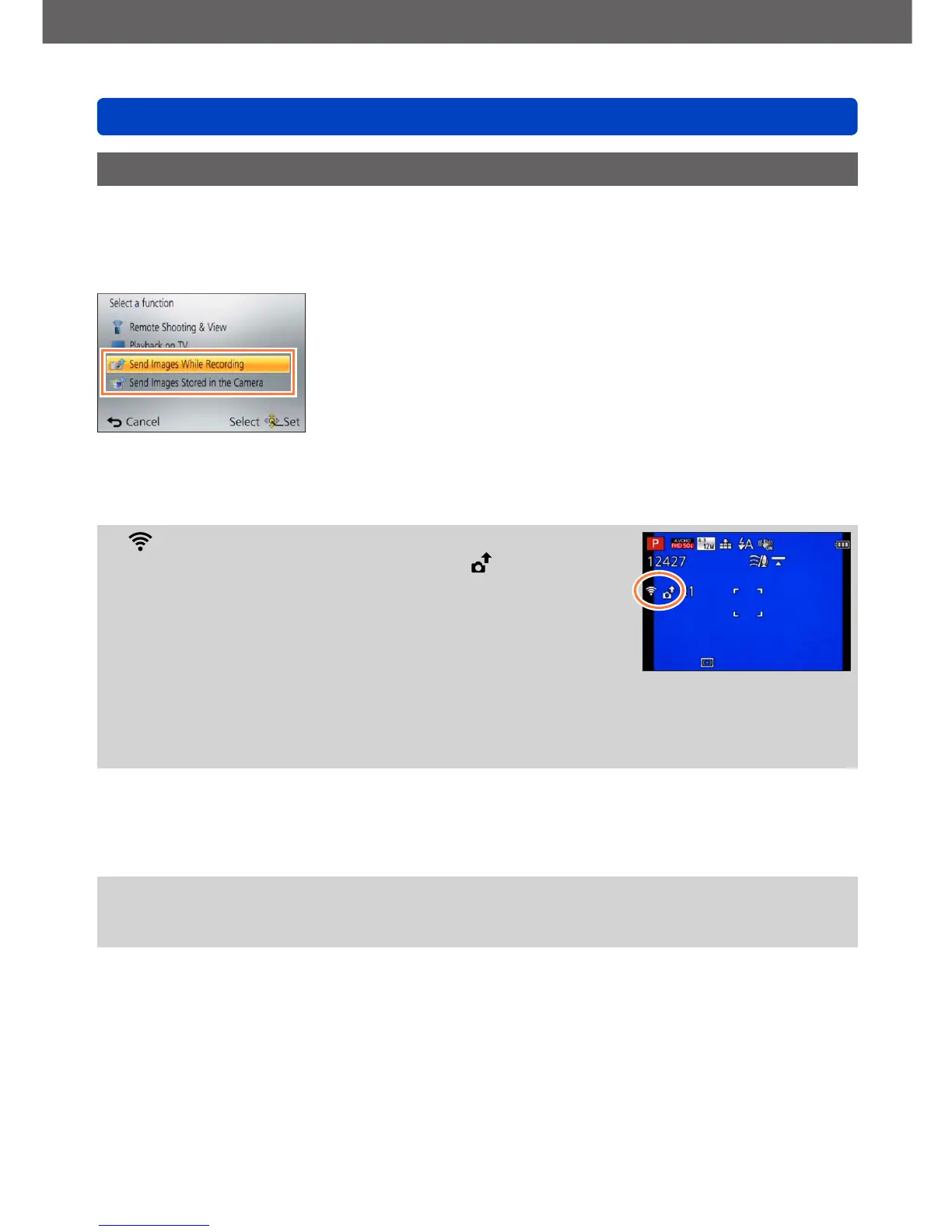
[Send Images While Recording]
A picture can be automatically sent to a specified device every time you take it.
●
[ ] is displayed on the recording screen while connected
by [Send Images While Recording], and [ ] is displayed
while files are being sent.
●
If you turn off the camera before you have completed
sending, or if you close the Wi-Fi connection, or in similar
situations, unsent files will not be resent.
●
You may not be able to delete files or use the [Playback]
menu while sending.
●
Motion pictures cannot be sent.
●
You cannot use this function since the Wi-Fi connection is terminated when
[Time Lapse Shot] is set.
■
[Send Images Stored in the Camera]
You can select and send recorded images.
●
Details of the [Playback] menu [Favorite] or [Print Set] settings will not be sent.
●
Some images taken with a different camera may not be able to be sent.
●
Images that have been modified or edited with a computer may not be able to be sent.



 To Next Page
 Loading...