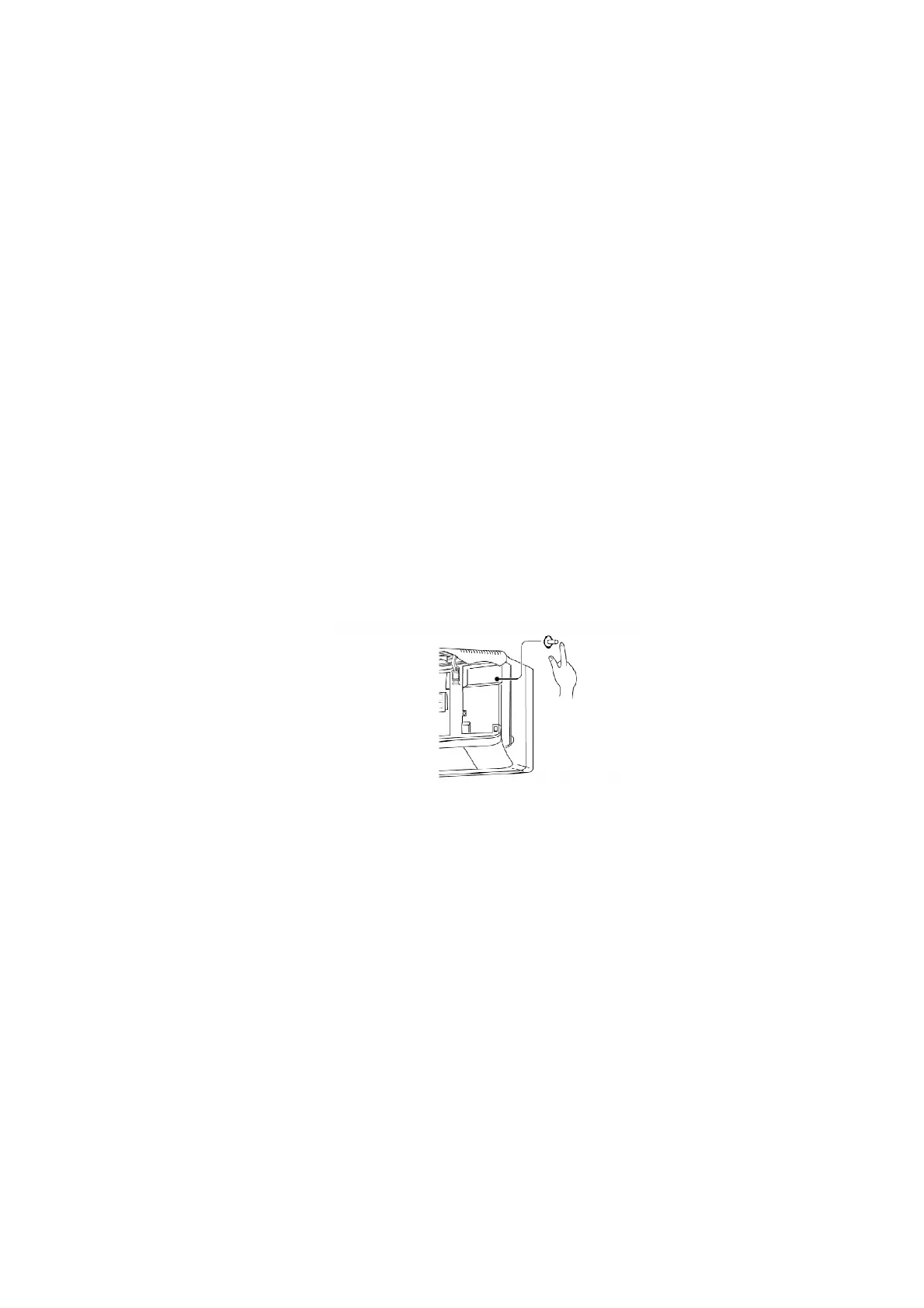
The below operations will be performed by pressing the “AUTO” switch.
1. AUTO OPERATION MODE
The Auto operation will be activated immediately once the Auto
Switch is pressed.
2. TEST RUN OPERATION (FOR PUMP DOWN/SERVICING
PURPOSE)
The Test Run operation will be activated if the Auto Switch is
pressed continuously for more than 5 sec. to below 10 sec. A
“beep” sound will occur at the fifth sec., in order to identify the
starting of Test Run operation
3. REMOTE CONTROLLER RECEIVING SOUND ON/OFF
The ON/OFF of Remote Controller receiving sound can be change
over by pressing the “AUTO” Switch continuously for 10 sec. and
above. A “beep”, “beep” sound will occur at the tenth sec., in
order to indicate the “ON/OFF” change over of remote control
receiving sound.
10.3. OUTDOOR UNIT
10.3.1. SELECT THE BEST LOCATION / (Refer to “Select the best location”
section)
10.3.2. INSTALL THE OUTDOOR UNIT
- After selecting the best location, start installation according to
Indoor/outdoor Unit Installation Diagram.
1. Fix the unit on concrete or rigid frame firmly and horizontally by
bolt nut. (10 mm).
2. When installing at roof, please consider strong wind and
earthquake. Please fasten the installation stand firmly with bolt or
nails.
54



 To Next Page