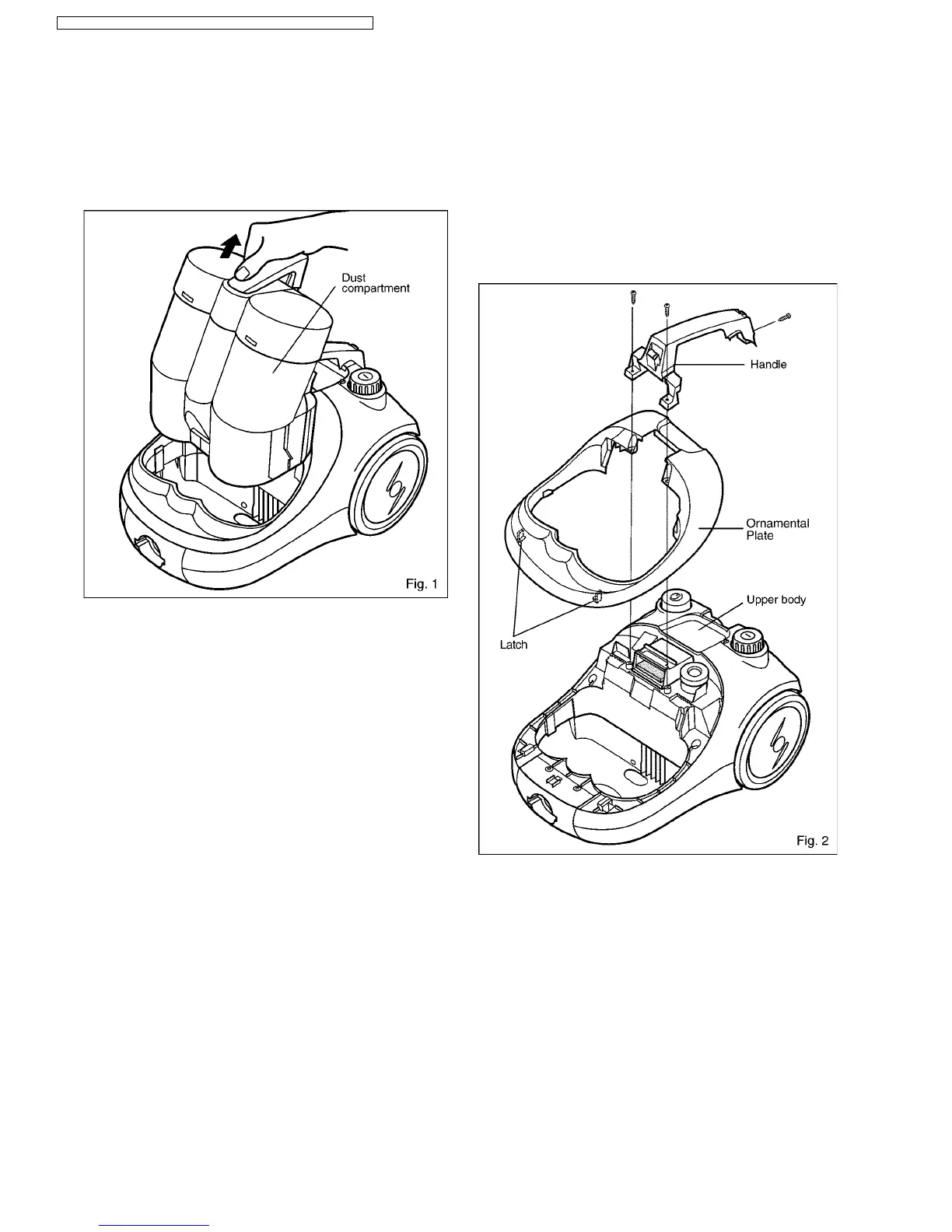
1. Lift up dust compartment and take it out. (Fig.1) 2. Remove screws from Ornamental Plate and handle and
take them out. (Fig.2)
*There are 2 latches on the front side of Ornamental
plate.
Please remove it by pulling strongly from the back side.
3 REPLACEMENT OF MAIN PARTS
IMPORTANT: Before replacing any part always
DISCONNECT THE CLEANER FROM THE ELECTRICITY SUPPLY.
3.1. MOTOR
4
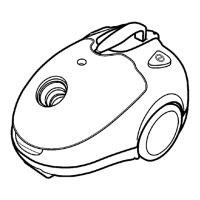
MC-E8021 / MC-E8021K / MC-E8023 / MC-E8023K / MC-E8024 / MC-E8024K



 To Next Page