EasyManua.ls Logo

Panasonic MS104 FA - Main Screen

Panasonic MS104 FA
20 pages
Print Icon
To Next Page IconTo Next Page
To Previous Page IconTo Previous Page
Loading...
KNX Multi Functional Switch
Version: 1.0 Jan-20 Page 8/20
6 Main screen
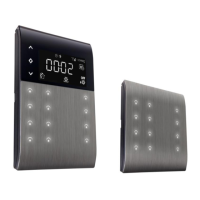
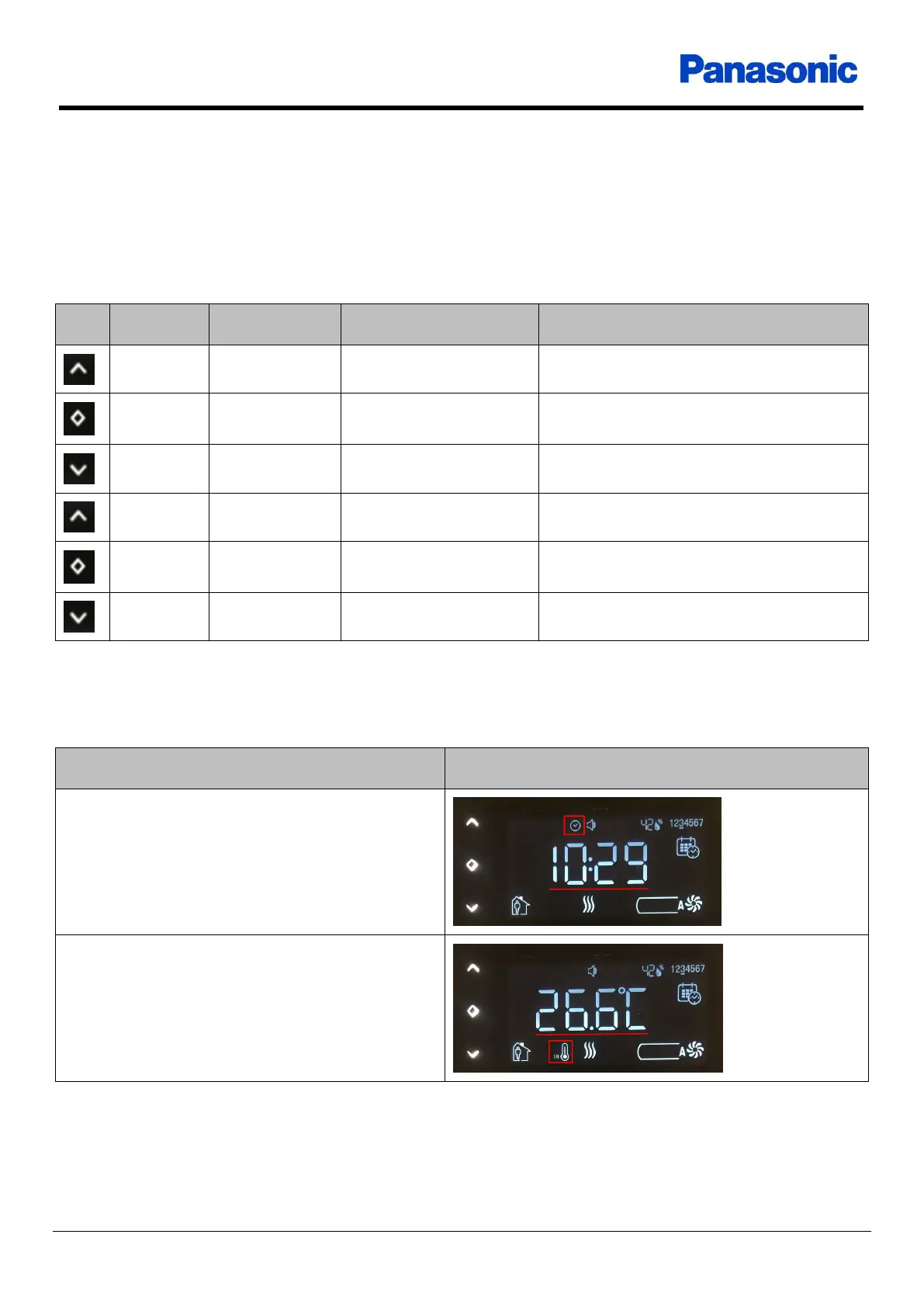
After start-up, the display enters main screen. At the main screen, some information like room
temperature, clock, operation mode, control mode, fan level etc. are given to users.
Power up Start-up delay Start-up Main screen
Icon
Name
Touch type
Current menu
Target menu
Up
Short
Main screen
User settings menu
OK
Short
Main screen
User settings menu
Down
Short
Main screen
User settings menu
Up
Long
Main screen
Advance settings menu
OK
Long
Main screen
Thermostat off
Down
Long
Main screen
Weekly settings menu
Table 5
The following table includes some basic information which are shown at main screen. For more
information about icons, check reference manual.
Information
Visual
Clock
Internal temperature sensor value

Related product manuals