KNX Multi Functional Switch
Version: 1.0 Jan-20 Page 17/20
7.3 Weekly program settings menu
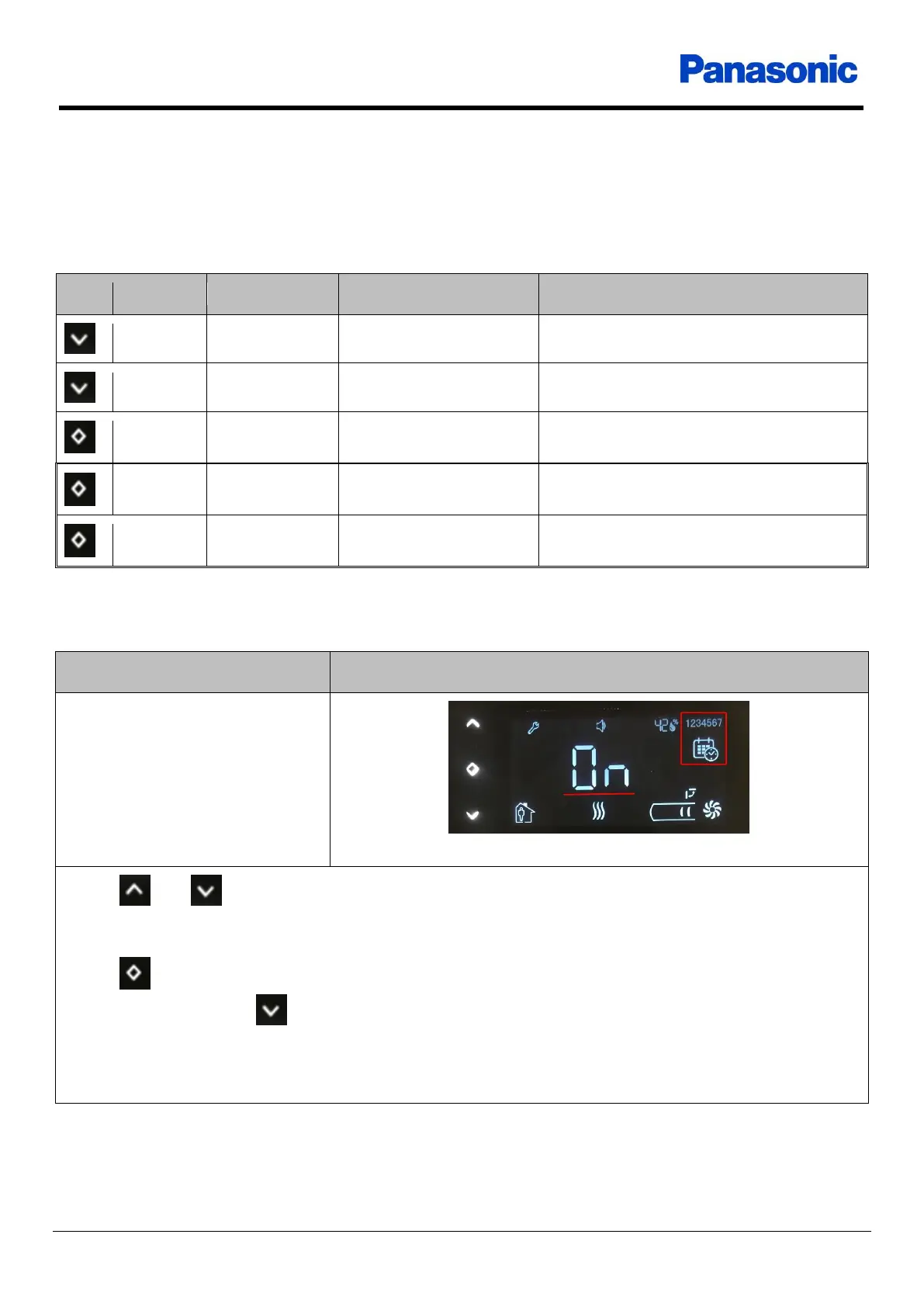
When the display is in the main screen, if a short touch is detected at the one of thermostat buttons, the
display enters user settings menu.
Table 12
The calendar and days of week icons flash
Up / Down buttons changes weekly program status. If “On” is selected, weekly program
is enabled
No operation for 10 seconds saves the value and returns to main screen
OK button saves the value and returns to main screen
Long touch at the Down button goes to the next setting











 To Next Page