- 7 -
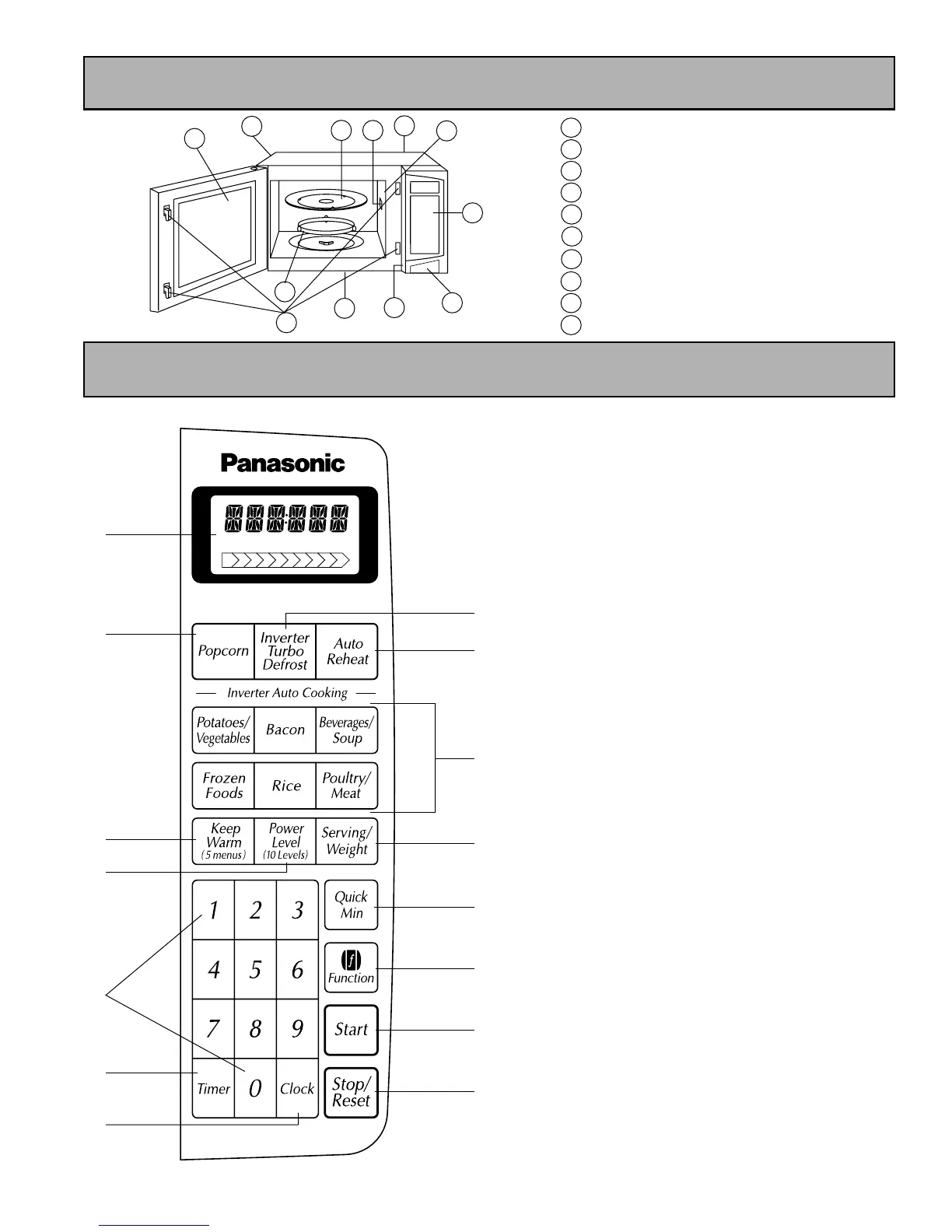
Control Panel
(1) Display Window
Step by step instructions scroll for easy
operation.
(2) Power Level Pad (☛page 8)
(3) Number Pads
(4) Timer Pad (☛page 11)
(5) Clock Pad (☛page 10)
(6) Inverter Turbo Defrost Pad (☛page 12)
(7) Auto Reheat Pad (☛page 11)
(8) Auto Cook Pads (☛page 12, 14)
(9) Function Pad (☛page 9)
(10) Quick Min Pad (☛page 8)
(11) Popcorn Pad (☛page 10)
(12) Serving/Weight Pad (☛page 12)
(13) Keep Warm Pad (☛page 12)
(14) Start Pad
One tap allows oven to begin functioning. If
door is opened or Stop/Reset Pad is
pressed once during oven operation,
Start
Pad must be pressed again to restart oven.
(15) Stop/Reset Pad
Before cooking: One tap clears your
instruction. During cooking: One tap
temporarily stops the cooking process.
Another tap cancels all your instructions
and time of day or colon appears on the
Display Window.
Beep Sound:
When a pad is pressed correctly, a beep will be
heard.
If a pad is pressed and no beep is heard, the
unit did not or cannot accept the instruction.
The oven will beep twice between programmed
stages. At the end of any complete program,
the oven will beep 5 times.
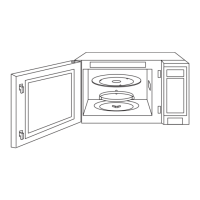
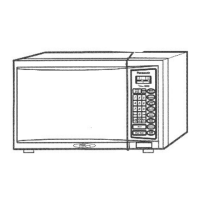
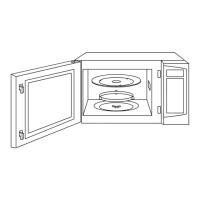
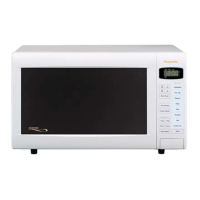
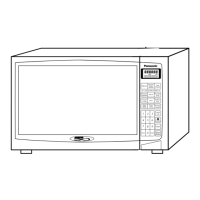
Feature Diagram
Vapour Barrier Film (do not remove)
Door Safety Lock System
Internal Air Vents
External Air Vents
Control Panel
Identification Plate
Glass Tray
Roller Ring
Cover (do not remove)
Door Release Button
e
a
f
d
c
b
g
h
i
j
Feature Diagram



 To Next Page