47
Various Settings
To Enter Newly Available TV Stations
1 Press the MENU button U to display the Main menu on
the TV screen.
2 Press the Cursor buttons (3421) R to select
“Tuning” and “Manual” in this order.
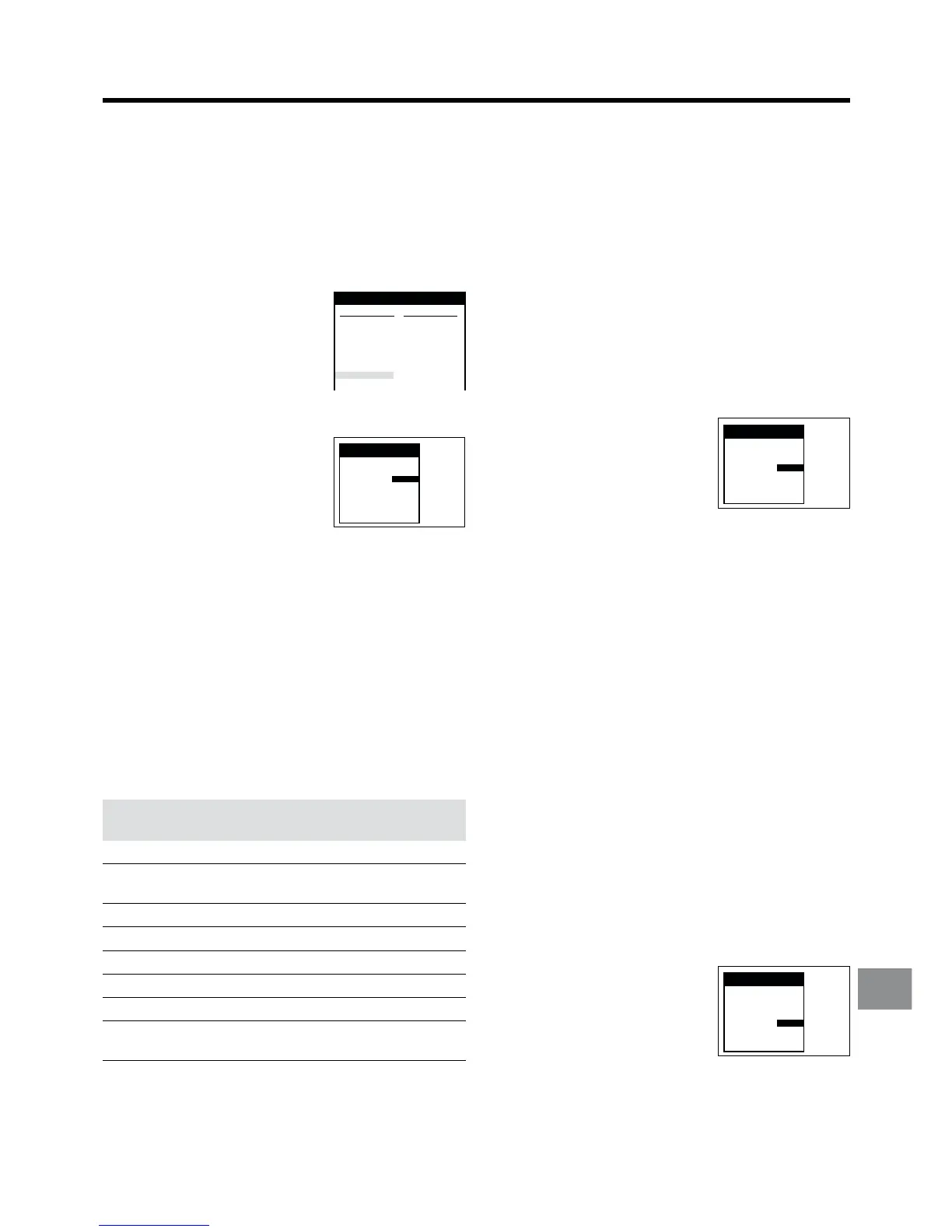
3 Press the OK button T to display the list of tuned TV
stations.
4 Press the Cursor buttons
(3421) R to select an
unused programme position.
5 Press the OK button T to
display the Manual Tuning
menu.
6 Press the Numeric buttons 2 to
enter the channel number of the
desired TV station.
≥ Wait a few moments until the
desired TV station has been
tuned.
7 Press the OK button T to conclude the setting.
8 Press the EXIT button S to exit the On Screen Display.
To Change the Channel Number of an Already Tuned
TV Station:
You can change it in the same way as explained above.
However, in step 4 select the programme position of the TV
station that you want to change to another channel number,
and after pressing the OK button T in step 5, use the Cursor
buttons (3421) R to select the entry field for “Channel”.
List of TV Reception Channels
Channel TV Channel
Indication Germany/Italy Other Countries
2–12 °E2–E12 E2–E12
13–20
A–H
—
(Only Italy)
21–69 21–69 21–69
74–78 S01–S05 S1–S5
80–82 S1–S3 M1–M3
83–89 S4–S10 M4–M10
90–99 S11–S20 U1–U10
121–141
°°S21–S41 S21–S41
Hyperband
°°In Italy: H1...(11), H2...(12)
°°Only for 8 MHz channel raster
Pos : 8
Name : ¢¢¢ 08
Channel : 2
Fine tuning : AUTO
Decoder : OFF
Video system : PAL
Subtitles :
To Obtain the Best Tuning Condition
1 Press the MENU button U to display the Main menu on
the TV screen.
2 Press the Cursor buttons (3421) R to select
“Tuning” and “Manual” in this order.
3 Press the OK button T to display the list of tuned TV
stations.
4 Press the Cursor buttons (3421) R to select the TV
station for which you want to obtain the best tuning
condition.
5 Press the OK button T to display the Manual Tuning
menu.
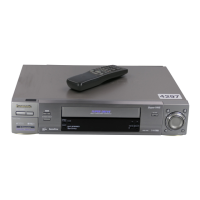
6 Press the Cursor buttons
(3421) R to select the entry
field for “Fine tuning”.
7 Press the Cursor buttons (34)
R to obtain the best tuning
condition.
≥ If you do not want to change the tuning condition,
press the Cursor button (1) R to return to the original
condition (AUTO).
8 Press the OK button T to conclude the setting.
9 Press the EXIT button S to exit the On Screen Display.
To Preset Pay TV Stations
Set “AV2” to “DECODER”. See page 55.
1 Press the MENU button U to display the Main menu on
the TV screen.
2 Press the Cursor buttons (3421) R to select
“Tuning” and “Manual” in this order.
3 Press the OK button T to display the list of tuned TV
stations.
4 Press the Cursor buttons (3421) R to select the pay
TV station.
5 Press the OK button T to display the Manual Tuning
menu.
6 Press the Cursor buttons
(3421) R to select the entry
field for “Decoder”.
7 Press the Cursor buttons (34)
R to select “ON”.
ON: To preset pay TV stations.
OFF: To preset normal TV stations.
8 Press the OK button T to conclude the setting.
9 Press the EXIT button S to exit the On Screen Display.
Pos : 5
Name : BR3
Channel : 18
Fine tuning : MAN.
Decoder : OFF
Video system : PAL
Subtitles : 150
Title page : 301
Tuning
Pos : 5
Name : BR3
Channel : 18
Fine tuning : AUTO
Decoder : ON
Video system : PAL
Subtitles : 150
Title page : 301
Tuning



 To Next Page