50
To Facilitate the Following Operations with
the Instruction Indications on the On
Screen Display
≥ To delete a programme position
≥ To insert a blank programme position
≥ To move a TV station to another programme position
Use the coloured instruction indications displayed below the
list of tuned TV stations and the corresponding coloured
buttons.
If downloading of the setup data has been performed, only
the instruction indication “
Delete” appears.
1 Press the MENU button U to display the Main menu on
the TV screen.
2 Press the Cursor buttons (3421) R to select
“Tuning” and “Manual” in this order.
3 Press the OK button T to display the list of tuned TV
stations.
4 Press the Cursor buttons
(3421) R to select the
desired TV station.
5 Follow the operations below.
To delete a programme position (Delete):
Press the Channel button (J, red) :.
To insert a blank programme position (Add):
Press the DATE button (i, green) ;.
To move a TV station to another programme position
(Move):
Press the ON button (i, yellow) G, and then use
the Cursor buttons (34) R to select the new
programme position to which you want to assign the
TV station.
6 Press the OK button T to conclude the setting.
7 Press the EXIT button S to exit the On Screen Display.
Hint:
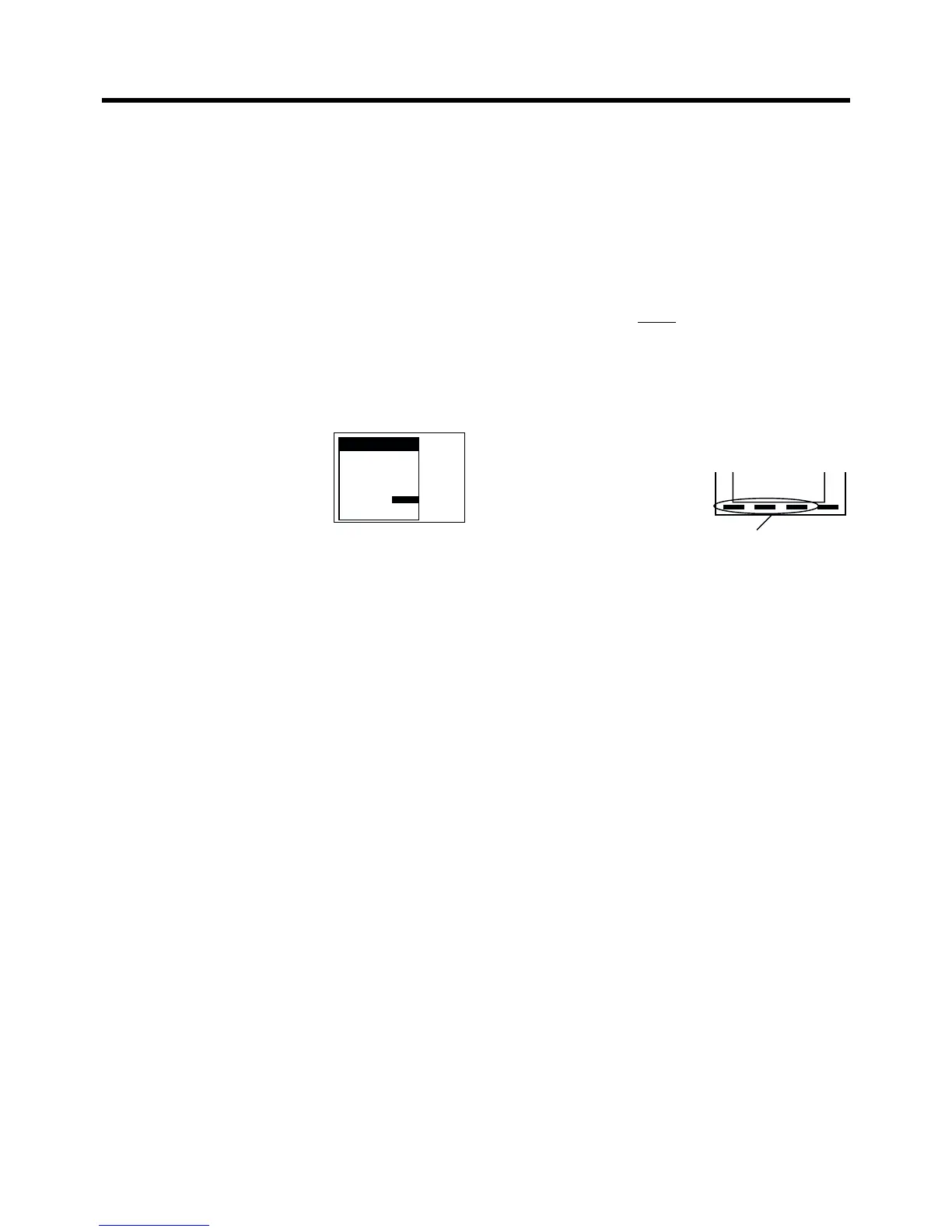
≥ If you have performed Manual Tuning to enter TV stations,
the “– –” indication may appear under “Pos/Name” on the
On Screen Display when programming a ShowView timer
recording.
6 RB3 3
7 SFB3 36
8 SW3 29
9 WDR3 17
10 MDR3 32
16 POS16 83
17 s s s s s sss
18 s s s s s sss
19 s s s s s sss
20 s s s s s sss
Delete
Add
Move
Indications for Delete, Add
and Move
To Select the Type of Sound to Be
Recorded
(NV-HS960EC Series)
1 Press the MENU button U to display the Main menu on
the TV screen.
2 Press the Cursor buttons (3421) R to select
“Tuning” and “Manual” in this order.
3 Press the OK button T to display the list of tuned TV
stations.
4 Press the Cursor buttons (3421) R to select the
desired TV station.
5 Press the OK button T to display the Manual Tuning
menu.
6 Press the Cursor buttons
(3421) R to select the entry
field for “Mono”.
7 Press the Cursor buttons (34)
R to select “OFF”.
≥ Select “ON” if you want to record the normal (mono)
sound on the Hi-Fi audio tracks during a stereo,
bilingual or NICAM broadcast, or if the stereo sound is
distorted due to inferior reception conditions.
8 Press the OK button T to conclude the setting.
9 Press the EXIT button S to exit the On Screen Display.
Tuning
Pos : 5
Name : BR3
Channel : 18
Fine tuning : AUTO
Decoder : OFF
Video system : PAL
Mono : OFF
Subtitles : 150
Title page : 301









 To Next Page