EasyManua.ls Logo

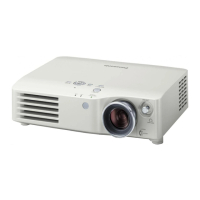
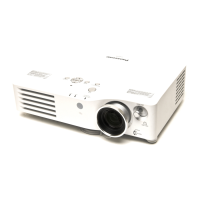
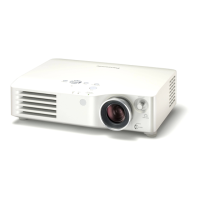
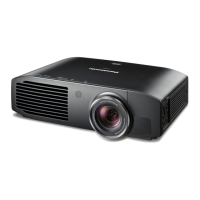
Panasonic PT-AX100U - User Manual

Panasonic PT-AX100U
52 pages
Print Icon
To Next Page IconTo Next Page
Loading...
TQBJ0203
ENGLISH
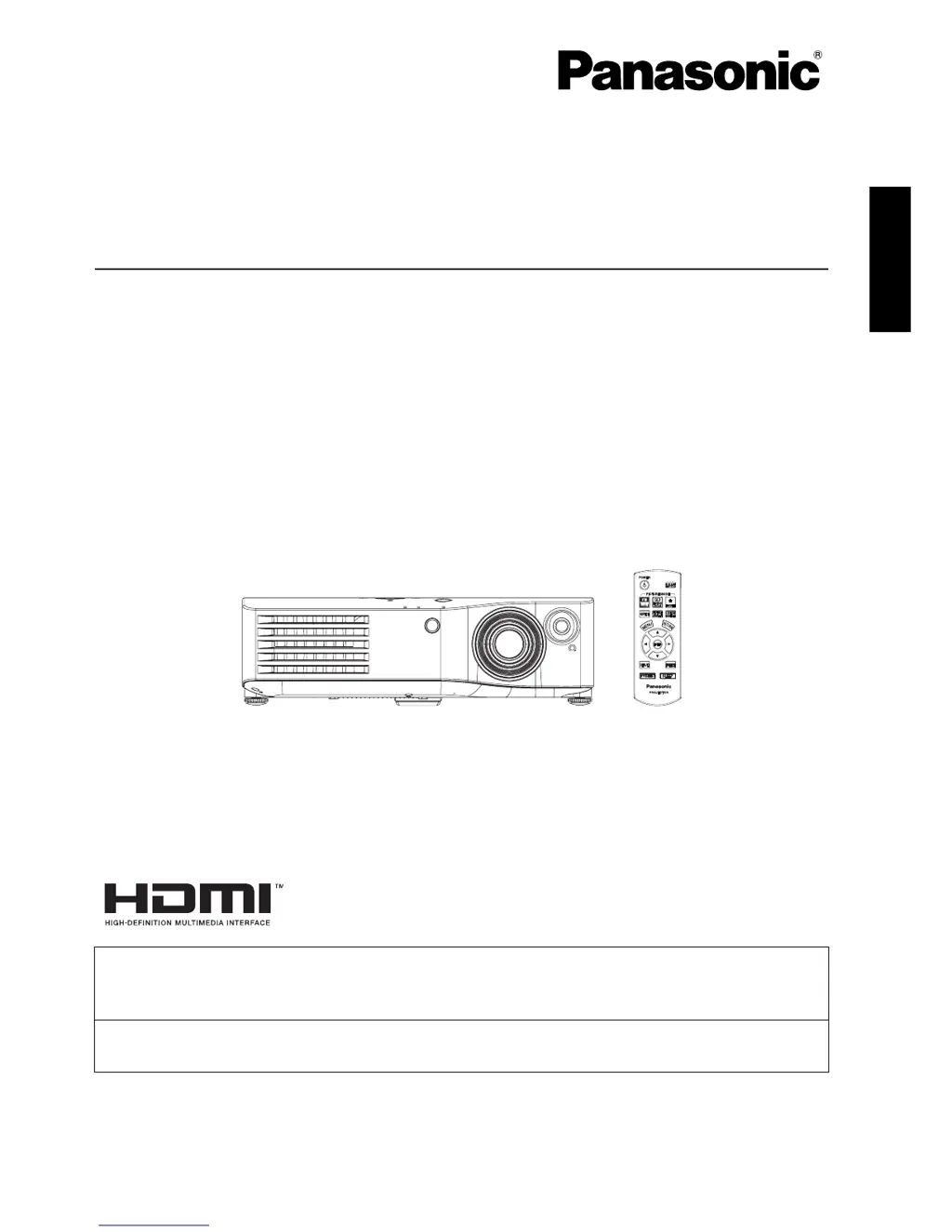
LCD Projector
Operating Instructions
Model No. PT-AX100U
Before operating this product, please read these instructions carefully and save this manual for
future use.
For assistance, please call: 1 - 888 - View - PTV (843 - 9788)
or send e - mail to: consumerproducts@panasonic.com
or visit us at www.panasonic.com (U.S.A)
For assistance, please call: 787 - 750 - 4300
or visit us at http://panasonic.net (Puerto Rico)

Table of Contents

Other manuals for Panasonic PT-AX100U

Questions and Answers

  • L
    Laura LambJul 26, 2025
    What to do if Panasonic PT-AX100U power does not turn on?
    • K
      Kelly CarpenterJul 26, 2025
      If your Panasonic Projector isn't powering on, several factors could be at play. First, ensure the power cord is properly connected to both the projector and the wall outlet. Check that the MAIN POWER switch is turned on. Verify that the wall outlet has electric supply. Also, check if the TEMP or LAMP indicators are lit or flashing, and address those issues accordingly. Finally, make sure the lamp unit cover is securely installed.
  • R
    Ryan MorrisonJul 30, 2025
    Why does my Panasonic PT-AX100U Projector show no picture?
    • G
      Gina WardJul 30, 2025
      If your Panasonic Projector displays no picture, the issue might stem from several causes. Check that the video signal input source is correctly connected to the appropriate terminal. Ensure that the input selection setting is correct. Verify that the BRIGHTNESS isn't set to the minimum. Finally, confirm that the SHUTTER function is disabled.
  • S
    Sheryl WatsonAug 3, 2025
    How to fix a fuzzy picture on a Panasonic Projector?
    • S
      sharon19Aug 3, 2025
      A fuzzy picture on your Panasonic Projector can be due to several reasons. First, make sure to remove the lens cover. Then, ensure the lens focus is correctly set. Check that the projector is at the correct distance from the screen. If the issue persists, clean the lens. Finally, adjust the tilt of the projector to ensure it's properly aligned.
  • L
    Lauren FosterAug 7, 2025
    What to do if the Panasonic PT-AX100U Projector remote control does not operate?
    • T
      Timothy MoralesAug 8, 2025
      If the remote control for your Panasonic Projector isn't working, start by replacing the batteries, ensuring they are inserted correctly. Next, check for any obstructions blocking the remote control signal receptor on the projector. Finally, make sure you are within the operational range of the remote control.
  • K
    Kim WardAug 12, 2025
    What to do if Panasonic PT-AX100U picture does not display correctly?
    • C
      Carrie BondAug 12, 2025
      If the picture on your Panasonic Projector isn't displaying correctly, ensure the signal format (TV-SYSTEM) is set correctly. Check the VCR or other signal source for any issues. Also, verify that the input signal is compatible with the projector.
  • R
    richardvasquezAug 16, 2025
    How to fix if the picture from a computer does not appear on Panasonic PT-AX100U?
    • R
      Richard FernandezAug 17, 2025
      If you're not seeing a picture from your computer on the Panasonic Projector, try using a shorter cable. Also, the external video output settings from your laptop might be incorrect; change the external video output settings according to the computer documentation.
  • O
    odiazAug 20, 2025
    Why is the color pale on my Panasonic PT-AX100U Projector?
    • M
      Matthew CamposAug 20, 2025
      A pale or greyish color on your Panasonic Projector could be due to incorrect COLOR or TINT settings; adjust these settings as needed. Also, the input source connected to the projector may not be adjusted correctly; correct the adjustments for the input source.

Summary

Important Safety Notice

Safety Warnings

Critical warnings for operation, covering fire, shock, and property damage risks.

Safety Cautions

Important cautions for safe operation, maintenance, and handling of the projector.

Preparation Guide

About Your Projector

Remote Control Overview

Details the buttons and functions of the remote control unit.

Getting Started: Setup and Connections

Basic Operation

Switching the Projector On and Off

Details power cord connection, switching procedures, and indicator status.

Adjusting Image Parameters

How to adjust image parameters and set custom color profiles.

Settings Menu

Maintenance

Temp and Lamp Indicator Alerts

Explains indicator alerts and how to respond to projector problems.

Lamp Unit Replacement

Guides on when and how to replace the projector's lamp unit.

Troubleshooting Common Issues

Common Issues and Solutions

Lists common issues like no power, no picture, fuzzy image, and their causes/solutions.

Panasonic PT-AX100U Specifications

General IconGeneral
Display TechnologyLCD
Resolution1280 x 720
Brightness2000 ANSI Lumens
Lamp TypeUHM
Lamp Life2000 hours (Normal Mode), 3000 hours (Eco Mode)
Aspect Ratio16:9
Zoom Ratio1.2:1
Input TerminalsHDMI, Component, S-Video, Composite
Projection Distance3.9 - 29.5 feet
Screen Size40 - 300 inches

Related product manuals