38-ENGLISH
CONTRAST
This adjusts the contrast of the
picture. (Adjust the “BRIGHT”
setting first if required before
adjusting the “CONTRAST” setting.)
The picture is bright: I button
The picture is dark: H button
BRIGHT
This adjusts the darker areas (black
areas) in the picture.
Black areas are too light: I button
Dark areas are too solid: H button
COLOR
(S-VIDEO/VIDEO/YPBPR
only)
The colour is too deep: I button
The colour is too pale: H button
TINT
(NTSC/NTSC 4.43/YPBPR only)
This adjusts the flesh tones in the
picture.
The flesh tones are greenish:
I button
The flesh tones are reddish:
H button
SHARPNESS
To soften the picture details:
I button
To sharpen the picture details:
H button
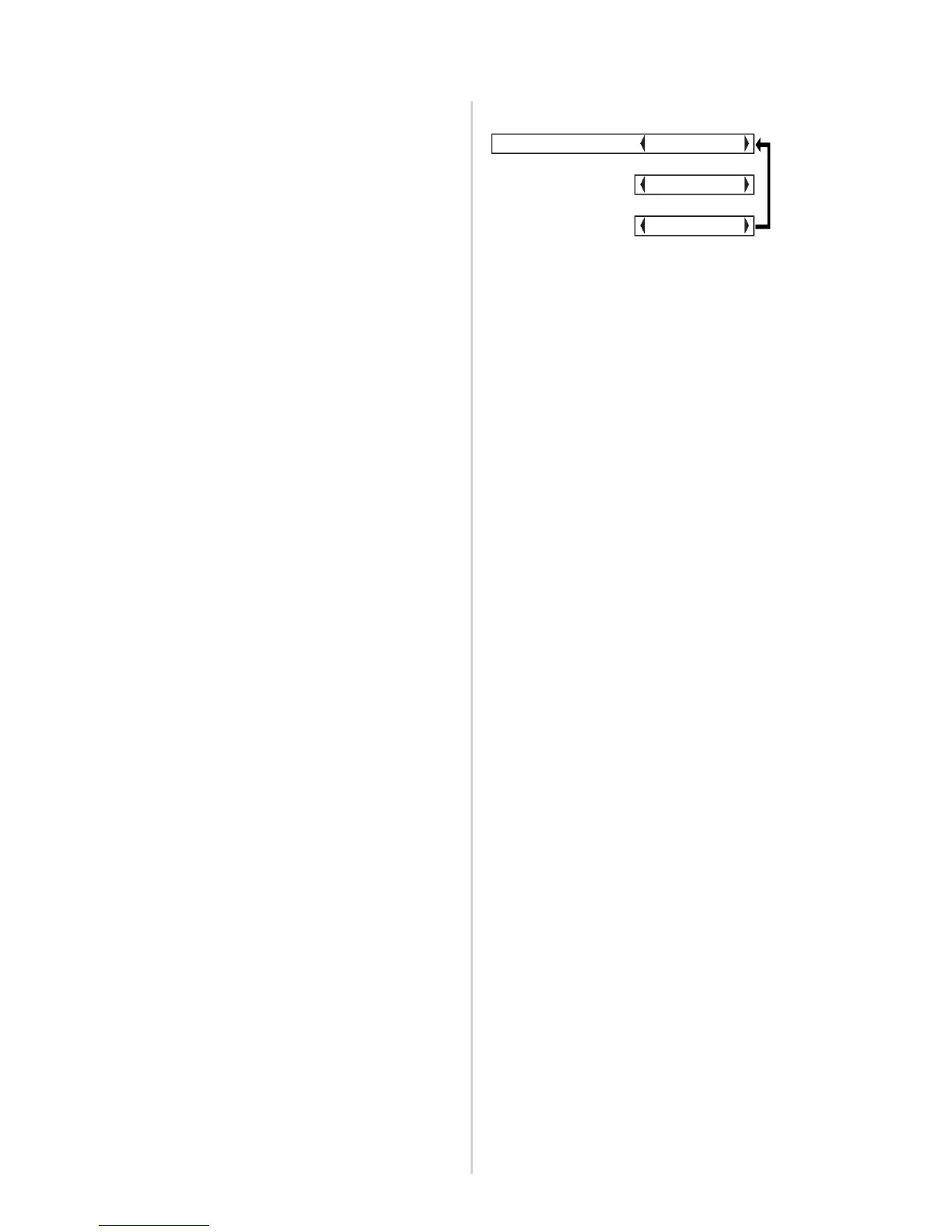
COLOR TEMP.
This is used to adjust the white
areas of the picture if they appear
bluish or reddish.
White balance R/G/B
(W-BAL R/G/B)
(RGB only)
This is used to adjust the white
areas of the picture if they appear
colourised.
To make the selected colour lighter
:
I button
To make the selected colour stronger
:
H button







 To Next Page