EasyManua.ls Logo

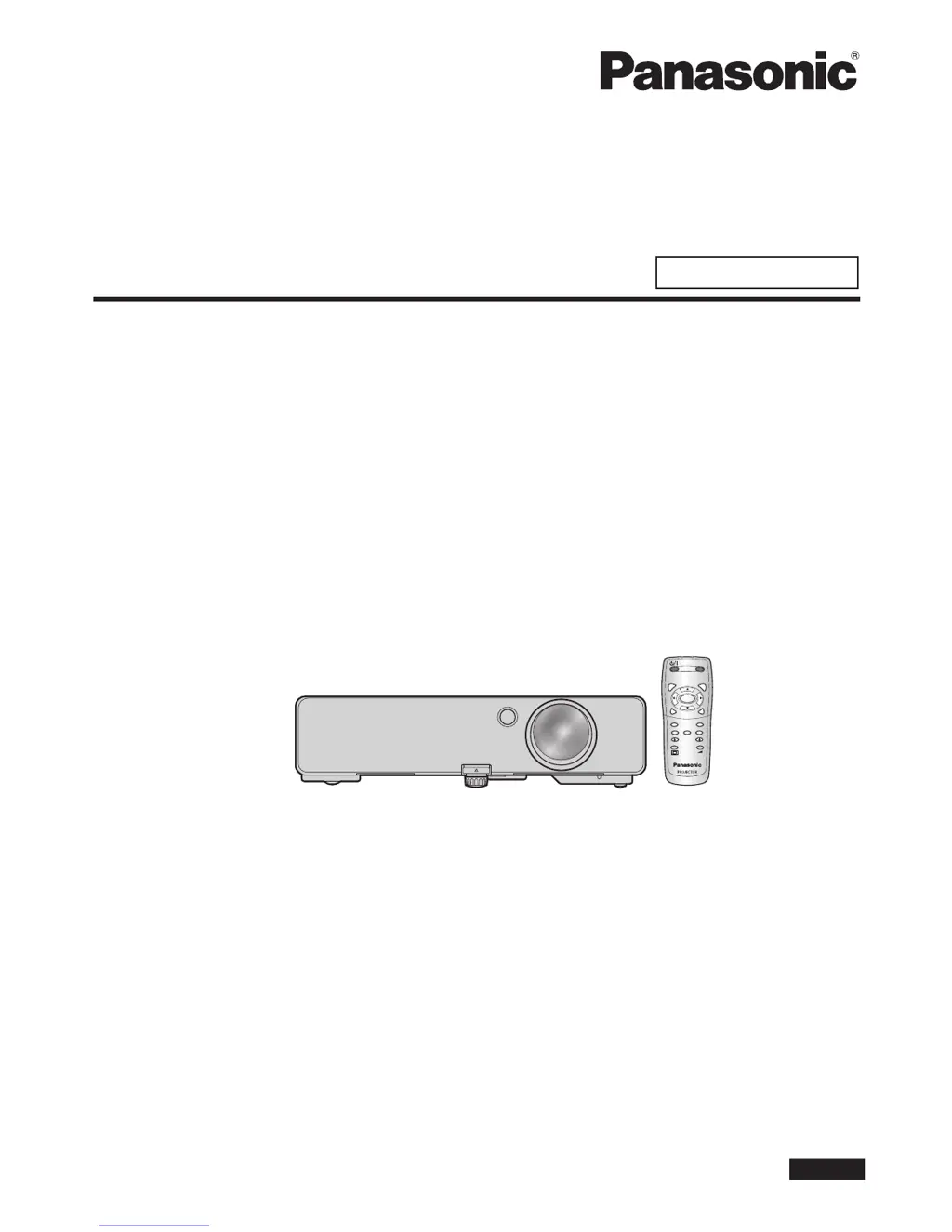
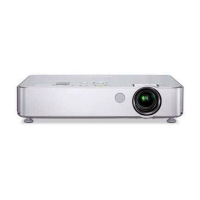
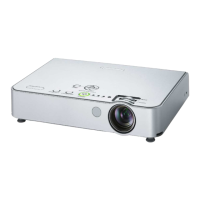
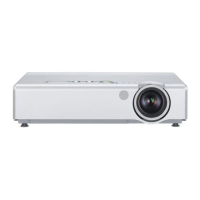
Panasonic PT-LB2U - User Manual

Panasonic PT-LB2U
66 pages
Print Icon
To Next Page IconTo Next Page
Loading...
PT-LB2U
PT-LB1U
Thank you for purchasing a Panasonic Projector.
Before operating this product, please read the instructions carefully, and save this manual
for future use.
Before using your projector, be sure to read “Precautions with regard to safety”
(pages 5 to 9).
For network operation, please read the Network Operation Manual.
ENGLISH
TQBJ0322-1
AUTO
SETUP
MENU
RETURN
ENTER
FREEZE
AV
MUTE
COMPUTER
VIDEO
DEFAULT
FUNCTION
WIN.
INDEX-
DIGITAL ZOOM
VOLUME
Operating Instructions
Basic Manual
LCD Projector
Commercial Use
Model No.

Table of Contents

Other manuals for Panasonic PT-LB2U

Questions and Answers

  • C
    Christine WilliamsAug 7, 2025
    Why won't my Panasonic Projector turn on?
    • J
      Jennifer BerryAug 7, 2025
      If your Panasonic Projector doesn't turn on, start by confirming that the power cord is securely connected and that the wall outlet has electric supply. Check if the circuit breakers have tripped and reset them if necessary. Also, check if the TEMP or LAMP indicator is lit or flashing, and refer to the indicator status for further action. Make sure that the lamp unit cover is securely installed and that the CONTROL PANEL settings in the PROJECTOR SETUP menu are properly configured.
  • O
    ochoatoniAug 11, 2025
    Why is the picture fuzzy on my Panasonic Projector?
    • E
      erin19Aug 11, 2025
      If the picture on your Panasonic Projector is fuzzy, adjust the lens focus. Ensure that the projector is at the correct distance from the screen. Clean the lens if it's dirty and adjust the tilt of the projector.
  • F
    Frank RiveraAug 15, 2025
    What to do if control buttons do not work on Panasonic PT-LB2U Projector?
    • L
      laura68Aug 15, 2025
      If the control buttons on your Panasonic Projector do not operate, check the CONTROL PANEL settings in the PROJECTOR SETUP menu to ensure they are correctly configured.
  • H
    hallanitaAug 19, 2025
    What to do if no picture appears on my Panasonic PT-LB2U?
    • M
      Mathew HaneyAug 20, 2025
      If no picture appears on your Panasonic Projector, first, ensure that the lens cover has been removed. Then, check that the input terminal is properly connected and the correct input selection is set. Also, verify that the BRIGHTNESS isn't at its minimum. Confirm that the signal input source is working correctly and that the AV MUTE function is disabled.
  • C
    Catherine DeleonAug 25, 2025
    How to fix no sound on Panasonic PT-LB2U?
    • M
      Mark LeeAug 25, 2025
      If you cannot hear sound from the internal speaker of your Panasonic Projector, make sure the audio signal source is properly connected. Increase the volume adjustment. Also, ensure that no cable is connected to the AUDIO OUT terminal.
  • S
    sandraevansAug 28, 2025
    How to fix pale color on Panasonic PT-LB2U?
    • W
      wandersonAug 28, 2025
      If the color on your Panasonic Projector appears pale or grayish, adjust the COLOR or TINT settings. Also, check the adjustments of the input source connected to the projector.
  • T
    Troy ByrdSep 1, 2025
    How to control Panasonic PT-LB2U Projector through serial terminal?
    • M
      Michelle EvansSep 2, 2025
      To control the Panasonic Projector through a serial terminal, set EMULATE correctly in the PROJECTOR SETUP menu.

Panasonic PT-LB2U Specifications

General IconGeneral
Resolution1024 x 768 (XGA)
Contrast Ratio400:1
Weight2.9 kg (6.4 lbs)
Lamp Life2000 hours (normal mode), 3000 hours (eco mode)
Display TechnologyLCD
Aspect Ratio4:3
Projection Size30 to 300 inches
Input PortsS-Video, Composite
Throw Distance1.2 to 11.2 meters
Lamp TypeUHM
Power Consumption270 W

Related product manuals