EasyManua.ls Logo

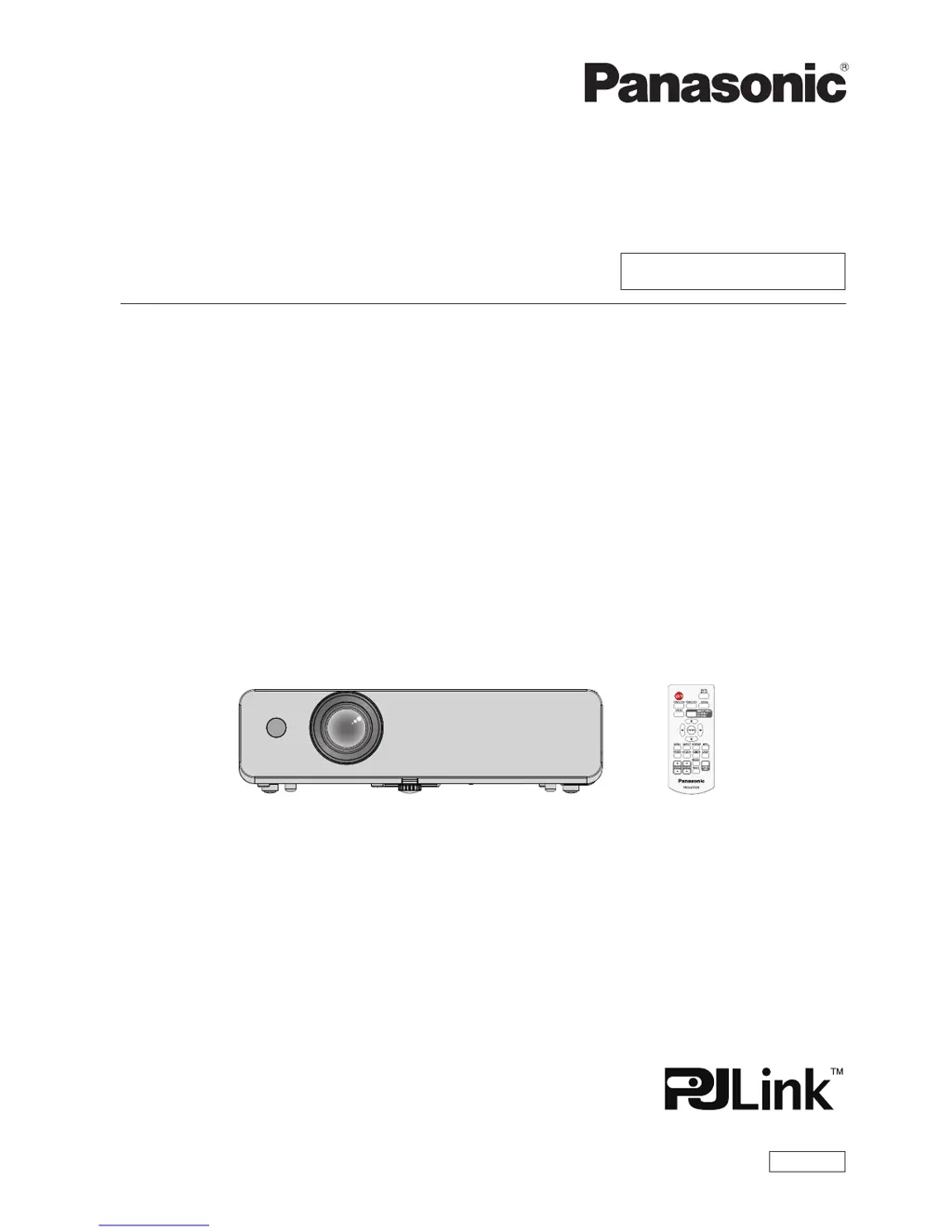
Panasonic PT-LB332 - User Manual

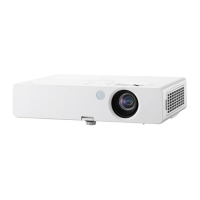
Panasonic PT-LB332
113 pages
Print Icon
To Next Page IconTo Next Page
Loading...
Operating Instructions
Functional Manual
LCD Projector
Commercial Use
Thank you for purchasing this Panasonic Product.
■ This manual is intended for products manufactured from Nov. 2015 and beyond.
■ Before operating this product, please read the instructions carefully, and save this manual
for future use.
■ Before using your projector, be sure to read “Read this rst!” (x pages 2 to 9).
Model No.
PT-LW362
PT-LW312

PT-LB412
PT-LB382
PT-LB332
ENGLISH
TQBJ0839-1

Table of Contents

Other manuals for Panasonic PT-LB332

Questions and Answers

  • B
    Brandon SchmittAug 21, 2025
    How to fix a Panasonic Projector that won't turn on?
    • M
      Michael LeeAug 21, 2025
      If your Panasonic Projector isn't turning on, first, ensure the power cord is properly connected to both the projector and the wall outlet. Next, check if the wall outlet is providing electricity. Also, verify that the circuit breakers haven't tripped and that the lamp cover is securely installed. Finally, check the power and warning indicators to diagnose the issue further.
  • K
    Kathy OlsonSep 4, 2025
    What to do if Panasonic Projector picture does not display correctly?
    • K
      Kevin RileySep 4, 2025
      If your Panasonic Projector's picture isn't displaying correctly, check for issues with the VCR or other signal source. Confirm that the input signal is compatible with the projector. Also, review the computer output setting.
  • N
    Natasha McclureSep 2, 2025
    Why Panasonic PT-LB332 picture from a HDMI device does not appear or picture is not stable?
    • S
      Samantha DanielsSep 2, 2025
      If the picture from a HDMI device doesn't appear or is unstable on your Panasonic Projector, first, ensure the HDMI cable is securely connected. Next, turn off the power to both the projector and the connected devices, then power them back on. Finally, make sure an unsupported signal cable isn't connected.
  • K
    Kristen MirandaSep 1, 2025
    How to fix Panasonic Projector if power does not turn on?
    • K
      kellyelizabethSep 1, 2025
      If your Panasonic Projector doesn't power on, check the power cord connection and ensure the wall outlet has electricity. Inspect the circuit breakers. Look at the power and warning indicators. Also, confirm the lamp cover is securely installed.
  • C
    caitlin47Aug 30, 2025
    What to do if Panasonic PT-LB332 has no picture?
    • G
      Gregory LunaAug 30, 2025
      If your Panasonic Projector shows no picture, ensure the video signal input source is properly connected and the correct input selection setting is chosen. Adjust the [Brightness] setting. Verify the input source is indeed connected to the projector. Also, check if the AV mute function is active.
  • J
    Jessica HayesAug 29, 2025
    What to do if picture from a HDMI device does not appear on Panasonic PT-LB332?
    • J
      Julie KleinAug 29, 2025
      If the picture from a HDMI device does not appear or is unstable on your Panasonic Projector, make sure the HDMI cable is securely connected. Reset the power of the projector and the connected devices. Check and replace any unsupported signal cables.
  • R
    rodriguezheatherAug 27, 2025
    How to fix if picture from a computer does not appear on Panasonic PT-LB332?
    • J
      John FigueroaAug 27, 2025
      If the picture from a computer does not appear on your Panasonic Projector, use an appropriate cable length. Check and correct the external video output settings from the laptop.
  • N
    Norma RamosAug 26, 2025
    Why does the Panasonic Projector remote control not operate?
    • D
      Dorothy AndersonAug 26, 2025
      If your Panasonic Projector's remote control isn't working, first replace the batteries. If that doesn't work, ensure the batteries are inserted correctly. Clear any obstructions from the remote control signal receptor on the projector. Move closer to the projector. Reduce any strong light hitting the signal receptor. Check if the remote control is enabled in the [Key lock] settings. Finally, ensure the codes on the projector and remote control match.
  • H
    hallkathyAug 25, 2025
    What to do if no picture appears on Panasonic PT-LB332?
    • V
      Vernon ReeseAug 25, 2025
      If you're not getting any picture on your Panasonic Projector, start by ensuring the video signal input source is correctly connected. Then, check the input selection setting to make sure it's properly configured. Increase the [Brightness] adjustment setting. Verify that the connected input source is working correctly and that the AV mute function is turned off.
  • H
    Heather HawkinsAug 23, 2025
    Why Panasonic PT-LB332 Projector remote control does not operate?
    • D
      Diane NguyenAug 23, 2025
      If the Panasonic Projector's remote control isn't working, try these steps: First, replace the batteries, making sure they are correctly inserted. Then, check for obstructions between the remote and the projector's signal receptor. Ensure you are within the operational range. Strong light may interfere with the signal, so check for that as well. Finally, verify that remote control operation is not disabled in the [Key lock] of the [Setting] menu, and also check if different codes are set on projector and remote control.

Summary

Read this first!

General Safety Warnings

Essential safety precautions and warnings for safe operation.

Power and Installation Safety

Safety warnings regarding projector power, installation, and usage environment.

Handling and Accessory Safety

Safety guidelines for handling projector parts, accessories, and batteries.

Features of the Projector

Quick Steps

Initial Setup and Connection

Step-by-step guide for projector setup, device connection, and powering on.

Chapter 1 Preparation

Precautions for Use

Comprehensive safety guidelines covering transport, installation, and usage environments.

Chapter 2 Getting Started

Setting Up

Guidance on different projector installation modes and ceiling mount bracket requirements.

Connecting

Detailed instructions and examples for connecting various external devices to the projector.

Chapter 3 Basic Operations

Powering On;Off

Steps for powering the projector on/off, including indicator status and PIN code entry.

Projecting

Guidance on selecting input signals and adjusting projected image focus and zoom.

Basic Operations Using Remote Control

Overview of remote control functions like auto setup, input switching, aspect ratio, and image adjustments.

Chapter 4 Settings

Chapter 5 Operation of Function

Chapter 6 Maintenance

Power;Warning Indicators

Explains indicator lights and how they signal projector status or problems.

Lamp Unit Replacement

Detailed steps and warnings for safely replacing the projector's lamp unit.

Troubleshooting

A guide to diagnosing and resolving common projector issues based on symptoms.

Panasonic PT-LB332 Specifications

General IconGeneral
ModelPT-LB332
TypeLCD
Brightness3300 ANSI Lumens
ResolutionXGA (1024 x 768)
Lamp Life (Eco)5000 hours
Zoom Ratio1.2x
Aspect Ratio4:3
Projection Size30 - 300 inches
Power Consumption (Eco)220 W
Noise Level (Normal)37 dB
Noise Level (Eco)29 dB
Throw Ratio1.5 - 1.8
Keystone CorrectionVertical ±30°
Input ConnectorsHDMI, VGA, Composite, S-Video

Related product manuals