EasyManua.ls Logo

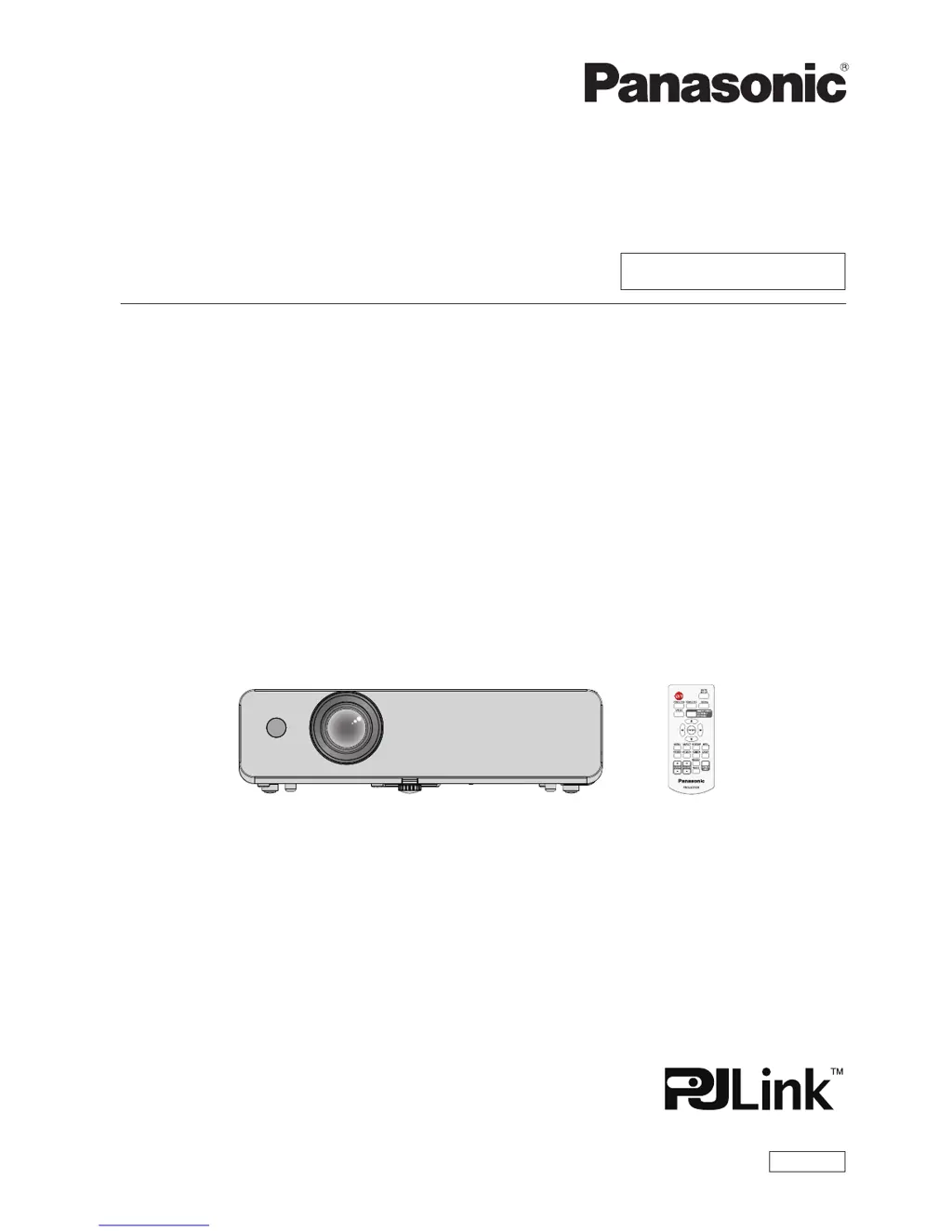
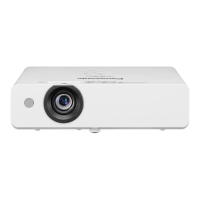
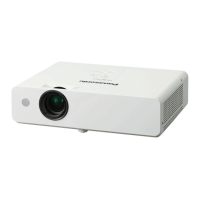
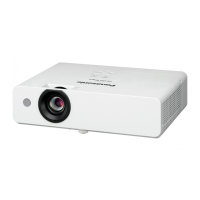
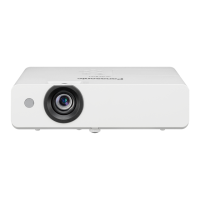
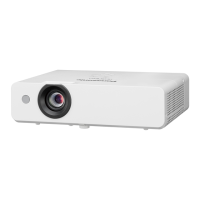
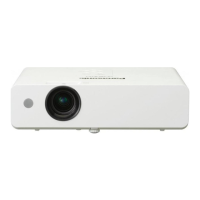
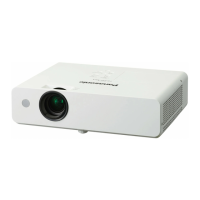
Panasonic PT-LW362 - User Manual

Panasonic PT-LW362
113 pages
Print Icon
To Next Page IconTo Next Page
Loading...
Operating Instructions
Functional Manual
LCD Projector
Commercial Use
Thank you for purchasing this Panasonic Product.
This manual is intended for products manufactured from Nov. 2015 and beyond.
Before operating this product, please read the instructions carefully, and save this manual
for future use.
Before using your projector, be sure to read “Read this rst!” (x pages 2 to 9).
Model No.
PT-LW362
PT-LW312

PT-LB412
PT-LB382
PT-LB332
ENGLISH
TQBJ0839-1

Table of Contents

Other manuals for Panasonic PT-LW362

Questions and Answers

  • T
    tiffany43Sep 8, 2025
    Why is there no sound from the internal speaker on my Panasonic PT-LW362?
    • E
      Elijah KelleySep 8, 2025
      If there is no sound coming from the internal speaker of your Panasonic Projector, ensure the input terminals are connected properly. Increase the volume level. Turn off the AV mute function. Unplug the VARIABLE AUDIO OUT to use the built-in speaker. Also, turn off the Mute function.
  • F
    fhendersonAug 23, 2025
    Why Panasonic PT-LW362 Projector remote control does not operate?
    • P
      Paul WilliamsAug 23, 2025
      If the Panasonic Projector's remote control isn't working, try these steps: First, replace the batteries, making sure they are correctly inserted. Then, check for obstructions between the remote and the projector's signal receptor. Ensure you are within the operational range. Strong light may interfere with the signal, so check for that as well. Finally, verify that remote control operation is not disabled in the [Key lock] of the [Setting] menu, and also check if different codes are set on projector and remote control.
  • J
    Janice ReillyAug 25, 2025
    What to do if no picture appears on Panasonic PT-LW362?
    • J
      Jonathan JonesAug 25, 2025
      If you're not getting any picture on your Panasonic Projector, start by ensuring the video signal input source is correctly connected. Then, check the input selection setting to make sure it's properly configured. Increase the [Brightness] adjustment setting. Verify that the connected input source is working correctly and that the AV mute function is turned off.
  • M
    Marilyn YoungAug 27, 2025
    Why does the Panasonic PT-LW362 Projector remote control not operate?
    • C
      Corey CooperAug 27, 2025
      If your Panasonic Projector's remote control isn't working, first replace the batteries. If that doesn't work, ensure the batteries are inserted correctly. Clear any obstructions from the remote control signal receptor on the projector. Move closer to the projector. Reduce any strong light hitting the signal receptor. Check if the remote control is enabled in the [Key lock] settings. Finally, ensure the codes on the projector and remote control match.
  • H
    hutchinsonstevenAug 27, 2025
    How to fix if picture from a computer does not appear on Panasonic Projector?
    • E
      Eric BarberAug 27, 2025
      If the picture from a computer does not appear on your Panasonic Projector, use an appropriate cable length. Check and correct the external video output settings from the laptop.
  • O
    olsondonnaSep 22, 2025
    What to do if Panasonic PT-LW362 Projector no sound is output from a HDMI device?
    • B
      Bailey CrawfordSep 22, 2025
      If there's no sound output from a HDMI device connected to your Panasonic Projector, set the sound channel of the attached device to Linear PCM. Connect the computer to the terminal using an HDMI-DVI conversion cable. Set [Sound] of [HDMI Setup] to [Computer], and input an analog audio signal to the terminal.
  • M
    Michael SummersSep 16, 2025
    How to resolve Panasonic Projector color being pale or grayish?
    • V
      vsloanSep 16, 2025
      If the color on your Panasonic Projector appears pale or grayish, adjust the [Color] or [Tint] settings. Ensure the input source is correctly adjusted. Also, check for any damage to the RGB cable.
  • D
    dbellSep 18, 2025
    Why Panasonic PT-LW362 control buttons of the projector do not operate?
    • A
      Ashley AyersSep 18, 2025
      If the control buttons on your Panasonic Projector aren't working, verify if control panel operation is disabled in the [Key lock] of the [Setting] menu.
  • E
    Edward MeyerSep 7, 2025
    How to fix a fuzzy picture on a Panasonic PT-LW362 Projector?
    • G
      Gary SanchezSep 7, 2025
      If the picture from your Panasonic Projector is fuzzy, try these steps: First, adjust the lens focus. Then, reposition the projector to the correct distance from the screen. Clean the lens. Finally, make sure the projector is level.
  • F
    Fernando GlennSep 4, 2025
    What to do if Panasonic PT-LW362 picture does not display correctly?
    • Q
      qharrisonSep 4, 2025
      If your Panasonic Projector's picture isn't displaying correctly, check for issues with the VCR or other signal source. Confirm that the input signal is compatible with the projector. Also, review the computer output setting.

Summary

Chapter 1 Preparation

Precautions for use

Important safety and handling guidelines before using the projector.

Chapter 2 Getting Started

Setting up

Details on projector installation modes and ceiling mount options.

Connecting

Instructions and examples for connecting external devices to the projector.

Chapter 3 Basic Operations

Powering on;off

Steps for connecting the power cord, indicators, and powering the projector on/off.

Projecting

How to select input signals and adjust image state (zoom, focus).

Chapter 6 Maintenance

Power;Warning Indicators

Explains the meaning of power and warning indicator lights for troubleshooting.

Maintenance;replacement

Procedures for cleaning the exterior, lens, and replacing the air filter and lamp unit.

Panasonic PT-LW362 Specifications

General IconGeneral
Brightness3600 ANSI Lumens
Resolution1280 x 800 (WXGA)
Contrast Ratio16, 000:1
Lamp Life (Eco)10, 000 hours
Display Technology3LCD
Aspect Ratio16:10
Zoom Ratio1.2x
Lamp Life (Normal)4, 000 hours
Projection Size30 - 300 inches
InputsHDMI, VGA, USB

Related product manuals