EasyManua.ls Logo

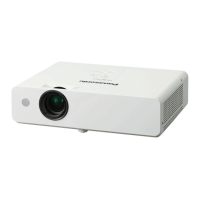
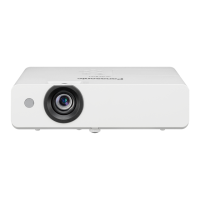
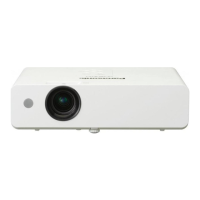
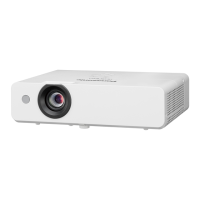
Panasonic PT-LW375 - User Manual

Panasonic PT-LW375
119 pages
Print Icon
To Next Page IconTo Next Page
Loading...
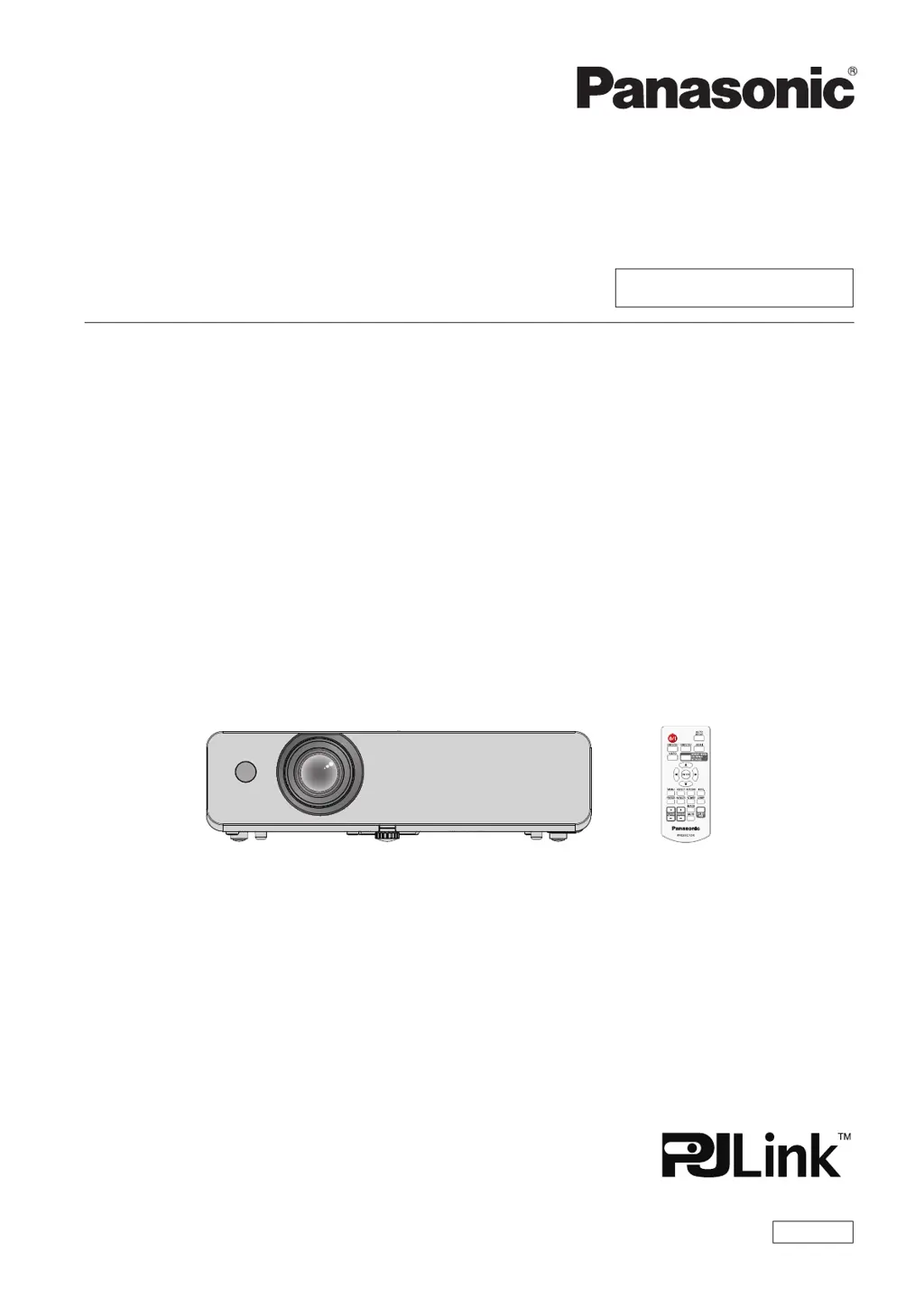
Operating Instructions
Functional Manual
LCD Projector
Commercial Use
Thank you for purchasing this Panasonic product.
Before operating this product, please read the instructions carefully, and save this manual
for future use.
Before using your projector, be sure to read “Read this rst!” (x pages 4 to 12).
Model No.
PT-LW375
PT-LW335
PT-LB425
PT-LB385
PT-LB355
PT-LB305
ENGLISH
DPQP1248ZA/X1

Table of Contents

Questions and Answers

  • C
    Cole BrooksSep 22, 2025
    How to fix no sound output from a HDMI device on my Panasonic PT-LW375 Projector?
    • B
      barryjasonSep 22, 2025
      If you're not getting any sound output from a HDMI device connected to your Panasonic Projector, set the sound channel of the attached device to Linear PCM. Connect the computer to the terminal using an HDMI-DVI conversion cable. Then, set [Sound] of [HDMI Setup] to [Computer] and input the analog audio signal to the terminal.
  • J
    Jesus SmithAug 23, 2025
    What to do if Panasonic Projector has no picture?
    • S
      Samuel KingAug 23, 2025
      If your Panasonic Projector isn't displaying a picture, several factors could be at play. First, check the connections to the video signal input source to ensure they are properly connected to a terminal. Next, verify that the input selection setting is correct. Also, make sure the [Brightness] setting isn't at its minimum. Check the input source for any issues. Lastly, confirm that the AV mute function is disabled.
  • H
    Hannah WoodwardAug 25, 2025
    Why Panasonic Projector remote control does not operate?
    • L
      Lindsay LewisAug 25, 2025
      If your Panasonic Projector's remote control isn't working, consider these possible causes: * The batteries may be weak, so replace them. * Ensure the batteries are inserted correctly. * Remove any obstructions from the signal receptor on the projector. * Move closer to the projector, as the remote may be out of range. * Avoid strong light exposure to the signal receptor. * Check the [Key lock] settings in the [Setting] menu to ensure the remote control operation isn't disabled. * Make sure that the codes set on the projector and on the remote control are matching.
  • C
    Cory Smith DDSAug 26, 2025
    What to do if Panasonic PT-LW375 Projector picture does not display correctly?
    • E
      Emily ShafferAug 27, 2025
      If the picture on your Panasonic Projector is not displaying correctly, consider the following: Check the VCR or other signal sources for any issues. Ensure the input signal is compatible with the projector. Verify the computer output settings if you are using a computer as the input source.
  • G
    Grace LopezAug 27, 2025
    Why Panasonic PT-LW375 control buttons do not operate?
    • K
      Kenneth SnyderAug 27, 2025
      If the control buttons on your Panasonic Projector are not working, check the [Key lock] settings in the [Setting] menu to ensure that the operation of the control panel is not disabled.
  • T
    Timothy JohnsonSep 18, 2025
    Why is the color pale or grayish on my Panasonic Projector?
    • R
      Robert LopezSep 18, 2025
      If the color on your Panasonic Projector appears pale or grayish, adjust the [Color] or [Tint] settings. Ensure the input source is correctly adjusted. Check the RGB signal cable for any damage.
  • C
    Craig PatrickSep 15, 2025
    Why is there no sound from the internal speaker of my Panasonic PT-LW375 Projector?
    • D
      Donna DelgadoSep 15, 2025
      If you're not getting any sound from the internal speaker of your Panasonic Projector, first, confirm that the external device is correctly connected to the audio input terminal. Next, check the volume level to ensure it's not set to the minimum. Also, make sure the AV mute function is turned off and that the Mute function is not enabled. Remember that when VARIABLE AUDIO OUT is plugged-in, the projector's built-in speaker is not available.
  • J
    Joseph FarrellSep 16, 2025
    How to resolve a fuzzy picture on my Panasonic PT-LW375 Projector?
    • C
      Cathy LaneSep 16, 2025
      If the picture from your Panasonic Projector is fuzzy, adjust the lens focus. Ensure the projector is at the correct distance from the screen. Clean the lens. Confirm the relative position between the projector and the screen is set properly.
  • A
    Allen HallSep 6, 2025
    Why doesn't the picture from my computer appear on the Panasonic Projector?
    • M
      Michelle MarshallSep 6, 2025
      If the picture from a computer does not appear on your Panasonic Projector, check if the cable is longer than the optional cable and verify if the external video output from the laptop computer is correct.
  • B
    Bob LopezSep 3, 2025
    What to do if the control buttons of my Panasonic Projector do not operate?
    • J
      jacksonkingSep 4, 2025
      If the control buttons on your Panasonic Projector aren't working, check if the operation of the control panel is disabled in the [Key lock] setting of the [Setting] menu.

Panasonic PT-LW375 Specifications

General IconGeneral
ResolutionWXGA (1280 x 800)
Contrast Ratio16, 000:1
Display TypeLCD
Projection System3LCD
Screen Size30 - 300 inches
Noise Level37 dB (Normal), 29 dB (Eco)
Keystone CorrectionVertical ±30°
Input TerminalsHDMI, VGA, USB
Output TerminalsVGA, Audio Out

Related product manuals