EasyManua.ls Logo

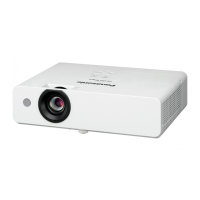
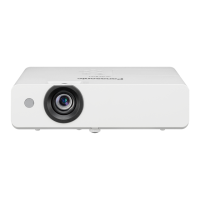
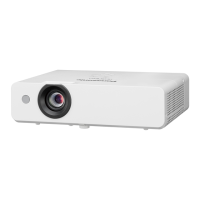
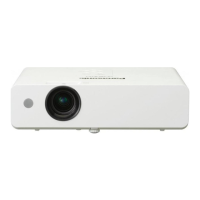
Panasonic PT-LW321 - User Manual

Panasonic PT-LW321
4 pages
Print Icon
To Next Page IconTo Next Page
Loading...
For Business
For Education
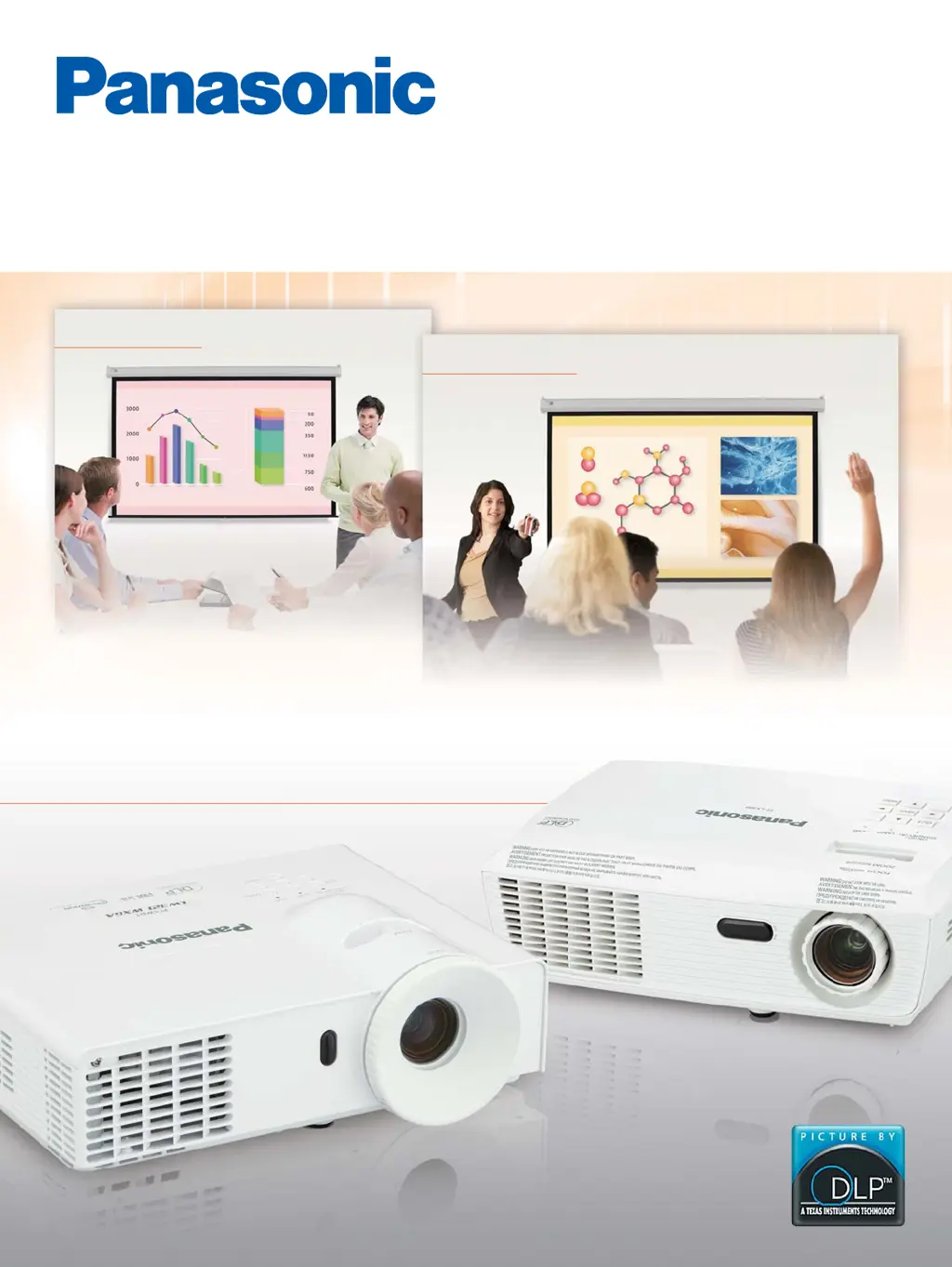
Long Life Performance in a
Compact Body
PT-LW321 Series
PT-LX300 Series
PT-LX300
PT-LX270
PT-LW321
PT-LW271
PT-LX351
PT-LX321
PT-LX271
1-Chip DLP
Projectors

Questions and Answers

  • D
    Douglas JonesAug 18, 2025
    How to fix a Panasonic PT-LW321 Projector that does not turn on?
    • C
      christopher19Aug 18, 2025
      If your Panasonic Projector isn't turning on, there could be several reasons. First, check that the power cord is properly connected. Next, ensure that the wall outlet has an electric supply. Also, verify that the circuit breakers haven't tripped and reset them if necessary. Finally, make sure the lamp cover is securely installed.
  • R
    rcoxAug 20, 2025
    How do I correct a reversed image on my Panasonic Projector?
    • B
      bradley76Aug 20, 2025
      If the image on your Panasonic Projector is reversed, confirm the [Ceiling Mount] setting in the [Position] menu.
  • U
    ujonesAug 23, 2025
    Why is the image on my Panasonic PT-LW321 too small or too large?
    • C
      Christine GlassAug 23, 2025
      If the image on your Panasonic Projector is too small or too large, try moving the projector closer to or further from the screen. You may also want to confirm the [Aspect Ratio] in the [Position] menu.
  • L
    Laurie JonesAug 26, 2025
    What to do if my Panasonic PT-LW321 Projector has no picture?
    • C
      Christina SimpsonAug 26, 2025
      If you're not getting any picture on your Panasonic Projector, start by checking the connection of the video signal input source to ensure it's properly connected to a terminal. Then, verify that the input selection setting is correct. Also, adjust the [Brightness] setting to ensure it's not at the minimum. Check the input source for any issues. Finally, make sure the [AV mute] function is disabled.
  • J
    Julie MontgomeryAug 28, 2025
    Why is there no sound from my Panasonic Projector's internal speaker?
    • K
      Kendra RhodesAug 28, 2025
      If you're not hearing any sound from the internal speaker of your Panasonic Projector, start by checking the connection of the input terminals. Then, increase the volume level. Also, turn off the [AV mute] function and deactivate the Mute function. If a VARIABLE AUDIO OUT is plugged-in, the projector's built-in speaker is not available, so disconnect it.
  • R
    Rose GarzaAug 30, 2025
    How to fix a fuzzy picture on a Panasonic Projector?
    • D
      Dominique PerkinsAug 30, 2025
      If the picture on your Panasonic Projector is fuzzy, try these steps: First, adjust the lens focus. Then, reposition the projector to ensure it's at the correct distance from the screen. If the lens is dirty, clean it. Finally, adjust the projector's tilt.
  • B
    benjamin81Sep 2, 2025
    Why does my Panasonic PT-LW321 Projector have pale or grayish color?
    • M
      Mrs. Molly Mitchell MDSep 2, 2025
      If the color on your Panasonic Projector appears pale or grayish, first adjust the [Color Mode] or [Hue] settings. Next, verify the settings of the input source. If you are using an RGB cable, replace it if it is damaged.
  • T
    Tanya OdonnellSep 4, 2025
    What do messages on my Panasonic PT-LW321 mean?
    • L
      Laura AdamsSep 4, 2025
      If your Panasonic Projector displays messages, this could mean a few things. If the projector reached the timer set in the [Filter Reminder (Hour)], please clean or replace the air filters. If the lamp has reached its end of life, replace it as soon as possible. If the fan has stopped during projection, unplug the power cord and contact your dealer. If the internal temperature is too high, confirm the display items.
  • S
    Shannon JacksonSep 7, 2025
    How do I fix an unstable or flickering image on my Panasonic Projector?
    • J
      Jeremiah MathewsSep 7, 2025
      To address an unstable or flickering image on your Panasonic Projector, adjust the [Phase] in the [Position] menu.
  • R
    Regina BrownSep 9, 2025
    How do I remove vertical lines from my Panasonic Projector image?
    • S
      Samantha MoonSep 9, 2025
      To correct vertical lines seen in the image of your Panasonic Projector, adjust [Clock] in the [Position] menu.

Panasonic PT-LW321 Specifications

General IconGeneral
BrandPanasonic
ModelPT-LW321
CategoryProjector
LanguageEnglish

Related product manuals