EasyManua.ls Logo

Panasonic PT-LW321 - User Manual

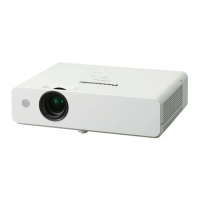
Panasonic PT-LW321
4 pages
Print Icon
To Next Page IconTo Next Page
Loading...
For Business
For Education
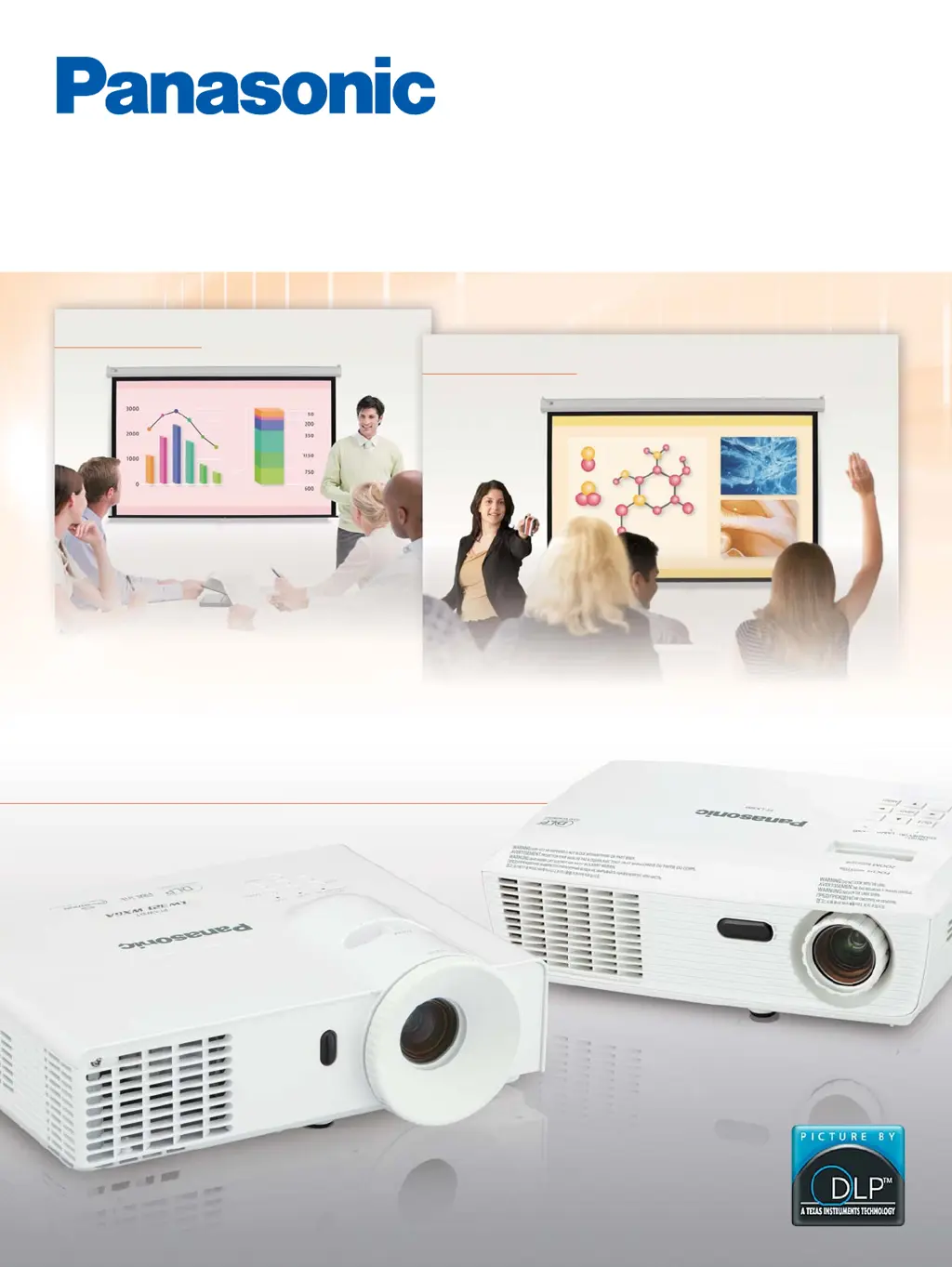
Long Life Performance in a
Compact Body
PT-LW321 Series
PT-LX300 Series
PT-LX300
PT-LX270
PT-LW321
PT-LW271
PT-LX351
PT-LX321
PT-LX271
1-Chip DLP
™
Projectors

Questions and Answers

  • M
    Miranda TaylorSep 12, 2025
    How do I fix a stretched image on my Panasonic PT-LW321?
    • A
      Anthony RiosSep 12, 2025
      If the image on your Panasonic Projector is stretched due to different video sources, adjust [16:9] or [4:3] in [Aspect Ratio] within the [Position] menu.
  • M
    Melissa MorganSep 14, 2025
    What to do if my Panasonic PT-LW321 Projector stops responding?
    • M
      Michelle MurraySep 14, 2025
      If your Panasonic Projector stops responding to all controls, try turning it off, unplugging the power cord, waiting at least 30 seconds, and then reconnecting the power.

Panasonic PT-LW321 Specifications

General IconGeneral
BrandPanasonic
ModelPT-LW321
CategoryProjector
LanguageEnglish

Related product manuals